Doubled Vision
0:25ChillwaveDetuned
Play an example while you set up your first generation.

Editing is worth it when one change moves a track. These are arrangements where a single decision - the drums, the key, the space - carries the difference.

Editing starts from a track you already liked, so you are not re-rolling the parts that were working in order to fix the part that was not.

If the whole idea is wrong, generating again is faster than describing every change.
How AI Music Editor works
Start from a song you generated rather than from an empty prompt.
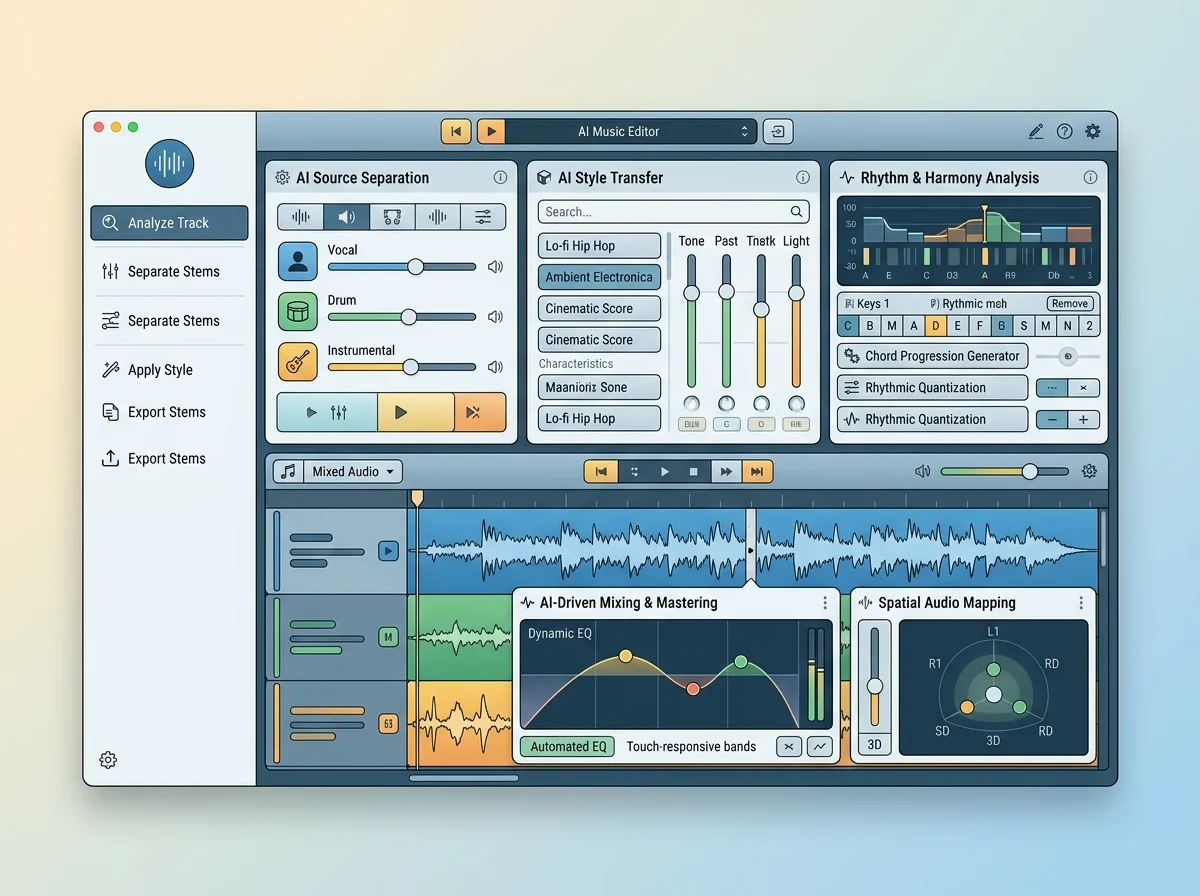
Pick a 10 to 60 second section on the waveform or by lyric line, then write its new lyrics and style.
The modified version arrives alongside the original so you can pick, not guess.
Start from a track already in My Music - the version you want to change rather than re-roll.
Swap the lyrics or the melodic direction without losing the structure the song is already built on.
Keep an edited version as a favorite or a draft, so you can come back to it instead of regenerating it.
The honest workflow; two at once hides which one worked.
The parts you liked survive the edit.
The one you had and the one you are testing.
The longest span one replacement covers, and never more than half the song; the shortest is 10 s. Pick it on the waveform or by tapping the first and last lyric line.
Fix the one thing wrong with a track instead of re-rolling the whole song.
Try three variations of a section and keep the strongest.
Show a client two versions of the same track side by side.
| Tool | What you give it | What you get back | Credits per run |
|---|---|---|---|
| AI Music Extender | A song from your library or an upload | A new version of that track | 4 |
| AI Remix Music Generator | A song from your library or an upload | A new version of that track | 4 |
| Lofi Converter | An audio file or recording | A lo-fi WAV and saved original/result history | 0 |
| Slowed and Reverb Generator | An audio file, recording or sample track | A WAV file with the chosen speed, pitch and reverb | 0 |
| Audio Pitch Changer | An audio file, recording or sample track | A WAV file with the chosen speed, pitch and reverb | 0 |
| Audio Equalizer | An audio file, recording or sample track | A WAV file rendered through the ten-band EQ | 0 |
| Noise Generator | Noise colors, ambience layers or a starter preset | A live mix and a 60-second stereo WAV | 0 |
| AI Sound Effects Generator | A sound description, optional musical key, tempo and loop guidance | Generated short audio effects | 5 |
| Online Audio Editor | Local audio files, a saved editing project, or a song with download access | Edited audio, a multitrack mix, or a reusable project file | 0 |
| Audio Converter | Up to 10 audio files your browser can play | MP3 (128–320 kbps), WAV or FLAC files, one by one or as a ZIP | 0 |
| Audio Cutter | One audio file, recording or example track | The kept or remaining audio with fades, as MP3, WAV or FLAC | 0 |
| Audio Mixer | Up to 8 audio tracks with a level and start time each | One mixed track as MP3, WAV or FLAC | 0 |
Answers for creators comparing AI Music Editor, AI music generators, editing tools, and royalty-aware publishing workflows.
Replace a single section and leave the parts that already worked alone.