Ballad for the Last Call
0:16Original mixVocals + instrumental
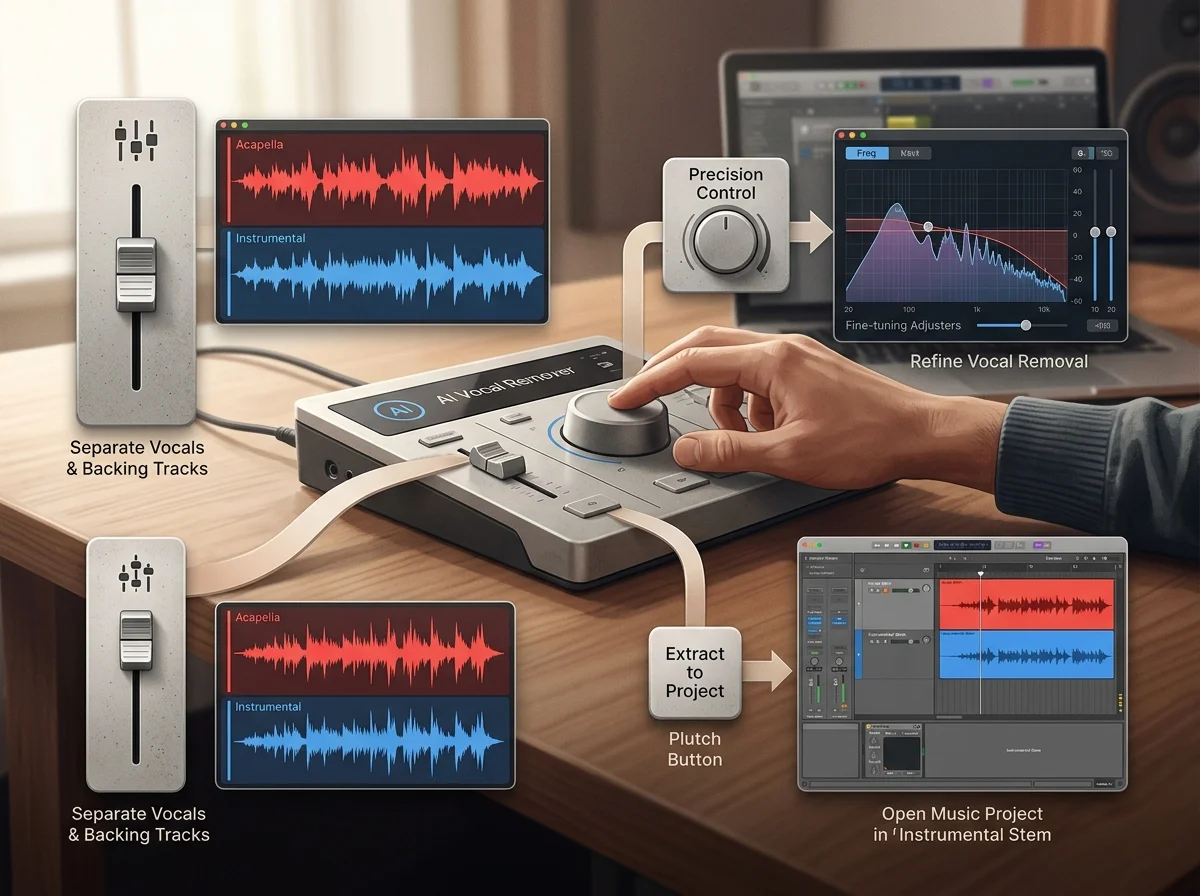
Separate vocals and instrumentals from uploaded tracks or songs in My Music.
Separated vocal and instrumental outputs
Start from one of these rather than an upload - they cover the range from sparse to heavily produced.
Separate vocals and instrumentals from uploaded tracks or songs in My Music.

Upload a finished song and get the instrumental and the isolated vocal back as separate files. Nothing about the arrangement changes - the mix is simply pulled apart into the two halves most projects need.

Separation writes the instrumental and the vocal as two files, so one run covers karaoke and covers at once.

If you need drums and bass apart from the rest as well, use the stem splitter - this page returns two files, not four.
How AI Vocal Remover works
Upload an MP3, WAV, OGG, M4A, FLAC or AAC file, or pick a track you already generated from My Music.
Separation runs on the full mix and writes two files: the isolated vocal and the instrumental left behind.
Play both before downloading. The instrumental is your karaoke bed; the vocal stem is what a remix or cover starts from.
The isolated vocal and the instrumental behind it, written per run.
MP3, WAV, OGG, M4A, FLAC and AAC.
Tempo and key are untouched, so both halves drop back onto a timeline together.
Available instead, if you need drums and bass apart as well.
One pass returns the isolated vocal and the instrumental behind it as separate files. Neither is re-timed, so both drop back onto a timeline at the original tempo and key.
Point it at a track already in your library, or upload one from disk - MP3, WAV, OGG, M4A, FLAC or AAC, up to 50 MB a file.
The same audio can go to the AI Stem Splitter instead, which returns drums and bass as their own files alongside the vocal.
Build a backing track for a song that never had one, at the original key and tempo, for practice or a live set.
Pull the vocal off a reference track so a new arrangement can be built underneath the same performance.
Drop the singing out of a clip so a voiceover sits clean, without hunting for a licensed instrumental.
| Tool | What you give it | What you get back | Credits per run |
|---|---|---|---|
| AI Stem Splitter | An audio file | The track separated into stems | 5 |
| AI Vocal Splitter | An audio file | Vocals and instrumental as two files | 5 |
| Vocal Extractor | An audio file | Vocals and instrumental as two files | 5 |
| Instrumental Remover | An audio file | Vocals and instrumental as two files | 5 |
| AI Acapella Remover Free | An audio file | Vocals and instrumental as two files | 5 |
| Music Vocal Remover | An audio file | Vocals and instrumental as two files | 5 |
| Audio Voice Remover | An audio file | Vocals and instrumental as two files | 5 |
| Free YouTube Vocal Remover | An audio file | Vocals and instrumental as two files | 5 |
| Song to Instrumental Converter | An audio file | Vocals and instrumental as two files | 5 |
| Background Music Remover | An audio file | Vocals and instrumental as two files | 5 |
| AI Beat Remover | An audio file | The track separated into stems | 5 |
Answers for creators comparing AI Vocal Remover, AI music generators, editing tools, and royalty-aware publishing workflows.
Two clean files out of one mixed track, with nothing shifted in time.