
MIDI Editor
Arrangement ideas to study before editing MIDI
Listen for note placement and dynamics in these audio examples, then use Load example above to open editable MIDI notes.
A MIDI editor and piano roll that opens in a browser tab

A piano roll that opens in a browser tab
Note pitch, length, position and velocity, editable without installing a DAW - which is the difference between fixing a wrong note now and waiting to get back to the studio.

When you have no MIDI yet
Start at the MIDI generator or audio to MIDI - this page edits notes, it does not write them.
How MIDI Editor works
Edit MIDI in the browser in three steps
Start a draft or bring one in
Open a blank piano roll, or start from MIDI produced elsewhere on Aimusicis.
Edit the notes directly
Change pitch, length, position and velocity in the browser without installing a DAW.
Export the file
Take the MIDI out to any sequencer, notation app or hardware instrument that reads it.
A piano roll with nothing to install
Pitch, length, position, velocity.
Nothing to install before you can fix a wrong note.
One MIDI file in, one MIDI file out - any sequencer will take it.
Audition notes with the factory instrument library or load your own SoundFont.
MIDI Editor features
Open a MIDI file in the browser piano roll, adjust notes and tempo, and audition the arrangement with a built-in or custom SoundFont.

Four note properties
Pitch, length, position and velocity - the four things a piano roll needs to fix a wrong note.
One MIDI file in, one out
Export standard MIDI with editable notes and instrument settings, ready to continue in your sequencer.
Who edits MIDI without a DAW

Producers without a DAW open
Fix a wrong note on a phone or a borrowed laptop instead of waiting to get back to the studio.
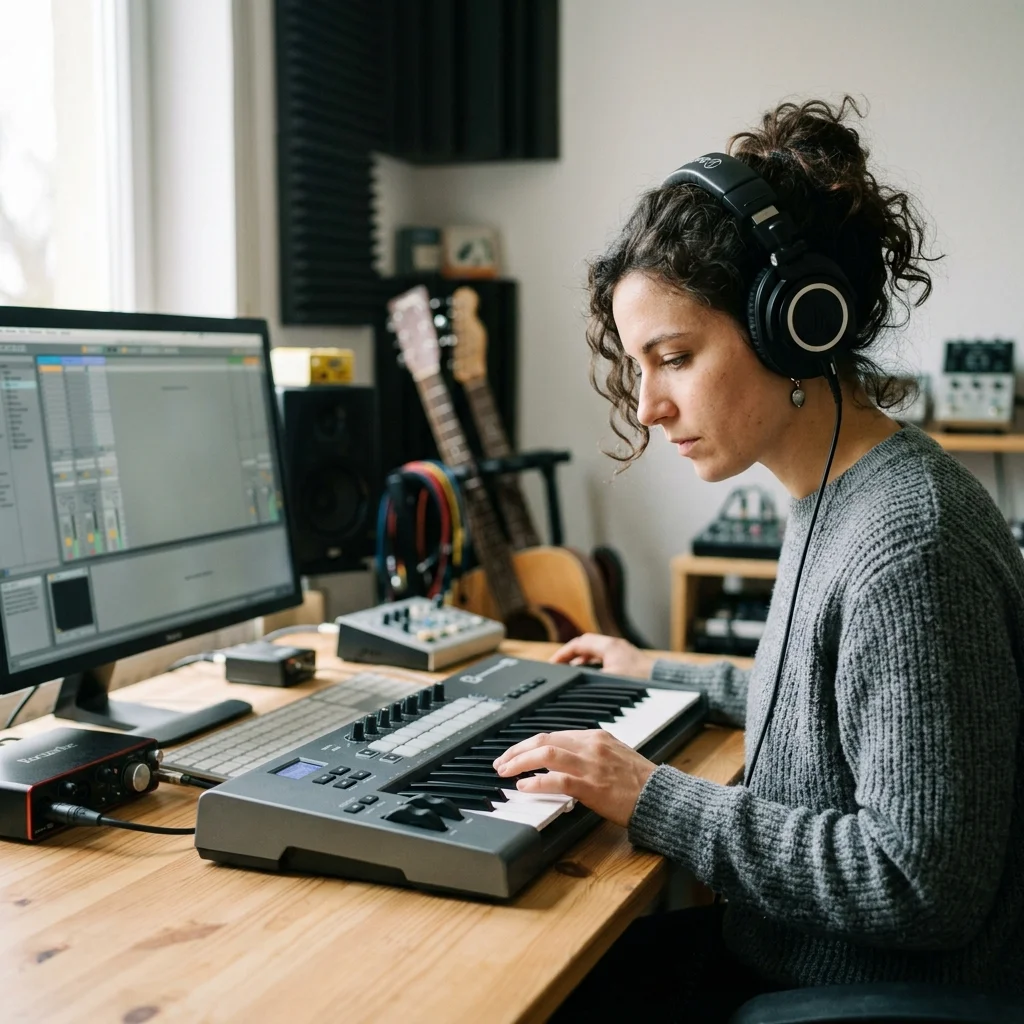
Music teachers
Show a student what changing one note in a phrase does, immediately.

Hobbyists learning the piano roll
Learn how MIDI editing works before committing to a full DAW.
Where MIDI Editor results go next
MIDI editing questions
Answers for creators comparing MIDI Editor, AI music generators, editing tools, and royalty-aware publishing workflows.
Open a piano roll in a browser tab
Edit notes without installing anything or opening a DAW.
