
Spotify Music Visualizer
Three promo visualizer renders
These are exports from this tool, one per reference track. Every excerpt runs 45 seconds at 720p with the waveform on, and captions are off because the tracks carry no timed lyric lines.
Audio Visualizer Spotify
Who makes a visualizer for a Spotify release
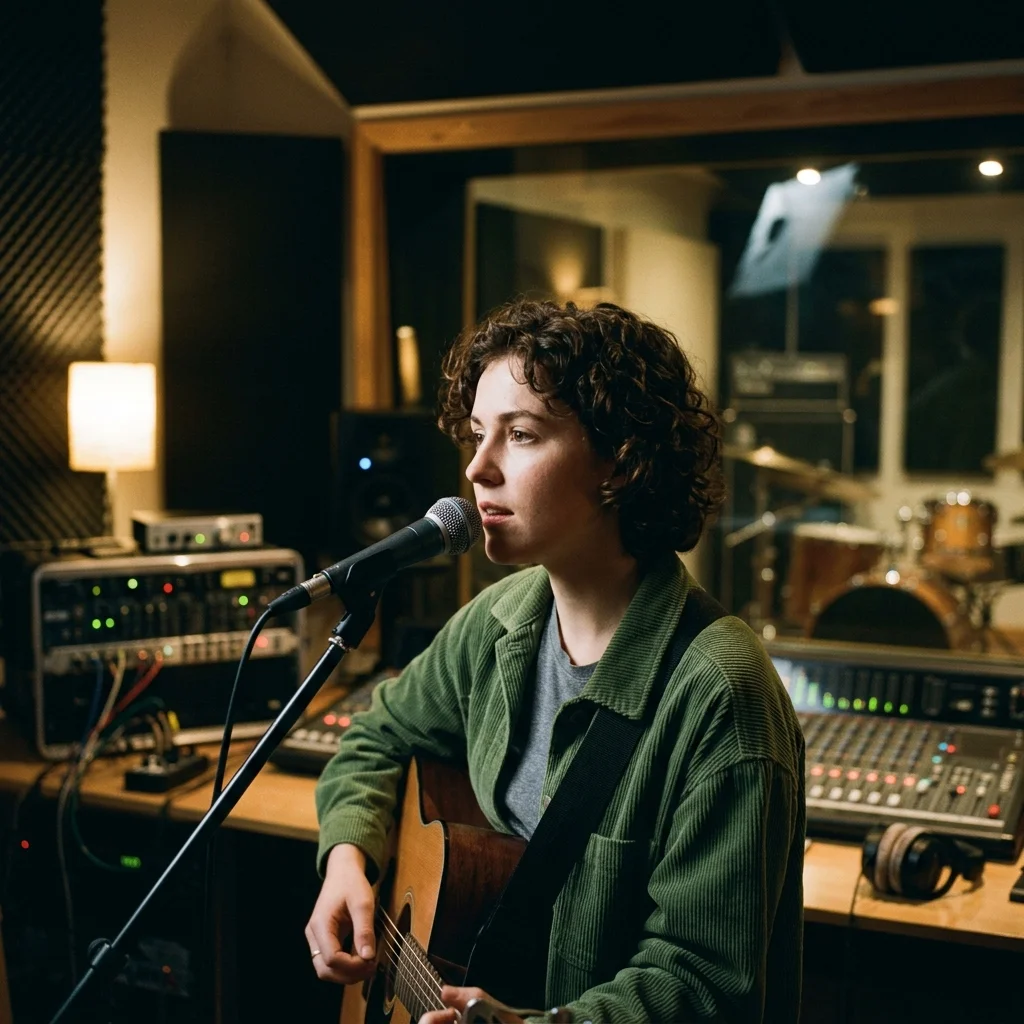
Content Creators
Create a visual announcement around an audio recording you supply.
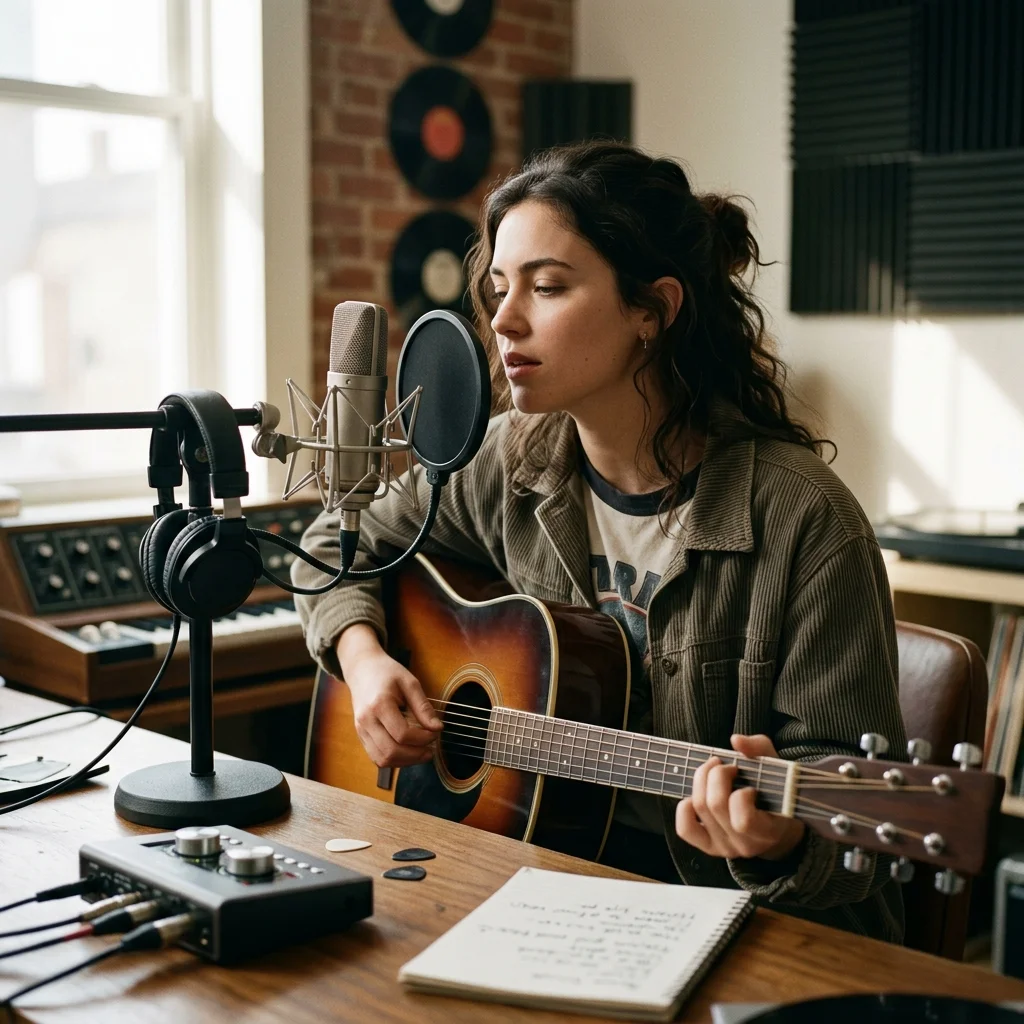
Indie Musicians
Pair a vocal release with captions and generated scenes for promotional posts.

Playlist Curators
Build a recommendation clip from audio you are permitted to use; playlists are not imported.
Generate your Spotify visualization in three steps
Choose a recording you control
Upload an audio file or choose a track from My Music. A Spotify URL is not an audio input for this form.
Match the release mood
Select a photo style and image mode, then position captions and decide whether the waveform should appear.
Check the price and download
Confirm the generation quote, review the completed MP4 in My videos and handle sharing or further editing yourself.
Spotify Music Visualizer controls
Spotify Music Visualizer creates promotional videos for a release campaign. It uses your uploaded recording or an owned My Music track, with generated artwork and an optional waveform. It does not connect to Spotify or create platform-specific Canvas loops automatically.
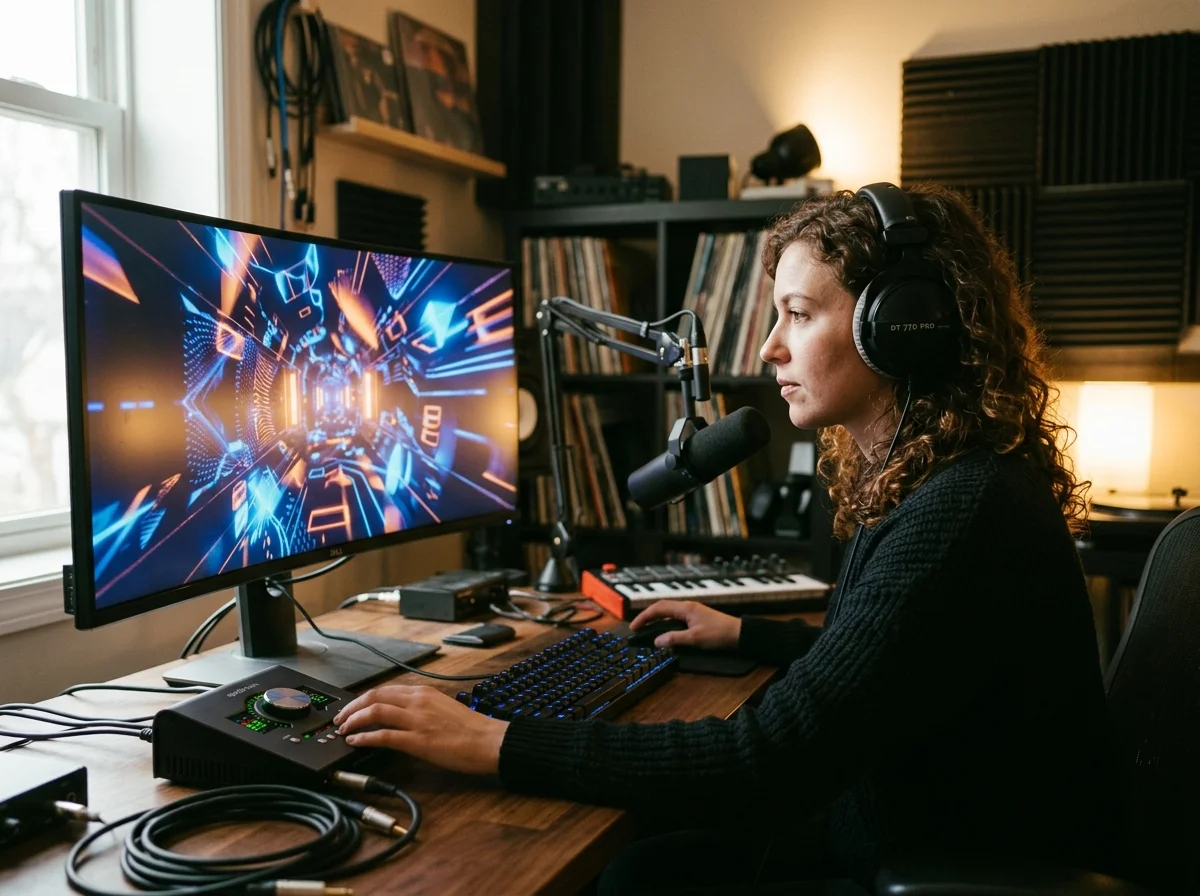
Motion from the recording
The optional waveform responds to the uploaded audio. Image cuts use intervals across its duration rather than detected beat points.
Two promotional canvases
Use 16:9 for a wide promo or 9:16 for a vertical clip. A platform name does not change the selected canvas or guarantee a destination accepts it.
Captioned or image-led
Keep transcription captions for a vocal release, or switch them off when the artwork and audio should carry the clip.
What a Spotify promo render needs
One track, two share formats
Upload audio or choose an owned My Music recording.
Select landscape 16:9 or portrait 9:16.
MP3, WAV, OGG, M4A, FLAC and AAC.
Audio is limited to 50 MB and 15 minutes.
Where Spotify Music Visualizer results go next
Spotify Music Visualizer questions
Questions about independent promos, account connections and the video output.
Create a visual for your release campaign
Choose your recording and a visual treatment, then check the generation quote.
