
Apple Music Visualizer
Renders made from the three reference tracks
Three exports from this tool fill the cards below, one for each reference track. Two run shorter than the standard 45 seconds because their source audio is shorter — 41 and 31 seconds — and all three are 720p with the waveform on and captions off, as no timed lyrics exist for these tracks.
For audio content creators
Who needs a music visualizer for Apple Music
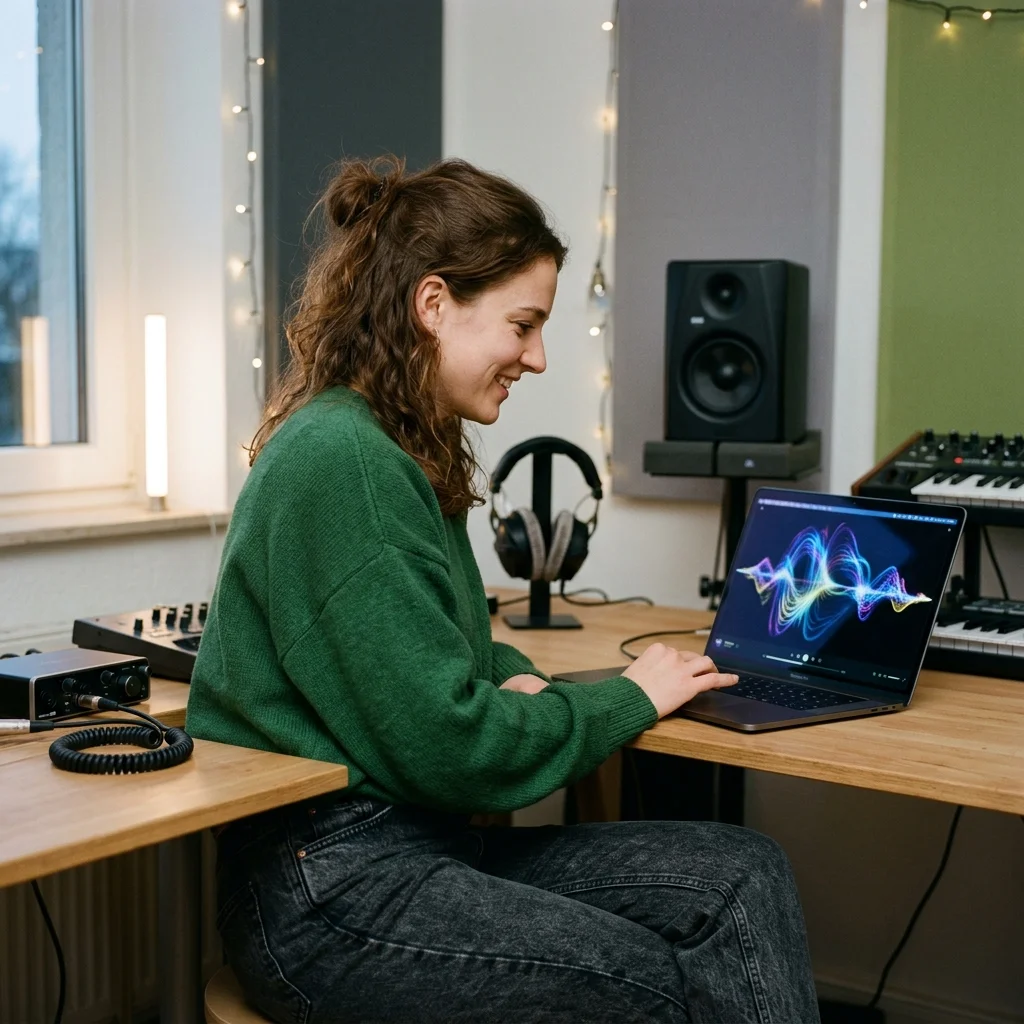
Social Media Influencers
Choose a visual treatment for a recording and support it with optional captions.
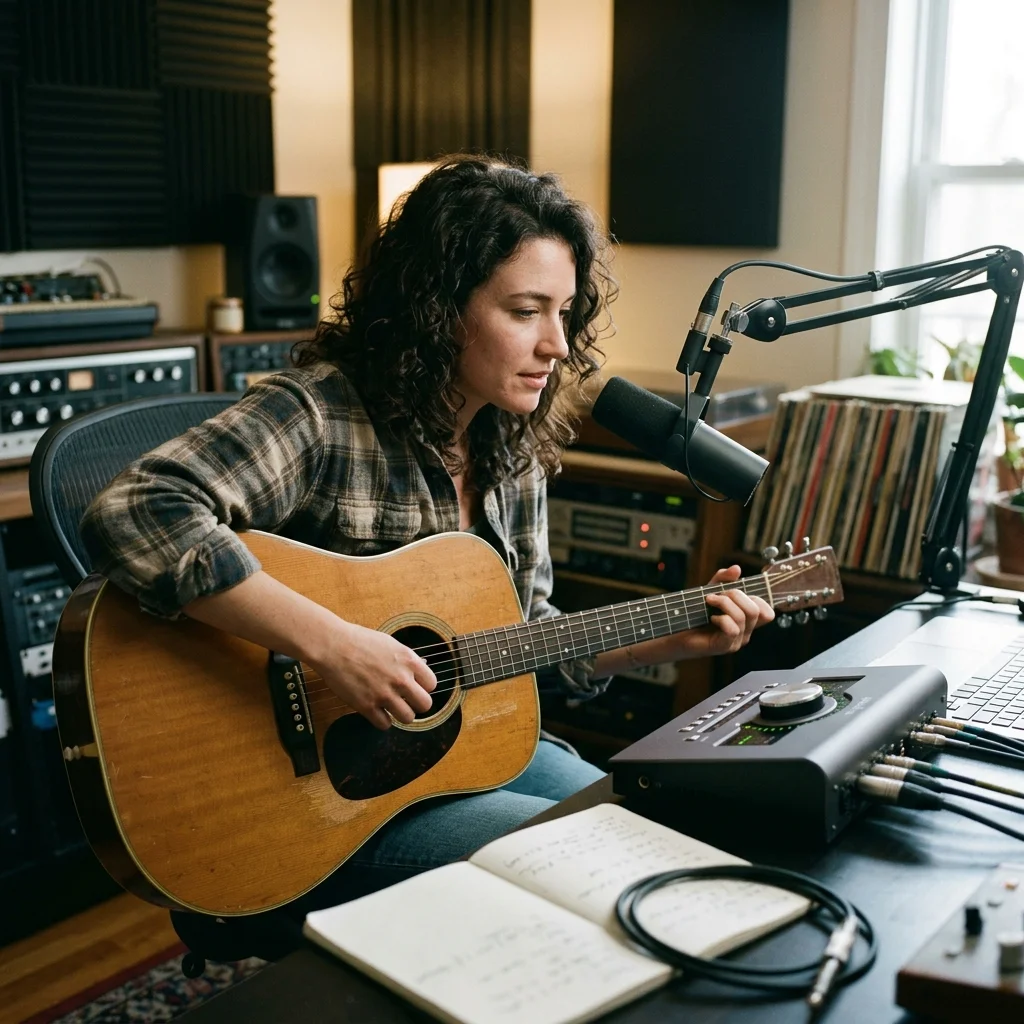
Independent Musicians
Share a song promo outside the streaming player without filming new footage.
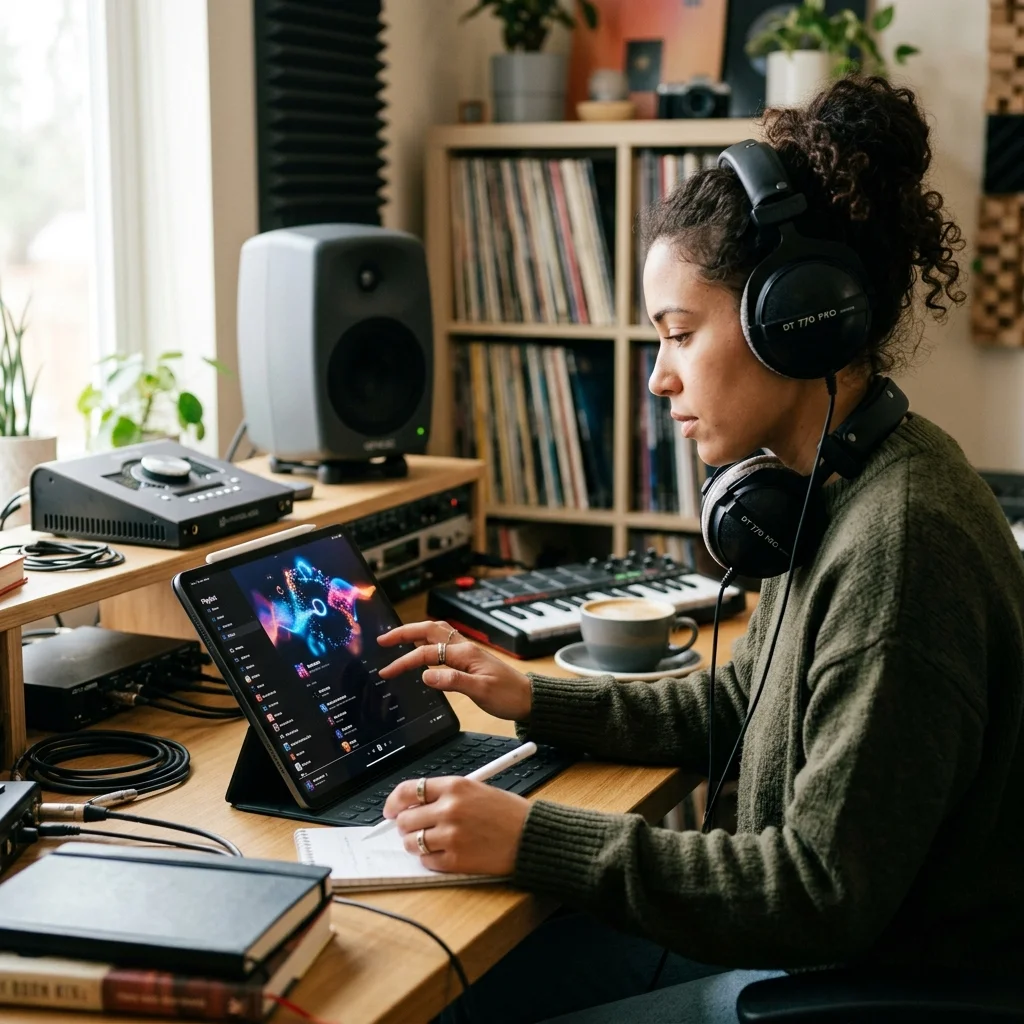
Playlist Curators
Use recordings you provide for visual recommendations; library links are not imported.
Generate streaming visualizers in three simple steps
Bring the audio recording
Select a local file or a song in your Aimusicis library. An Apple Music library entry is not an audio file upload.
Choose artwork and captions
Pick a photo style, decide between one scene and a sequence, and set the caption style and position. The waveform can be enabled or omitted.
Review a rendered promo
Approve the credit quote and inspect the finished MP4. Download it from My videos for your own publishing workflow.
Apple Music Visualizer controls
Apple Music Visualizer is an independent promotional-video workflow. Select an audio recording, generate scene images and add optional text or waveform movement. It is not an Apple Music plug-in and does not produce a certified platform artwork package.

Generated visual atmosphere
The image planner uses the transcription and chosen photo treatment to describe scene images. It does not retrieve cover art from Apple Music.
Portrait or landscape
Choose a vertical 9:16 or horizontal 16:9 composition. Review the resulting layout for the place where you intend to share it.
Text stays inside the video
When captions are enabled, the returned transcription timing is rendered into the MP4. Automatic words should be checked before release.
What an Apple Music-style promo needs
One upload, phone and desktop
Upload audio or choose an owned My Music recording.
Select landscape 16:9 or portrait 9:16.
MP3, WAV, OGG, M4A, FLAC and AAC.
One rendered video file per run, muxed with the audio you supplied.
Where Apple Music Visualizer results go next
Apple Music Visualizer questions
Questions about local recordings, caption review and the separate publishing step.
Create an independent song-promotion video
Start with your own audio, choose the composition and review the quoted credits.
