
Lofi Converter
What lo-fi treatment actually sounds like
These source tracks span several lo-fi styles. Use the Original and Lo-fi version controls in the workbench to hear what the converter changes on the same recording.
The lofi converter ages a clean recording on purpose

A clean recording, aged on purpose
The recording plays at 0.94 times its original rate, with a low-pass filter and a quiet layer of hiss and crackle. Your original remains available alongside the converted version.

When you want the track slower too
Lo-fi keeps the tempo. Slowed and reverb is the page that changes speed and opens the space around it.
How Lofi Converter works
Turn a clean recording into a lo-fi one in three steps
Upload the song to age
Start from a clean recording - the more polished the source, the more obvious the lo-fi treatment becomes.
A fixed lo-fi treatment is rendered
The browser lowers the speed and pitch together, softens high frequencies and adds vinyl-style texture before producing a stereo WAV.
Preview and download
Listen before you export; the conversion is meant to be audible, not subtle.
Lofi Converter features
Lofi Converter processes an existing recording into a lo-fi WAV. Compare the original and converted audio, download the result and, after signing in, revisit both versions in conversion history.
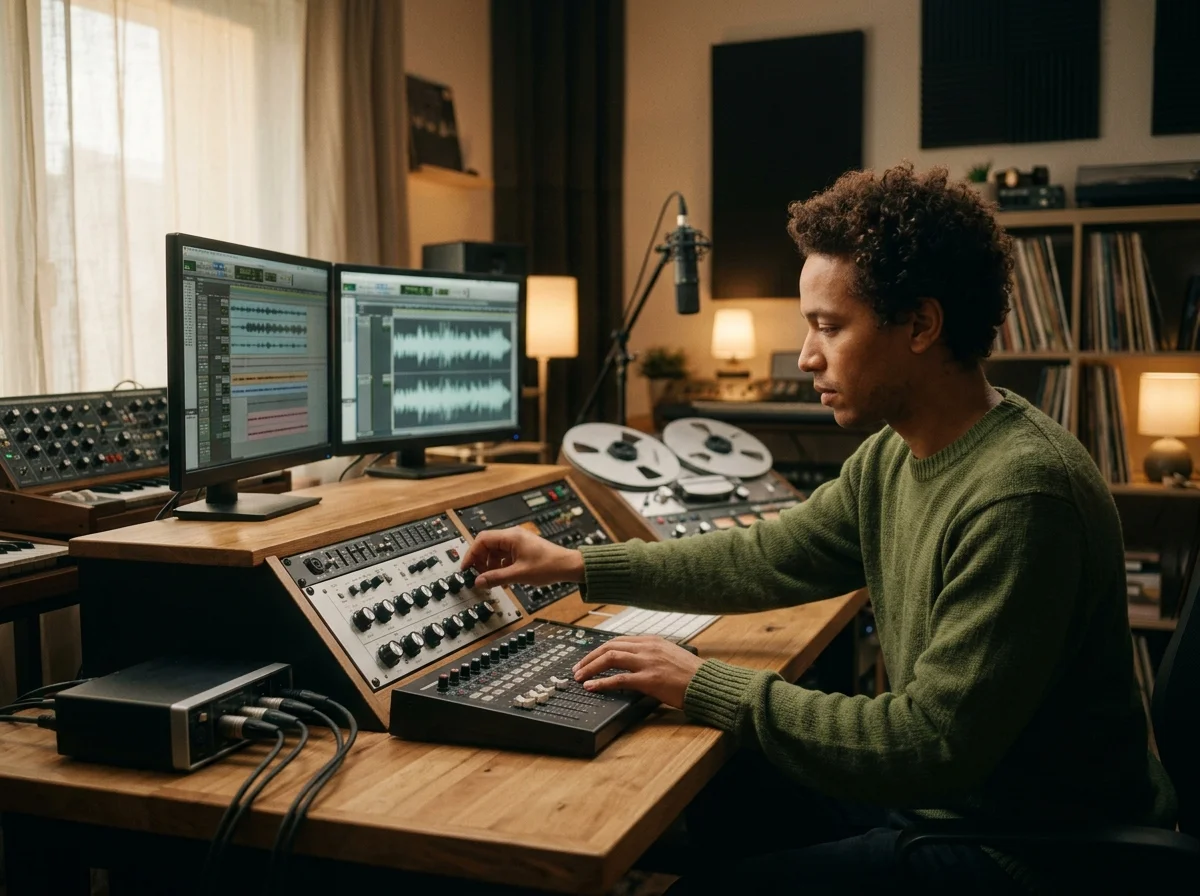
Keep the take you already recorded
Lofi Converter transforms your existing waveform rather than generating a replacement performance. Vocals, instruments and phrasing remain tied to the source recording.
Revisit the original and the converted audio
After signing in, both files are saved in conversion history. Play either version later, or remove a conversion from the list when you no longer need it.
Imperfection, applied on purpose
Speed and pitch change together; a 60-second source produces roughly 63.8 seconds of audio.
The converted file uses two channels of 16-bit PCM audio.
The uploaded original and its converted version are saved under your account.
Use an audio file up to 15 minutes long that your browser can decode.
Who wants the lo-fi version
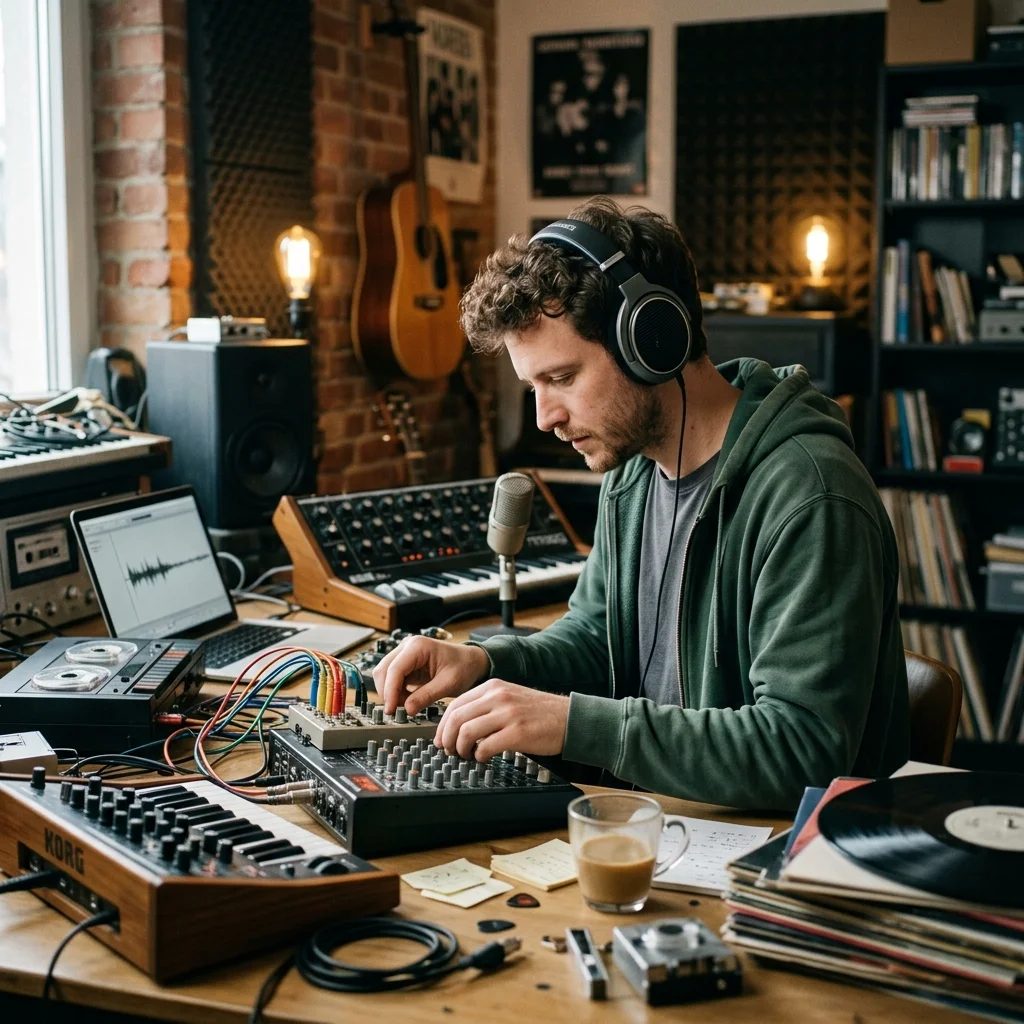
Study and focus playlist makers
Turn a song you already have into something that sits behind concentration rather than in front of it.
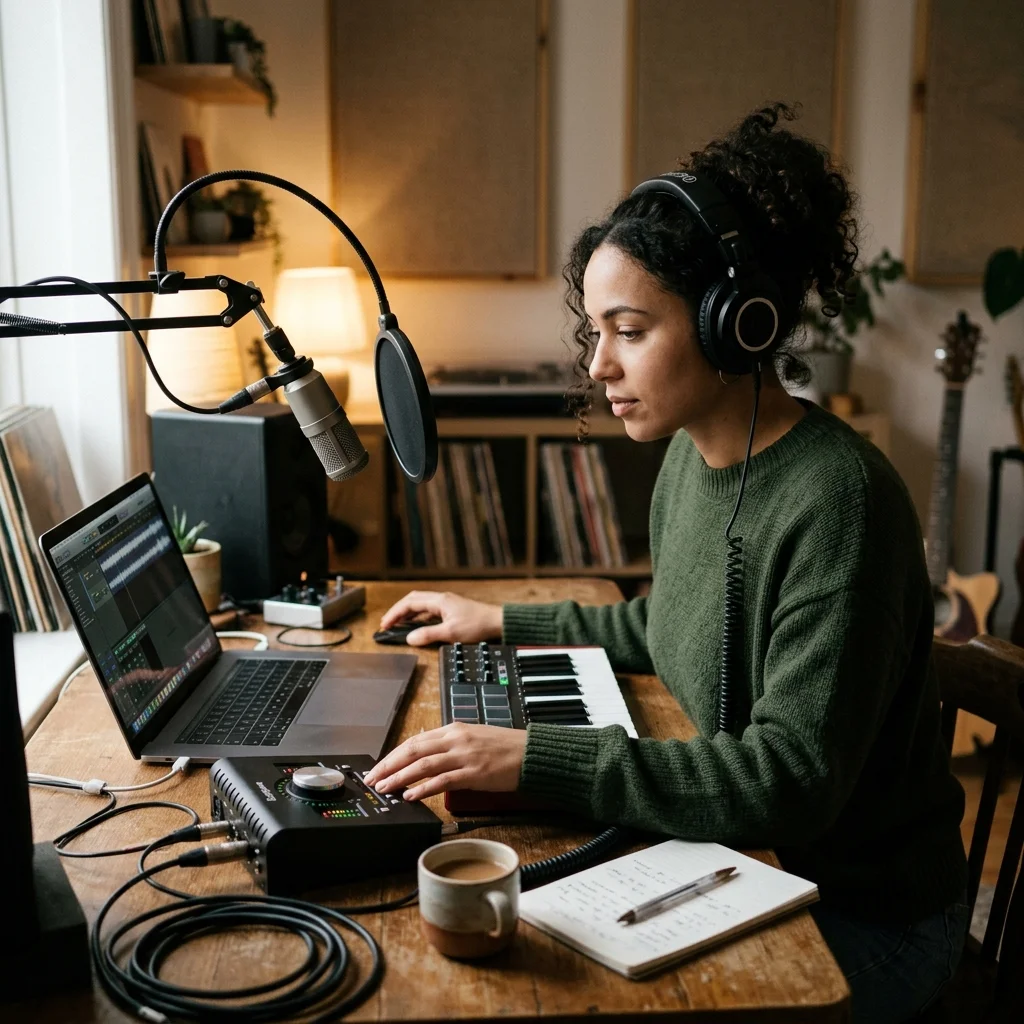
Streamers needing a bed
Loop a lo-fi version under a stream without a bright mix competing with your voice.
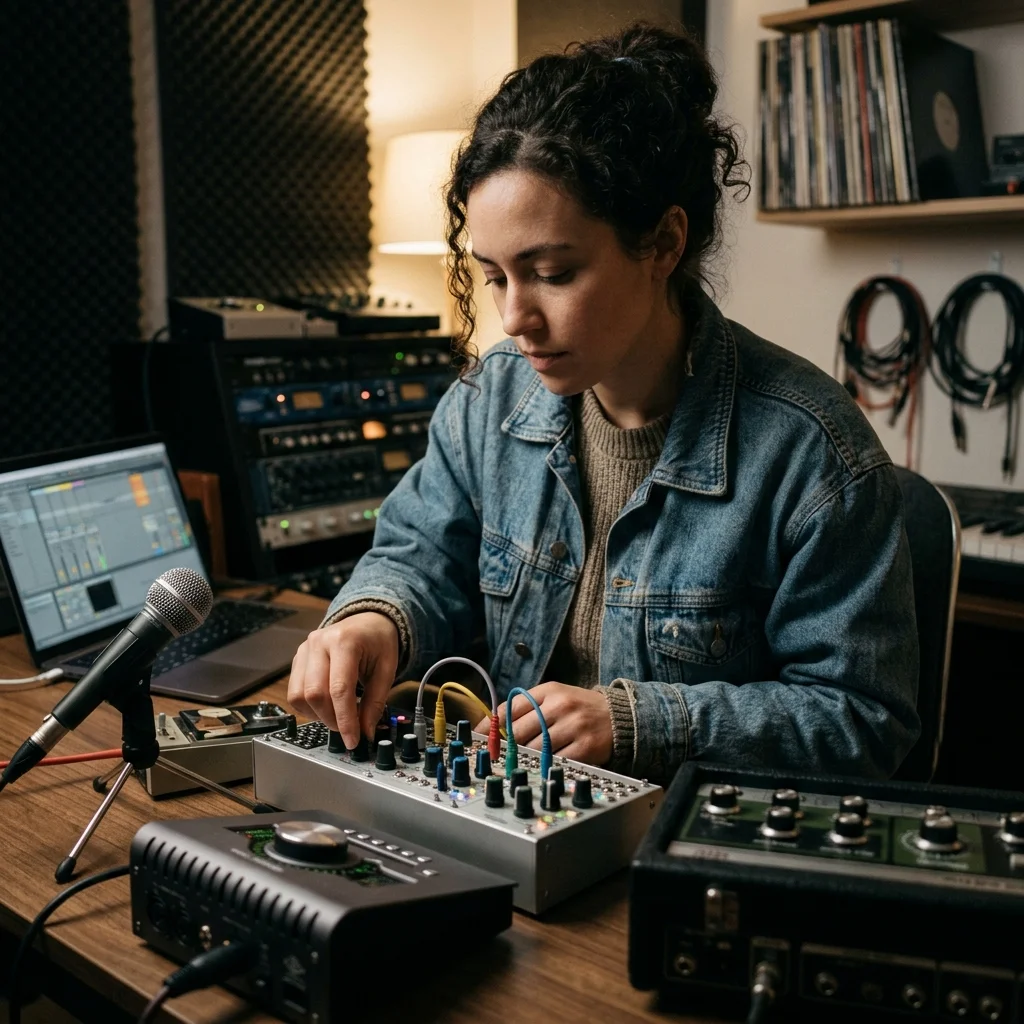
Producers chasing a mood
Get a dusty version of a reference to sit under a modern arrangement.
Where Lofi Converter results go next
Lofi Converter FAQ
Answers for creators comparing Lofi Converter, AI music generators, editing tools, and royalty-aware publishing workflows.
Age a clean recording on purpose
Take something polished and give it the wear it is missing.
