
Lyric Video Maker
Three visualizer renders of the reference tracks
These clips come from the renderer this tool exports with, one per reference track and sound wave style, shown without the generated photos a finished video places behind the wave. Two run the full 45-second excerpt while the first is 16 seconds because that source recording is short; all are 720p with the waveform on and captions off, as none of the tracks has timed lyrics.
Built for audio creators
Who puts the words on screen
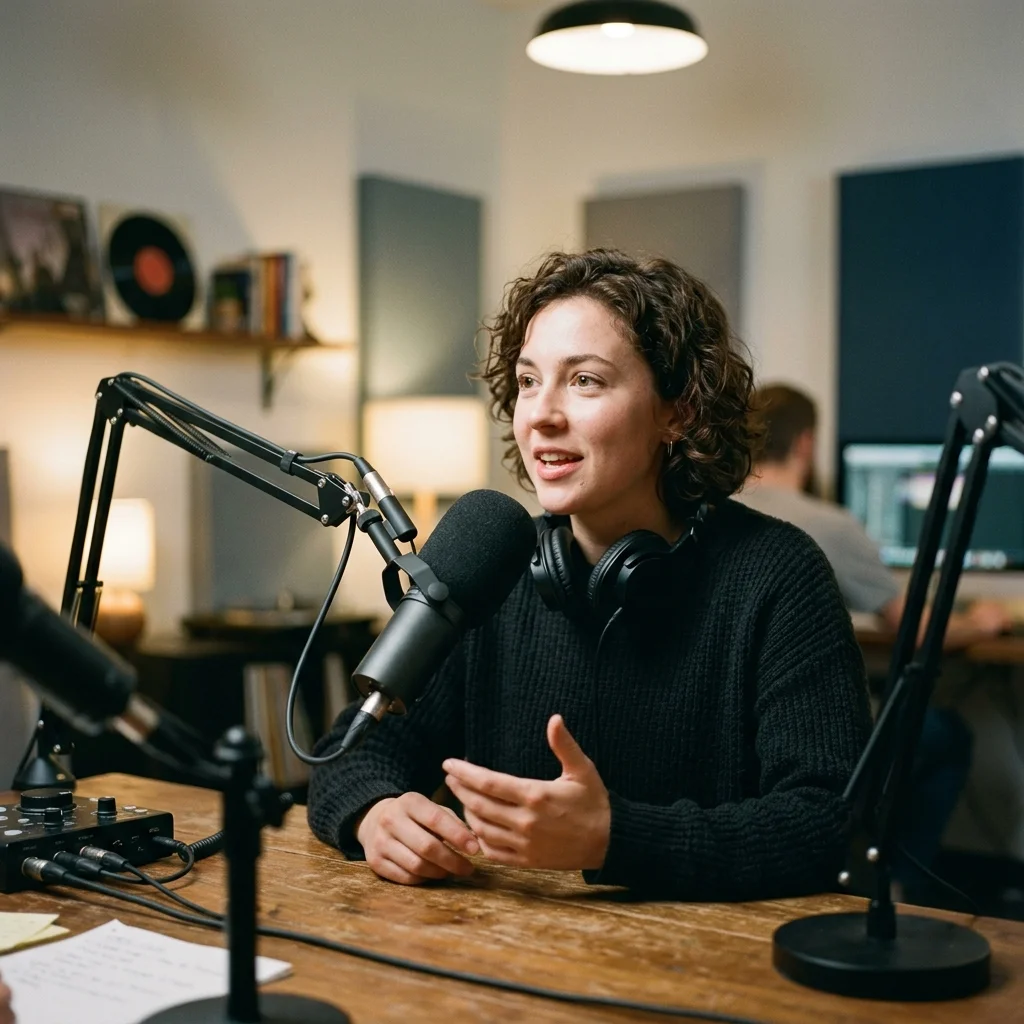
Spoken-word creators
Pair a short spoken recording with readable captions and generated scene images.
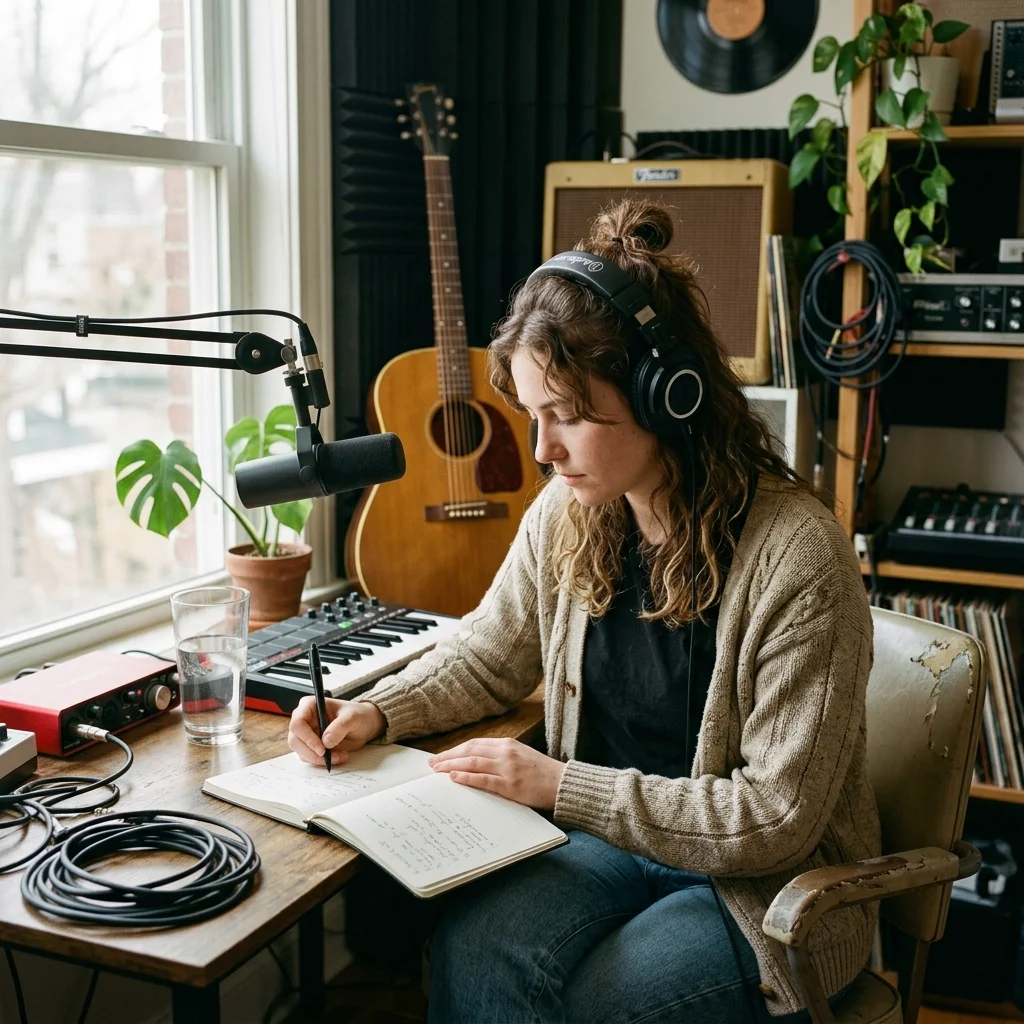
Songwriters sharing demos
Help listeners follow the words of a vocal demo before a filmed performance is ready.
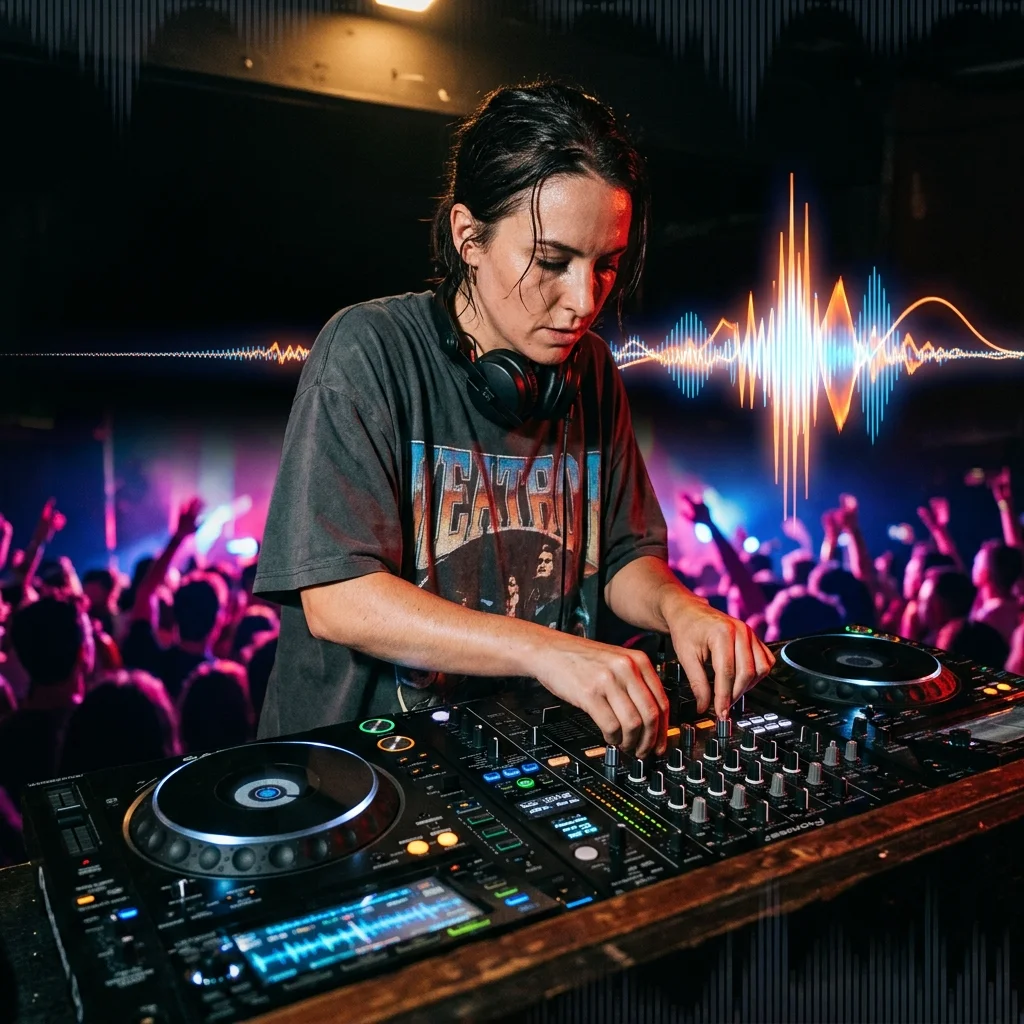
Independent artists
Create a lyric-focused release with a consistent visual treatment and a horizontal or vertical canvas.
Create a captioned clip with the Lyric Video Maker
Start with a vocal recording
Upload your finished song or select an owned track from My Music. The workflow transcribes this audio rather than asking you to paste lyrics.
Set the caption presentation
Keep lyrics enabled, select a caption preset and choose top, middle or bottom placement. Pick an image treatment and decide whether to display the waveform.
Confirm the quote and review the video
Review the credit amount before generation. Open My videos to check the finished captions and download the MP4.
Lyric Video Maker timing and presentation
The Lyric Video Maker combines vocal transcription, image planning and video rendering. It keeps available word start and end times, including gaps between sung phrases.
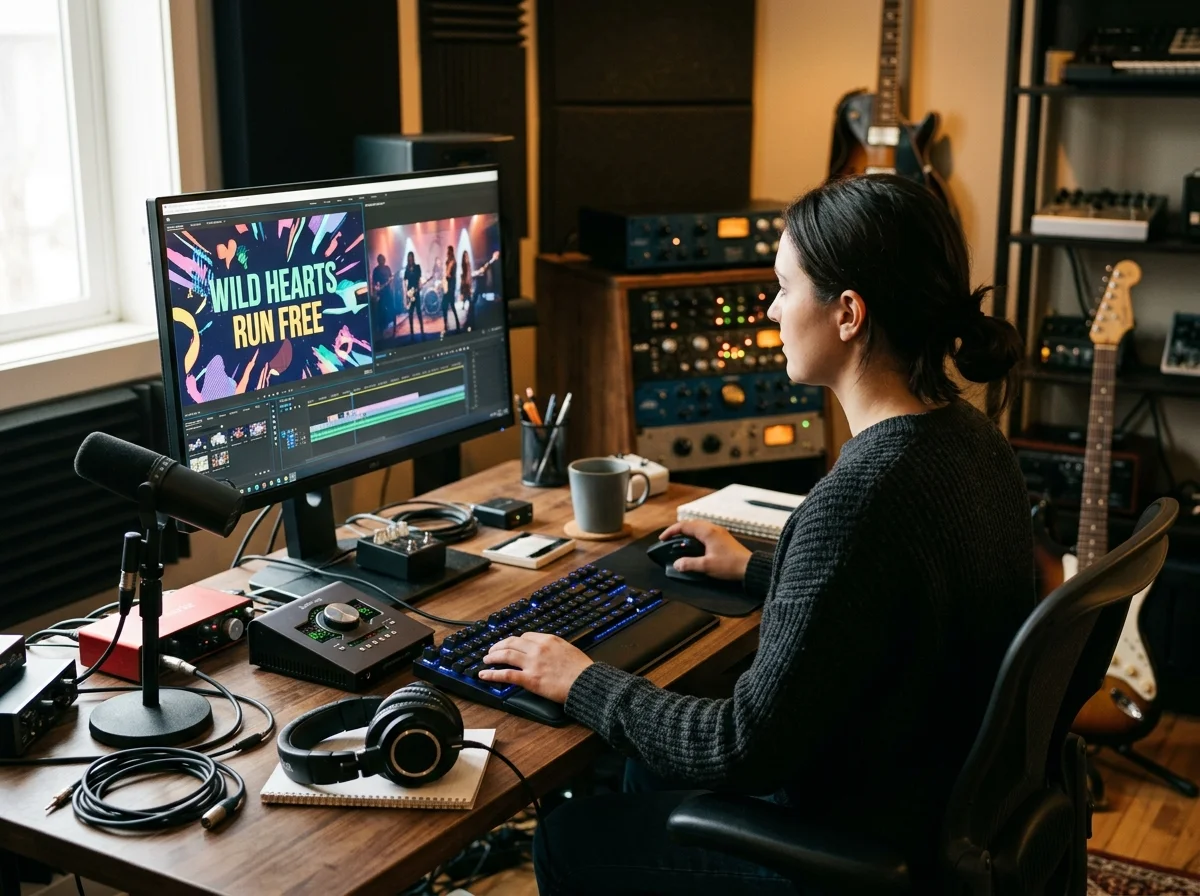
Words follow the recorded vocal
Aligned words can be highlighted as they are sung. If word alignment is unavailable for a phrase, its full line uses the returned segment timing.
Generated scene backgrounds
Single-image mode holds one generated scene; multiple-image mode creates a sequence, capped at 32 images. The photo-style selection guides its visual treatment.
An optional reactive waveform
Turn the waveform on for visible audio movement or off to keep attention on the text. Scene cuts land between your lyric lines and on the beat.
What a lyric video render needs
Lyric Video Maker inputs and output
Automatic transcription follows the audio you selected.
Landscape 16:9 and portrait 9:16.
MP3, WAV, OGG, M4A, FLAC and AAC.
Audio may be up to 50 MB and 15 minutes; finished exports appear in My videos.
Where Lyric Video Maker results go next
Lyric Video Maker questions
Answers about transcription, caption accuracy, audio inputs and generation credits.
Make the words part of your music video
Choose a vocal track, set the caption presentation and review your quote.
