
Music Video Maker
Exports from the music video renderer
Every clip below is an export this tool made from one of the reference tracks. Each excerpt is 45 seconds at 720p, with the waveform on and captions off because the tracks have no timed lyric lines.
Built For Creators
Who needs a video around a finished track
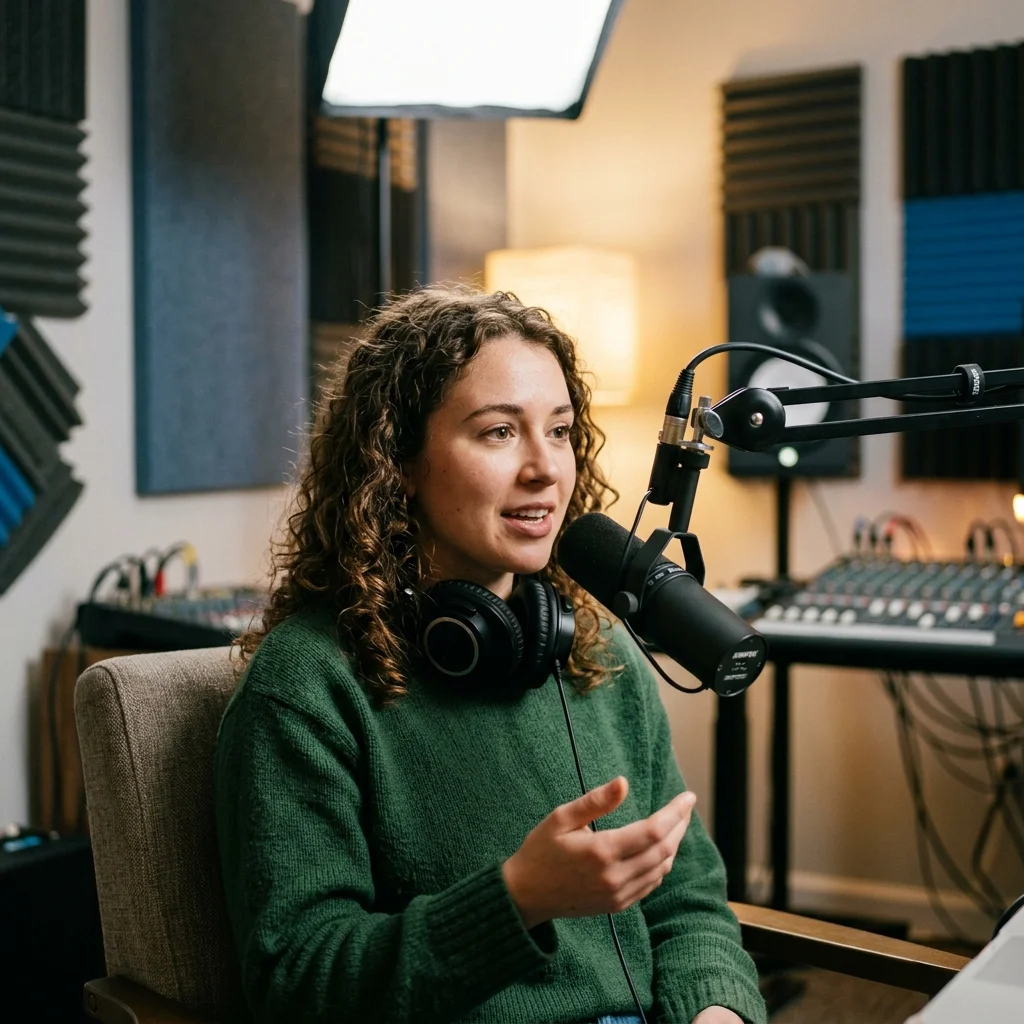
YouTube Podcasters
Give a short spoken recording on-screen captions and a waveform for a video upload.

DJ Set YouTubers
Turn an excerpt from a mix into generated scenery with audio-reactive movement.
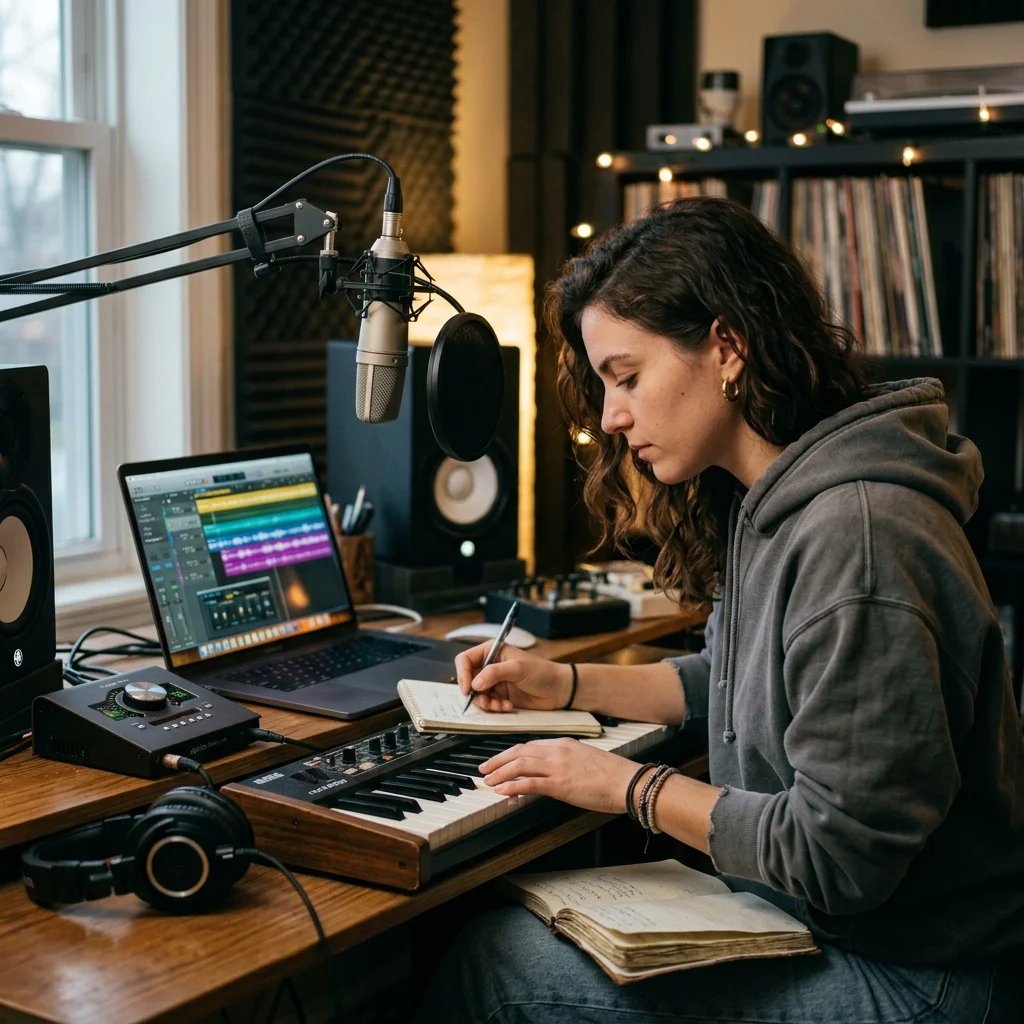
Independent Artists
Pair a finished single with AI imagery and styled lyrics for a visual release.
How to use Music Video Maker
Choose the finished recording
Upload a supported audio file or choose a song you own in My Music. The video uses this track for its full duration.
Arrange the visual treatment
Choose 16:9 or 9:16, single or multiple images, and a photo style. Set caption placement and whether to display the sound wave.
Check the quote and generate
Review the displayed credits, confirm generation and follow the task in My videos. Download the completed MP4 for review and sharing.
Music Video Maker controls
Music Video Maker builds a visual release around a finished recording. Upload audio or select your own My Music track, then choose generated imagery, captions and a waveform for the MP4.
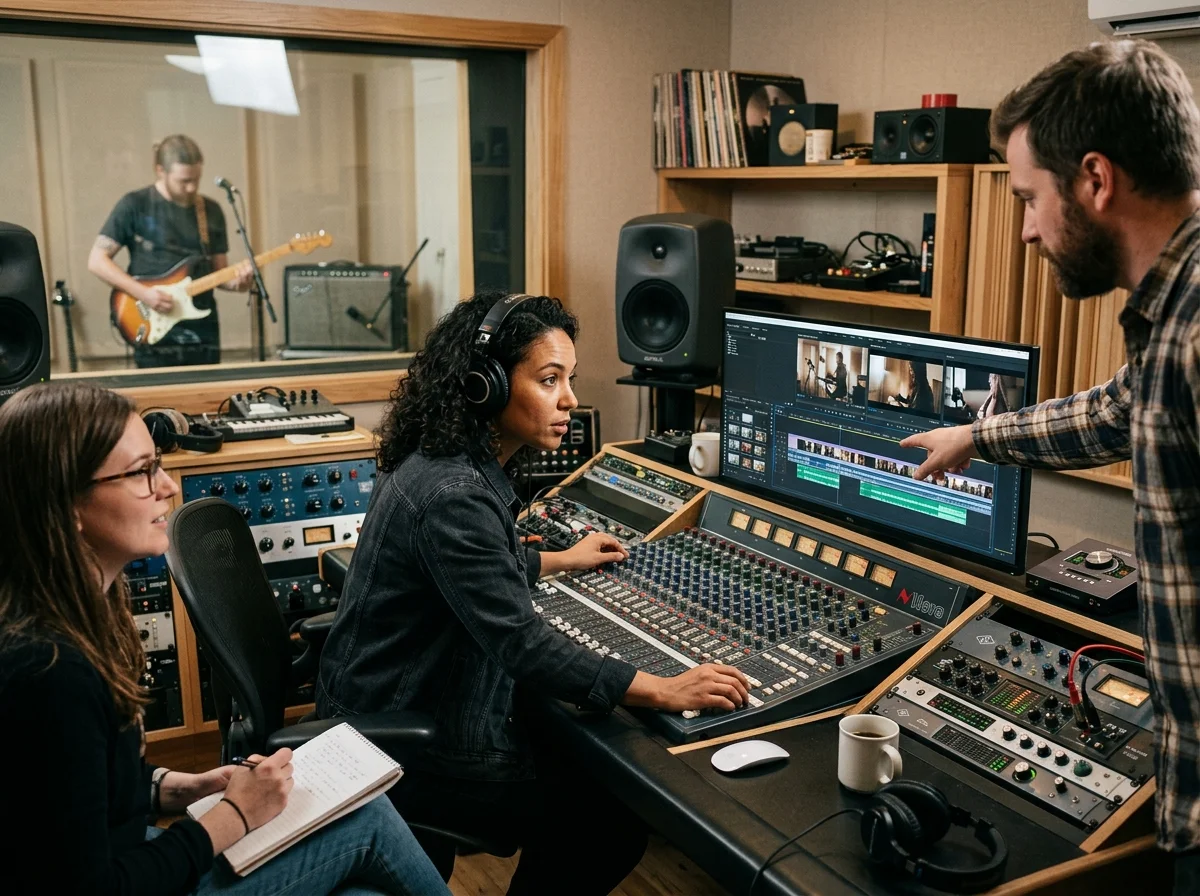
Scenes composed around the recording
AI generates a still image or a sequence of images. Scene intervals span the track; this form does not cut supplied video clips on detected beats.
One composition in your chosen shape
Select a wide canvas for a landscape video or a tall canvas for a vertical release. Changing settings requires a fresh quote before submission.
Text and audio movement
Caption presets control the look of transcribed words. The optional waveform responds to the recording, independently of the caption toggle.
What goes into one music video
Audio in, two aspect ratios out
The edit; images and captions layer on top.
16:9 for YouTube and 9:16 for vertical feeds.
MP3, WAV, OGG, M4A, FLAC and AAC.
The ceiling on one upload.
Where Music Video Maker results go next
Music Video Maker questions
Understand the source, render settings and review steps for your finished music video.
Build a visual release around your recording
Choose how the recording appears on screen, then check the generation price.
