Late Cafe
100 BPM · E♭m · 4/4 · 16 bars
Electric Piano, Muted Trumpet, Acoustic Bass

Generate separate instrument tracks with editable pitch, timing, note length and velocity. Export a standard MIDI file and choose your own sounds in a DAW.

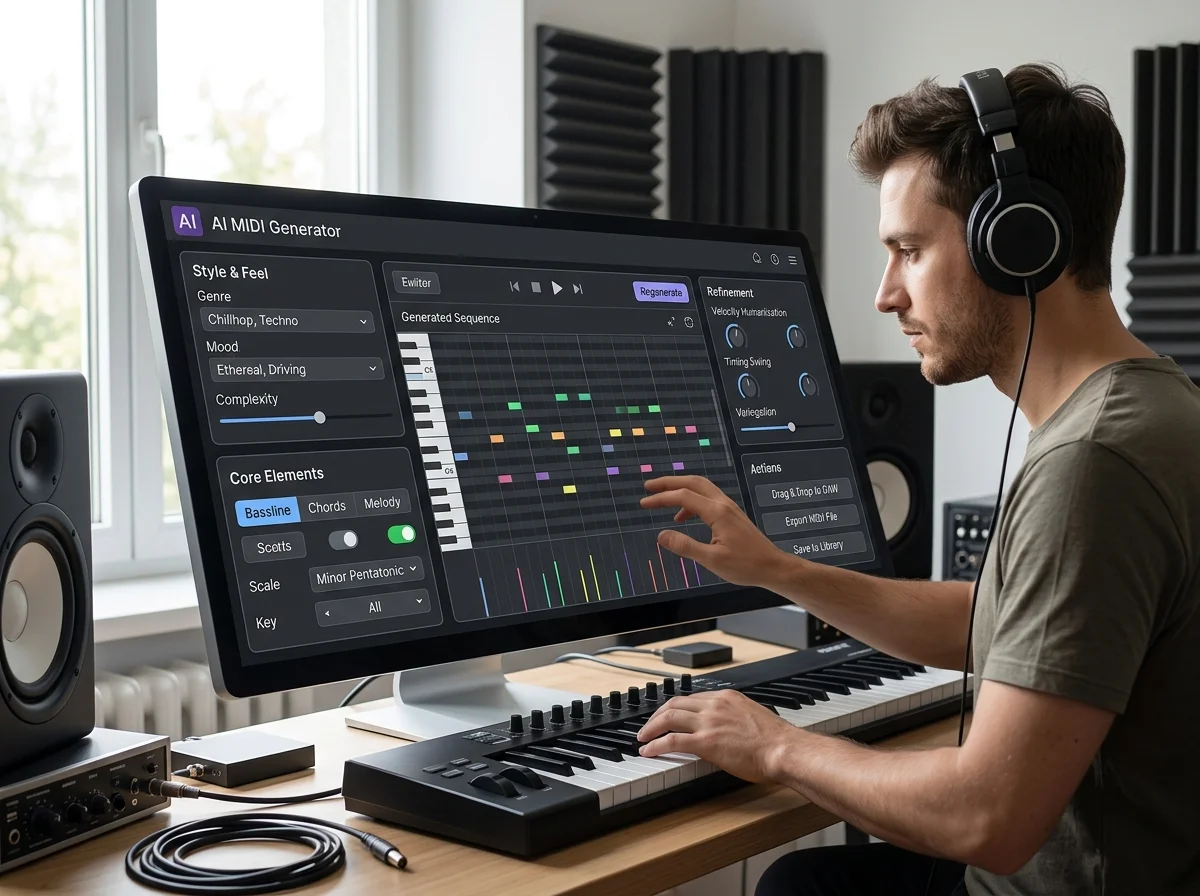
Preview the score with browser instruments, then open it in the MIDI editor to adjust the notes. The Sample tab offers original scores you can preview, export and edit before generating.
How AI MIDI Generator works
Write a short musical brief, add genre, mood or instrument tags, then choose BPM, key, time signature and bar count.
Sign in and generate your composition. The Results tab keeps your saved scores; preview the instrument tracks together before choosing what to change.
Open the score in the browser MIDI editor or download the .mid file for your DAW. Export editor changes to keep your revised arrangement.
Maximum prompt length, including selected genre, mood and instrument tags.
Choose the tempo recorded in the MIDI file.
Choose 4/4, 6/8 or 3/4 for the score.
Generate 4, 8, 16 or 32 bars in one composition.
The AI MIDI Generator creates note-based compositions from a text brief. Your BPM, meter and bar settings define the score; instrument and style tags guide the arrangement.
Describe the idea in words and steer it with genre and mood tags to decide which melodies and chords get written.
Set the tempo, key signature, meter and length before generation. Review the notes in the editor and adjust the composition to fit your project.
Get a written part to react to when the blank piano roll is the problem.
Generate MIDI a runtime can play back and vary, rather than shipping fixed audio.
Hear a chord idea played back before deciding whether it earns a full production.
| Tool | What you give it | What you get back | Credits per run |
|---|---|---|---|
| Audio to MIDI | An audio file, microphone recording or sample melody | Editable MIDI notes with pitch and timing | 0 |
| MIDI Editor | A MIDI file or an editable example | Edited MIDI notes, with optional WAV or MP3 audio export | 0 |
| MP4 to MIDI | A video or audio file | A MIDI file of the transcribed notes | 0 |
| MIDI to MP3 | A MIDI file or an example | A rendered WAV file | 0 |
| Audio to Sheet Music | An audio file, microphone recording or sample melody | Editable MIDI notes with pitch and timing | 0 |
| MIDI to Sheet Music | A MIDI file or an example | A piano score to read, print or save as MusicXML | 0 |
| Free Chord Progression Generator | A musical key, major/minor mode, style and preview instrument | A playable chord sequence and editable MIDI file | 0 |
| AI Chord Maker | A musical key, major/minor mode, style and preview instrument | A playable chord sequence and editable MIDI file | 0 |
| AI Piano Generator | A text description, or your own lyrics and a style | A finished song as MP3 | 1–100 |
| Piano Music Maker | A text description, or your own lyrics and a style | A finished song as MP3 | 1–100 |
| Piano Beat Maker | A text description, or your own lyrics and a style | A finished song as MP3 | 1–100 |
Answers for creators comparing AI MIDI Generator, AI music generators, editing tools, and royalty-aware publishing workflows.
Describe a musical idea, preview the instrument tracks and refine the notes in the browser editor.