
Music Visualizer Editor
Preview changes run in your browser. Export saves the current project and renders an MP4. Only applied lyrics are included.
Render summary
- Resolution
- 1080p
- Aspect ratio
- 16:9
- Frame rate
- 30 fps
- Duration
- 0:00
- Captions
- Off
- Waveform
- On
- Template
- Spectrum Bars
AI photo video
Generate images from your audio, then assemble a video using the current caption and waveform settings. Check the price before starting.
Editor workflow
Preview an audio-reactive scene
Use the settings, images, lyrics, preview, and timeline panels to assemble a reusable music-video scene.
Choose a template
Choose Spectrum Bars, Pulse Ring or Wave Line. These original templates react to the audio you open in the preview.
Set canvas and quality
Choose aspect ratio, resolution and frame rate for the preview canvas.
Add lyrics and images
Add a background image, song title, artist name and timestamped LRC lyrics.
Review the preview
Play and seek through the audio to review the scene. Sign in and save your project to return to it later. Export a saved project as an MP4.
Everything a creator needs in one editor
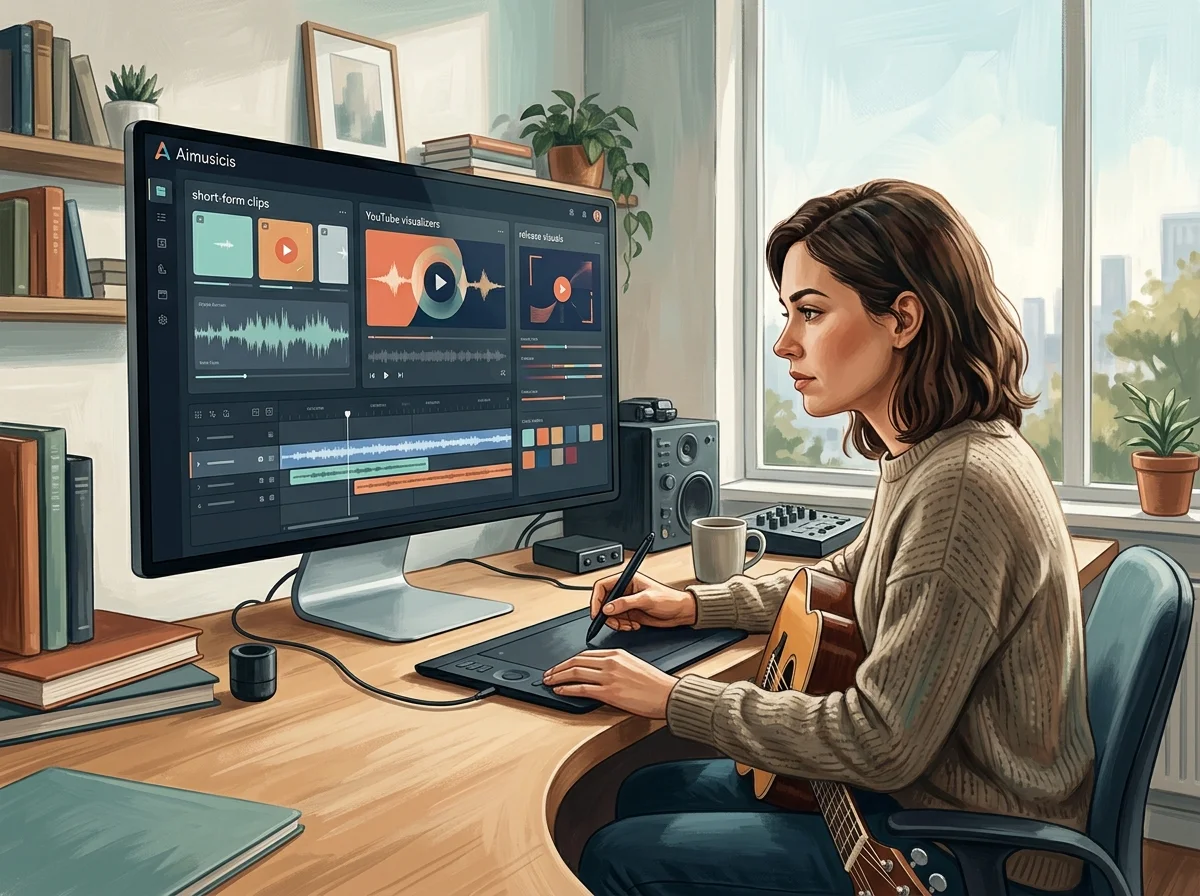
Aimusicis keeps visualizer production structured so musicians can make short-form clips, YouTube videos, and release visuals faster.
Panel-based editing
Switch between settings, image, and lyrics controls without leaving the editor.
Multi-aspect canvas
Prepare 16:9, 9:16, and square versions for every social and streaming channel.
Template library
Choose between audio-driven bars, a ring and a waveform line, with your own background image and text.
Audio-driven preview
Use the actual audio duration and playback position to review your scene and timed lyrics.
Music Visualizer Editor cost and limits
Horizontal, vertical and square.
Drives the motion; the visual follows the mix.
The visual is generated from the sound.
Spectrum Bars, Pulse Ring and Wave Line.
Who builds visuals on this canvas
Artists releasing a single
A visualizer is the cheapest way to put a track on YouTube without shooting anything.
Podcast and mix channels
Long-form audio needs something on screen that changes with the sound rather than a static cover.
VJs and event designers
Build reactive loops for a screen behind a set, sized to the venue rather than to a platform.
Music visualizer editor FAQ
Answers for creators building visualizer videos in Aimusicis.
Preview your track with reactive visuals
Choose a visual style, open your audio and review a browser preview. Export MP4 renders the saved scene with its audio.
