
Slowed and Reverb Generator
Slowed, reverbed, and the space around it
Six tracks with the tempo pulled back and the room opened up. Listen to the tails as much as the beat - that is what the reverb control changes.
Set speed and space separately in the slowed and reverb generator

Speed and space, set separately
Slow a track down or push it up, then decide how much room sits around it. The two controls are independent, which is what puts both the slowed and the sped-up edit on one page.
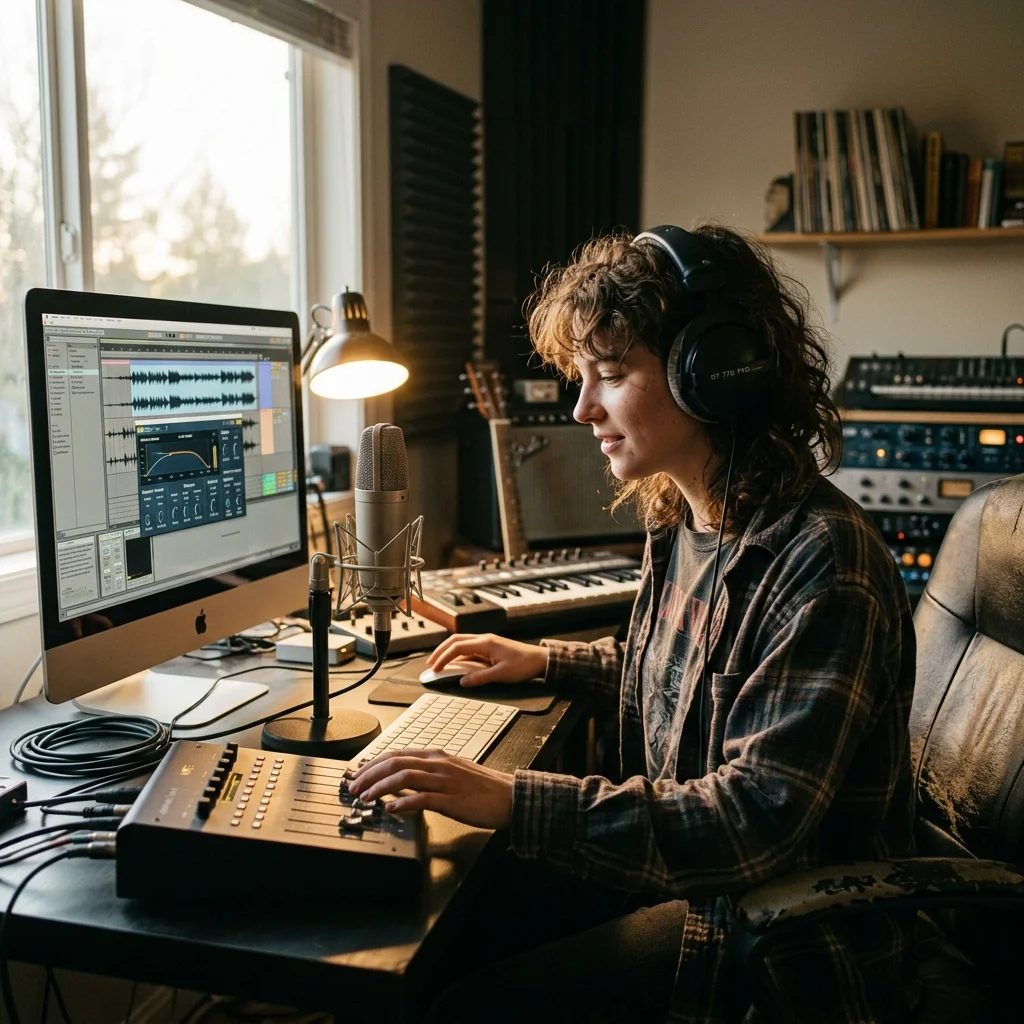
Speed and space are separate controls
Slow it, speed it up, and set the reverb independently, so nightcore and daycore edits both come off one page.

When only the key should move
If the tempo must stay exactly where it is, the pitch changer shifts key without touching speed.
How Slowed and Reverb Generator works
Make a slowed and reverbed edit in three steps
Upload the track
Any song works; slowed edits usually start from a clean, commercially mixed source.
Set speed and space
Slow the tempo down or push it up, then choose how much room the reverb puts around the track.
Preview and export
Hear the edit at the settings you chose before downloading, so you can tune the amount rather than guess.
Slowed and Reverb Generator features
Slowed and Reverb Generator processes your supplied recording with speed, pitch and reverb controls. Preview the treatment and download the processed WAV while retaining the source performance.
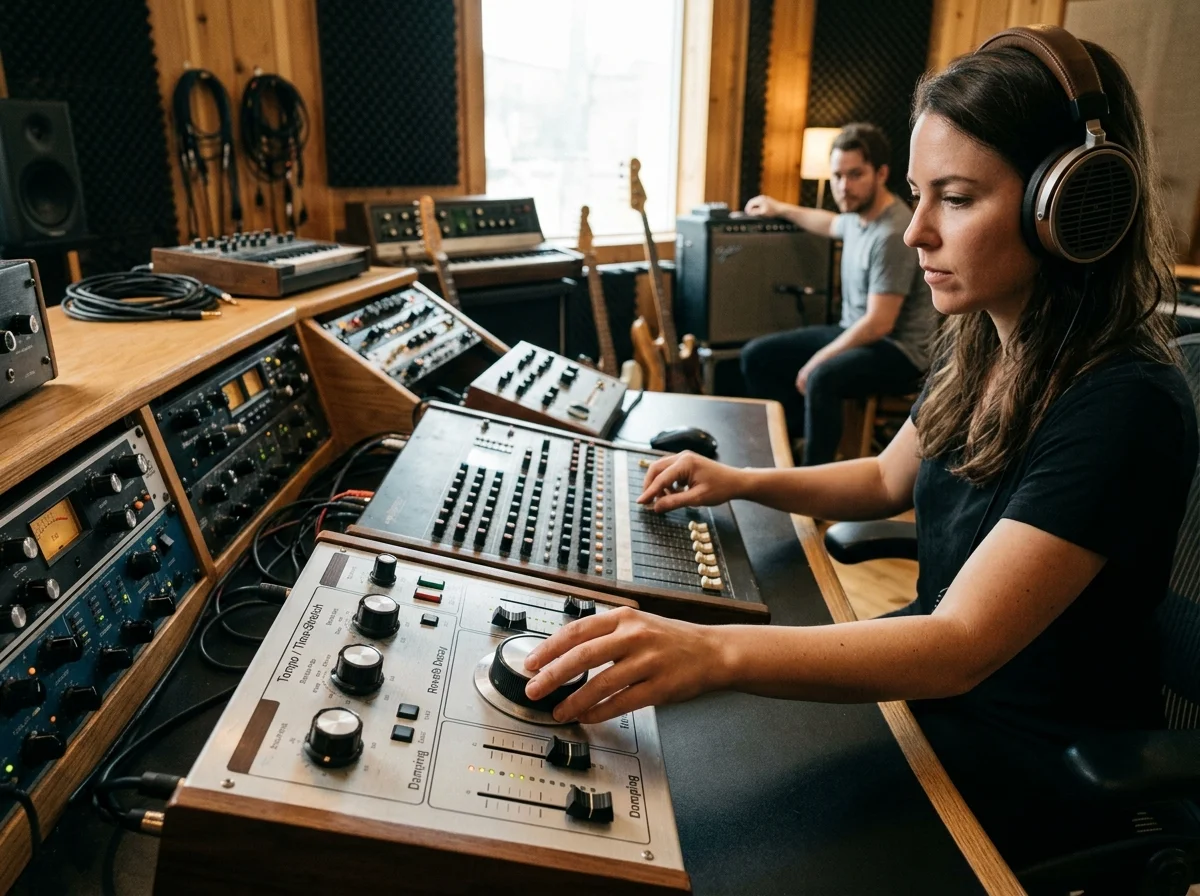
Choose a starting treatment
Slowed + Reverb, Daycore, Nightcore and Original presets provide starting settings. Adjust speed, pitch and reverb independently before processing.
Keep the recording you supplied
Processing changes the uploaded audio rather than generating a replacement track. Preview the result and compare it with the original before downloading.
Two settings, one whole mood
The two controls set how far it slows and how wet it gets.
Comes with the tempo drop, and that darkening is the point.
The source performance is what you are reshaping.
MP3, WAV, OGG, M4A, FLAC, AAC - accepted for the track you want slowed.
Who makes slowed and sped-up edits
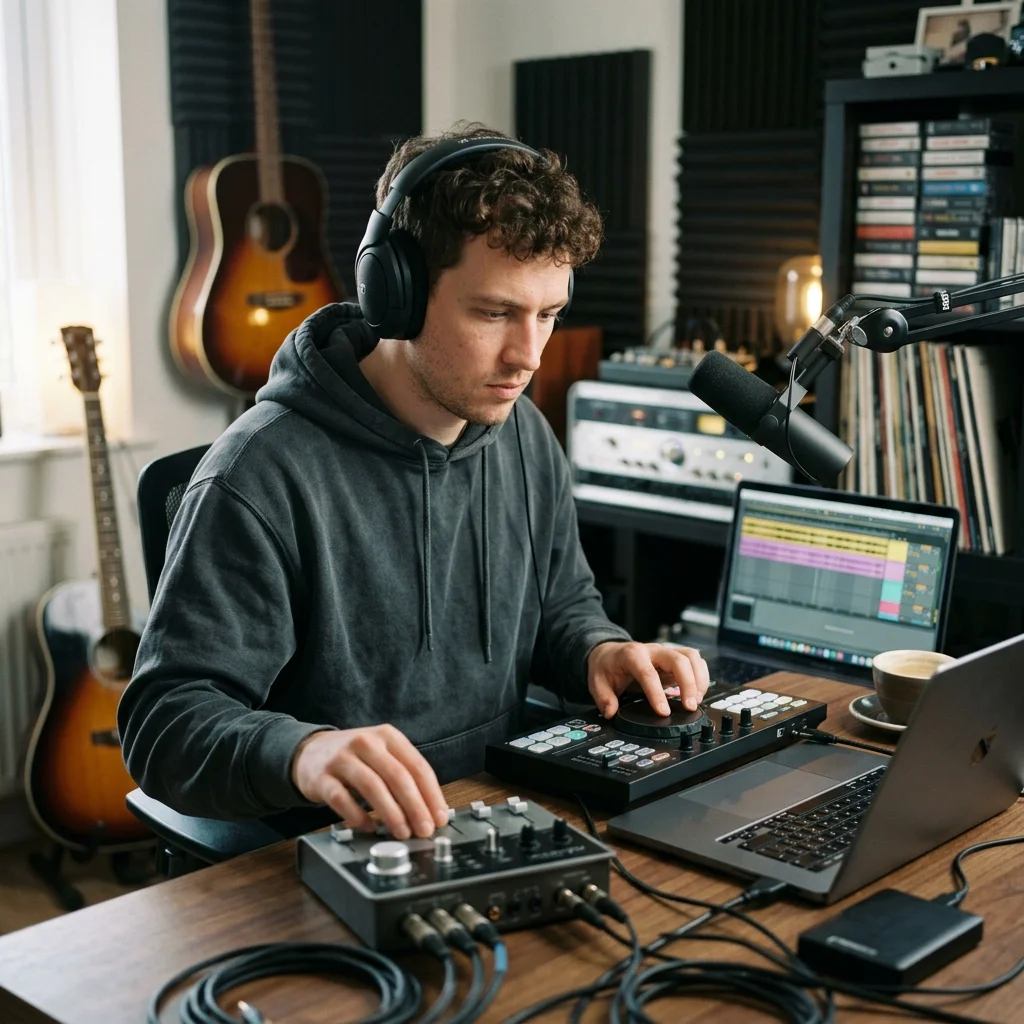
Short-form video creators
Make the slowed edit a clip needs, at the exact speed the trend uses.
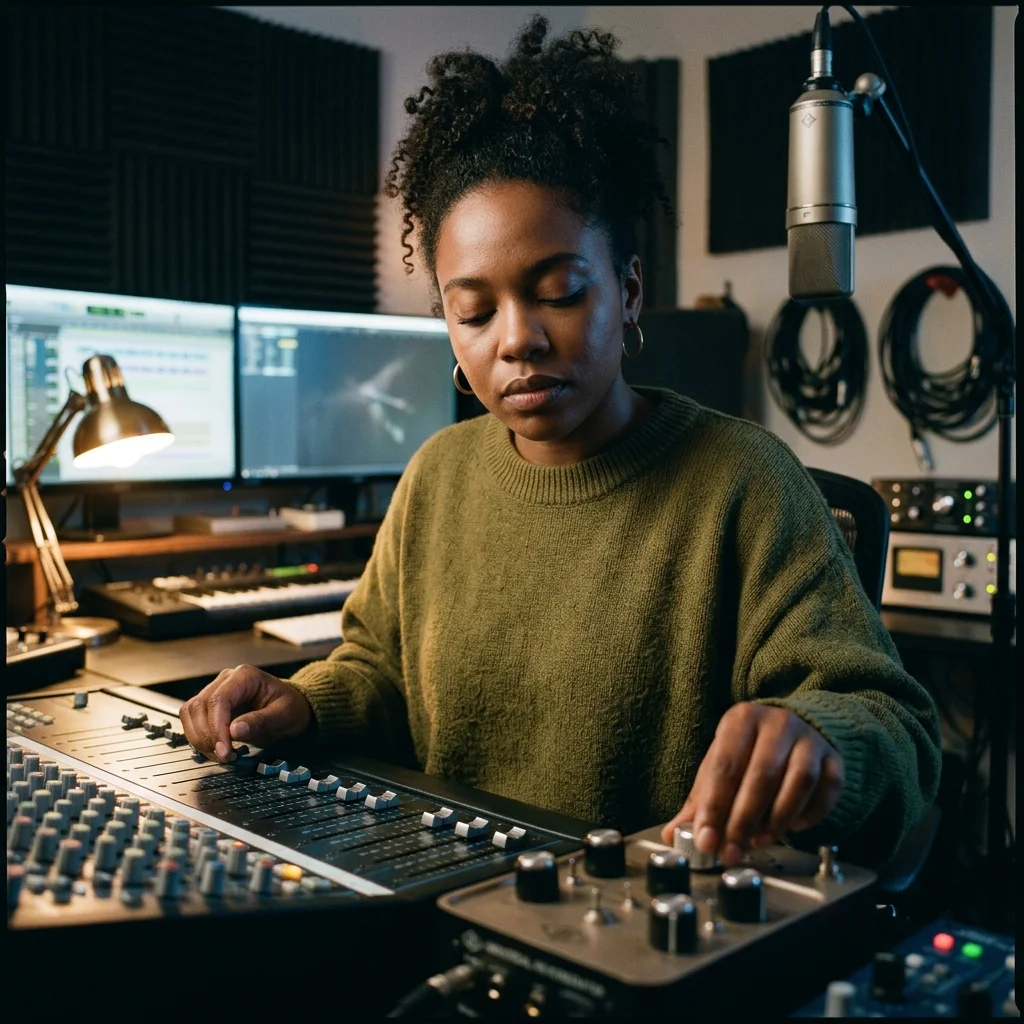
Playlist curators
Build a slowed or sped-up version of a track for a mood playlist.
Fans making edits
Turn a favorite song into the nightcore or daycore version without learning a DAW.
Where Slowed and Reverb results go next
Slowed and Reverb Generator FAQ
Answers for creators comparing Slowed and Reverb Generator, AI music generators, editing tools, and royalty-aware publishing workflows.
Change one without the other
Slow it down without drowning it, or drown it without slowing it down.
