
AI Music Video tools
Turn a track into a story video of AI clips, a singing portrait, a photo or lyric video, or a visualizer.
Which AI Music Video tools do you want to use?
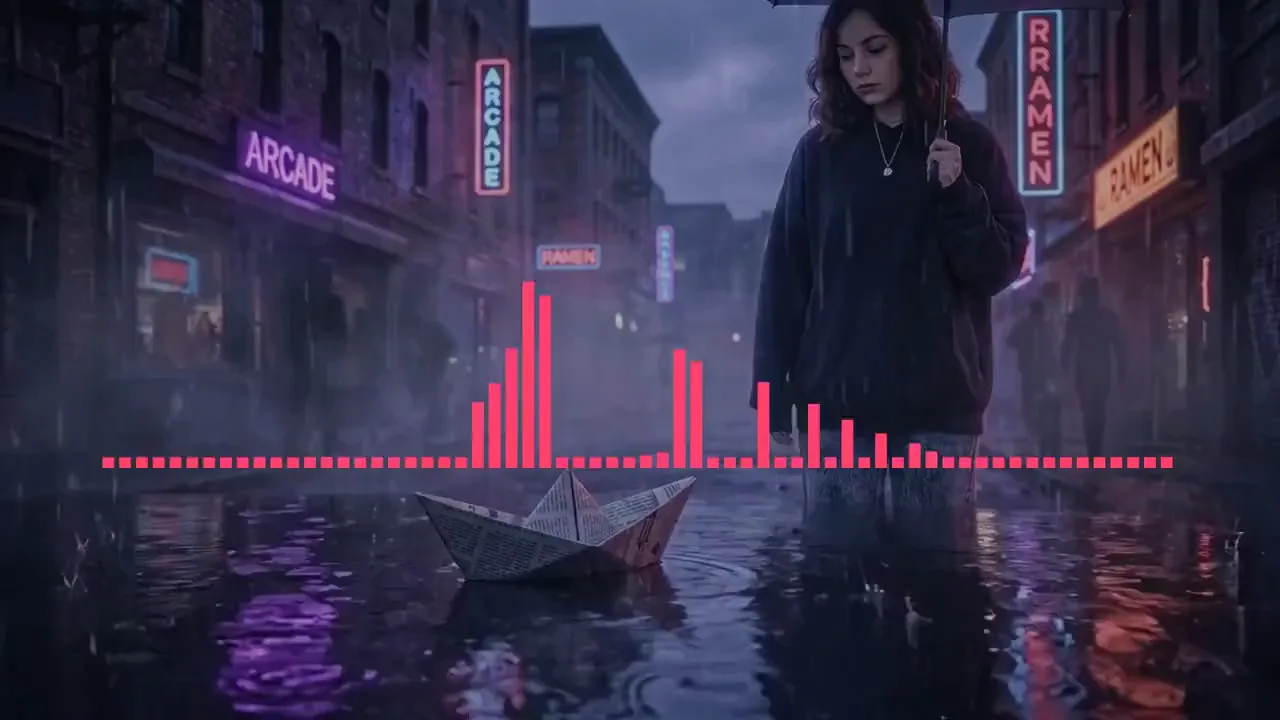
Music Video Maker
A story told in AI video clips, one per scene, with recurring characters and places, cut on the beat under your captions. Start with a storyboard to review, or make the whole video.
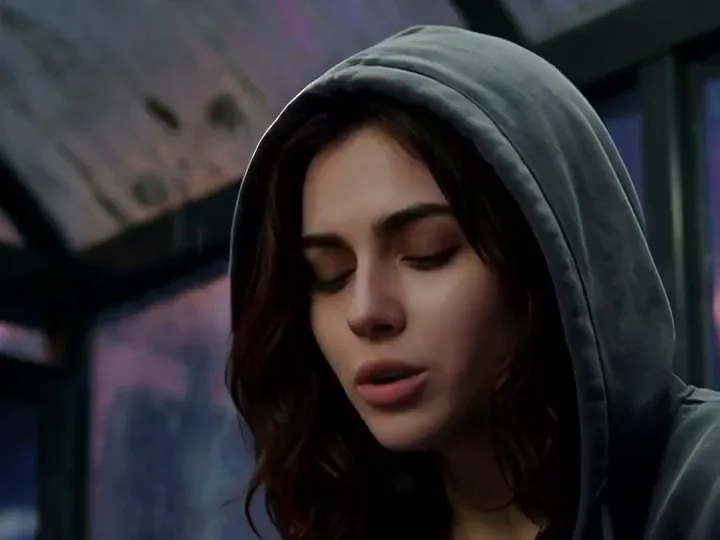
AI Singer Video
A portrait sings your song, its lips on the words: upload or generate the singer, choose the section it performs, see the price before you start.
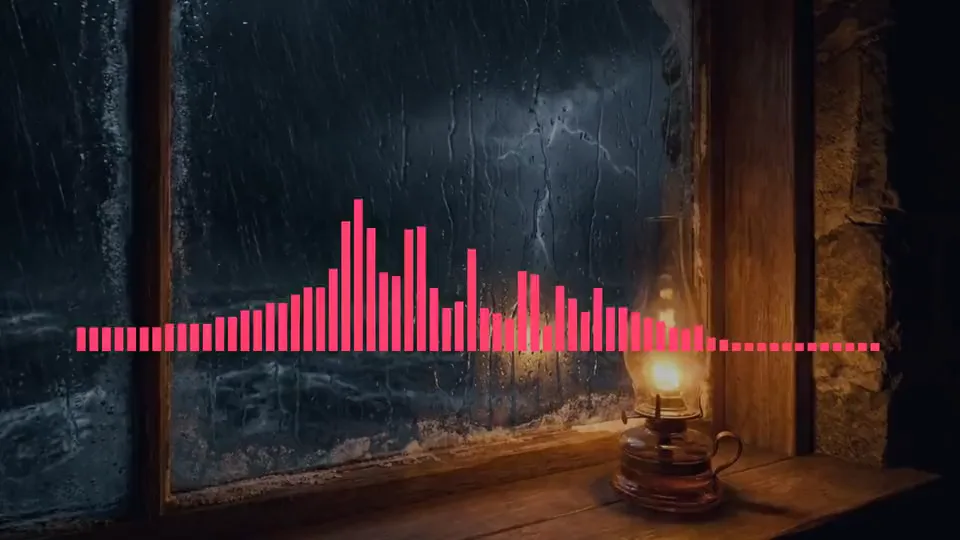
Photo Video
AI pictures planned from your song, played in order under your captions and a sound wave.
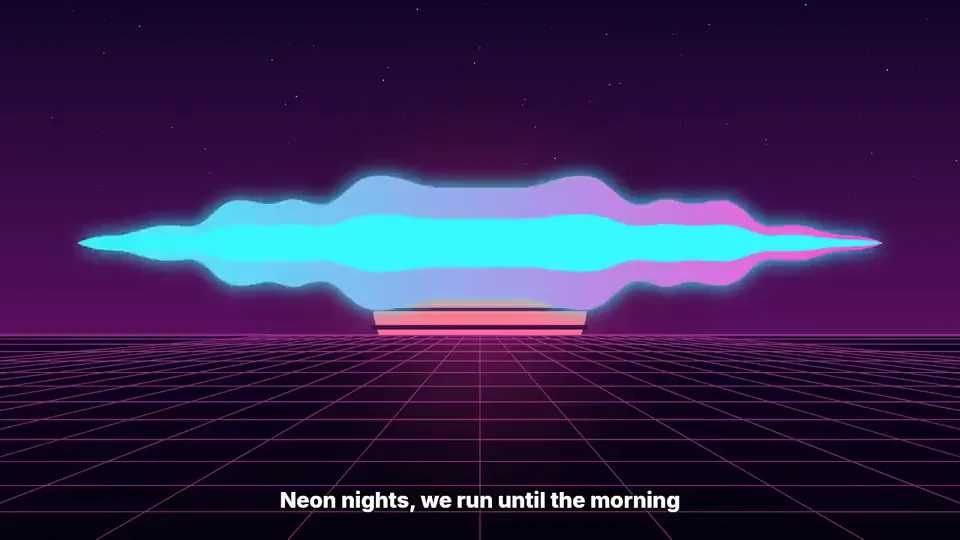
Lyric Video Maker
Time the words to the track and burn them into the frame, with a waveform underneath.

Music Visualizer
12 templates, Spectrum Bars to Starfield, with upload, lyrics, timeline, and export.
How to pick the right music video tool
Start from what you already have
Audio alone points at a visualizer, and timed words at the lyric video maker. For pictures drawn from the song, Photo Video holds them still and Music Video Maker animates each into an AI clip; a portrait points at AI Singer, and your own photos at the visualizer editor. The input decides the tool more reliably than the look you have in mind.
Choose the shape before the style
Horizontal for YouTube, vertical for Shorts and Reels, square for feed posts. Aspect ratio is an export setting, so one track can produce all three without starting over.
Render, then reuse the track
The same audio can carry a full-length visualizer and a short vertical cut. Results stay in My Music, so the second version needs no re-upload.
AI Music Video tools: templates, limits and cost
4 classic shapes and 8 picture scenes in the visualizer editor.
16:9, 9:16 and 1:1 in the visualizer editor, exported at up to 1080p; generated photo scenes use 16:9 or 9:16.
The largest audio file the music-video editor accepts.
Every tool's button states its credit cost before you start: story and photo videos, AI Singer and visualizer exports.
Examples
Made with these tools
Who reaches for a music video tool
Artists releasing audio-only tracks
Streaming platforms take a bare audio file; social feeds do not. A visualizer is the cheapest way to make one master work in both places.
Creators posting vertically
Both canvas ratios are available on every route, so the 16:9 cut for YouTube and the 9:16 for Reels come from the same source track.
People with a photo library and no footage
Nothing has to be filmed. Images and a finished track are the whole input, which is what makes this reachable without a camera.
Anyone whose words carry the song
Feeds autoplay muted. Putting the timed lyric on screen is what keeps a vocal track legible before anyone turns the sound on.
Every tool in the AI Music Video family
| Tool | What you give it | What you get back | Credits per run |
|---|---|---|---|
| AI Music Visualizer | Audio and a visual style | AI scene images and an MP4 video | 39–318 |
| Music Visualizer Editor | Coming soon | ||
| Music Visualizer Templates | Coming soon | ||
| Photo Video | Audio and a visual style | AI scene images and an MP4 video | 39–318 |
| Music Video Maker | Audio and a visual style | AI scene images and an MP4 video | 39–318 |
| Lyric Video Maker | Audio and a visual style | AI scene images and an MP4 video | 39–318 |
| Slideshow Maker With Music | Audio and a visual style | AI scene images and an MP4 video | 39–318 |
| Anime Music Video Maker | Audio and a visual style | AI scene images and an MP4 video | 39–318 |
| Birthday Video Maker | Audio and a visual style | AI scene images and an MP4 video | 39–318 |
| Spotify Music Visualizer | Audio and a visual style | AI scene images and an MP4 video | 39–318 |
| Apple Music Visualizer | Audio and a visual style | AI scene images and an MP4 video | 39–318 |
| YouTube Music Visualizer | Audio and a visual style | AI scene images and an MP4 video | 39–318 |
AI Music Video tools availability questions
Pick a music video tool and start from your track
Every tool here takes audio you already have or a song generated on Aimusicis, and exports in the aspect ratio the platform needs.