
Noise Generator
Noise colors and recorded ambience
White, pink and brown noise are synthesized continuously. Rain, birds, thunder, ocean, forest, airport and fire use recorded loops.
What a noise bed is actually for
Combine a noise color with recorded ambience and shape the result using the mixer controls.
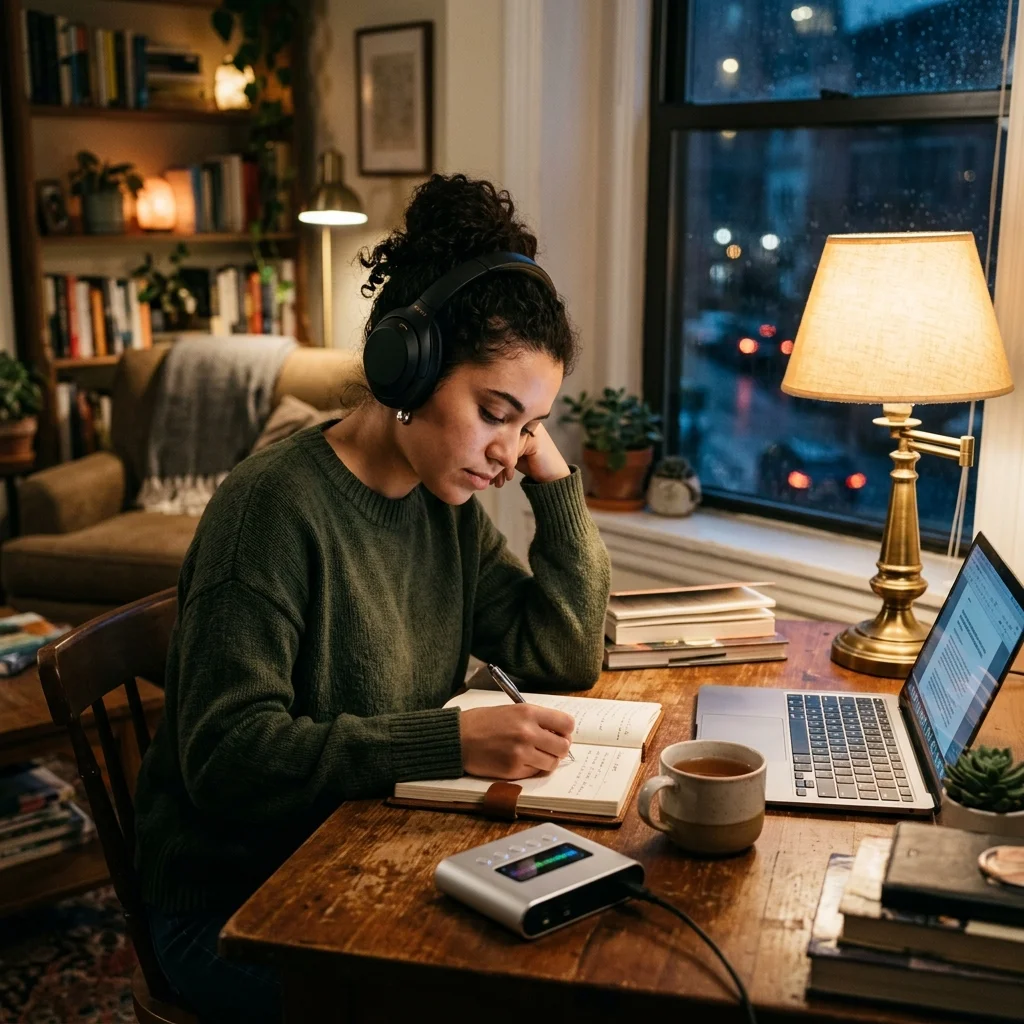
Sleep better, focus more
Block out snoring, traffic, office sounds, or conversations with steady color noise.


Current mixer
Noise Generator cost and current limits
3 synthesized colors and 7 recorded ambience layers.
White, pink and brown each have a different frequency slope.
Low, mid and high shape the combined sound.
Live listening and 60-second WAV downloads use no generation credits.
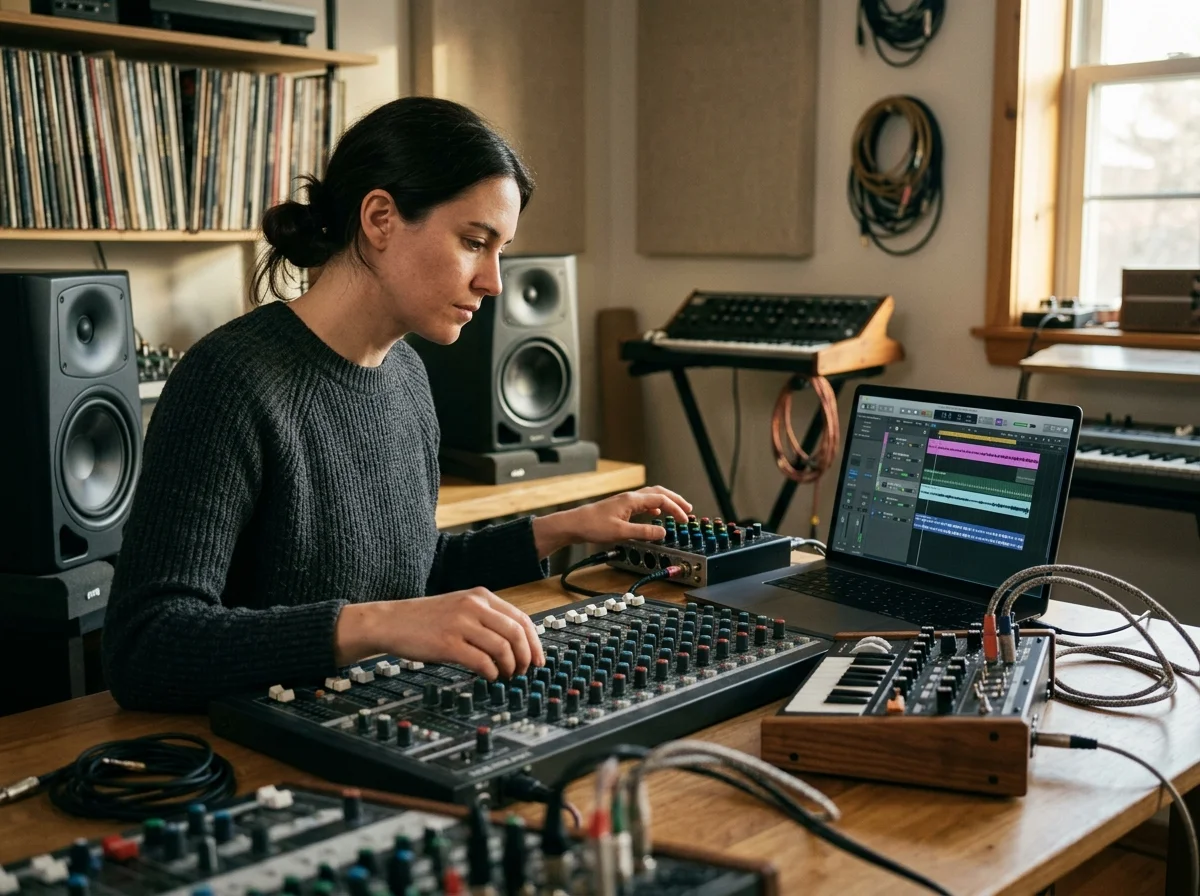
What people use a noise bed for
Masking a noisy room, holding attention through a work session, and settling down afterwards - the same layers, set differently.
Sleep masking
Use brown, pink, white noise, rain, or ocean sounds to cover traffic, snoring, or room noise.
Focus sessions
Build steady background ambience for work, study, writing, coding, or reading.
Relaxation and meditation
Blend nature layers with gentle EQ and reverb for calm listening routines.
How to use Noise Generator
Choose your sounds
Select a noise color or one of the seven available ambience recordings. Each source starts at zero until you enable it.
Shape the mix
Adjust source volume, low/mid/high EQ, room size and reverb mix. Master volume controls the combined output.
Play and stop
Press Play mix to listen. Adjust controls while playing, then use Stop mix when you are finished.
Noise Generator questions
Move from noise to music
After building a sound environment, open Aimusicis music tools to create songs, loops, videos, and background music.
