
AI Song Cover Generator
Voice model
Song to cover
Showcase
3 examplesExplore music examples covered by AI





Sign in to open your voice workspace
One arrangement, sung several ways
Covers keep the backing and change the performer. These six show what shifts when only the voice does.
The AI song cover generator keeps the song and changes the singer
Choose a licensed persona or My Voice model, upload a source song, and generate a safe AI cover.

The same song, a different singer
The arrangement underneath is left exactly where it was and only the vocal is converted to the new voice, so the comparison you hear is purely about the voice.

When the whole song should change
A different tempo or genre is a remix, not a cover - the remix generator handles that.
How AI Song Cover Generator works
Cover an existing song in a new voice in three steps
Pick the song and the voice
Choose the track to be covered and the trained voice model that should perform it.
The vocal is converted
The original vocal keeps its timing and melody while its timbre moves to the voice you chose; the arrangement underneath stays where it was.
Listen, then publish or iterate
Compare against the original take and re-run with a different voice if the character is not right.
AI Song Cover Generator features
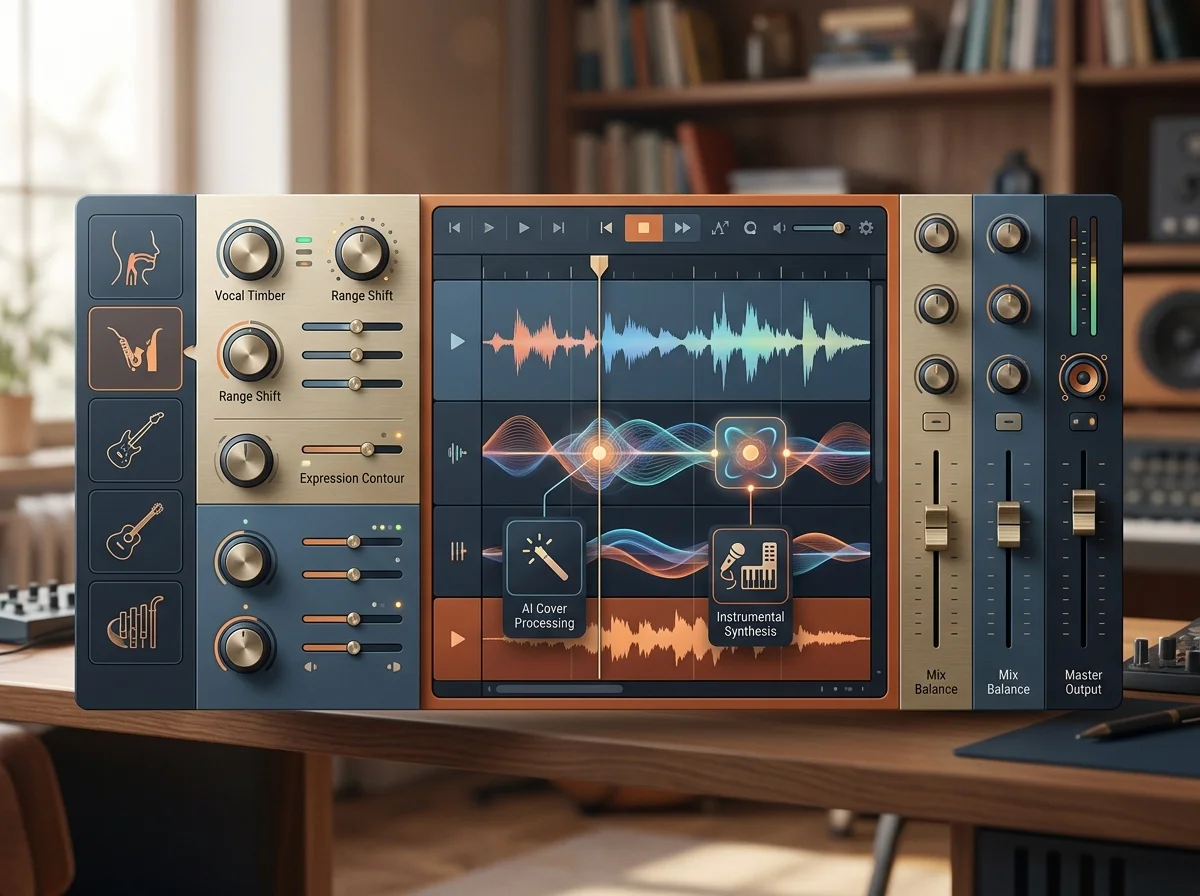
A catalog of voices, and rights you still have to clear
Approved catalog voices sit alongside private models you trained. Every catalog entry carries a caveat of its own - real-person models say confirm authorization, character models say verify rights before production use - and clearing them stays with you.
My Voice: your own models, no defaults
Models you train are private to your workspace and are not seeded with anyone else's voice. Pick a ready voice or build your own - those are the two routes in.
Before and after playback
The arrangement underneath is unchanged; only the vocal is converted, so playing the cover against the original tells you the whole story. Source songs must be 15 minutes or shorter.
A new voice on a take you already have
The voice model does the work; the arrangement underneath is untouched.
Pick a ready voice, or build your own and reuse it. Four mix controls shape the result: transpose in semitones, main vocals and instrumental in dB, reverb as a percentage.
The rights underneath stay with whoever already holds them.
MP3, WAV, OGG, M4A, FLAC, AAC - accepted for the track you want covered.
Who makes covers this way
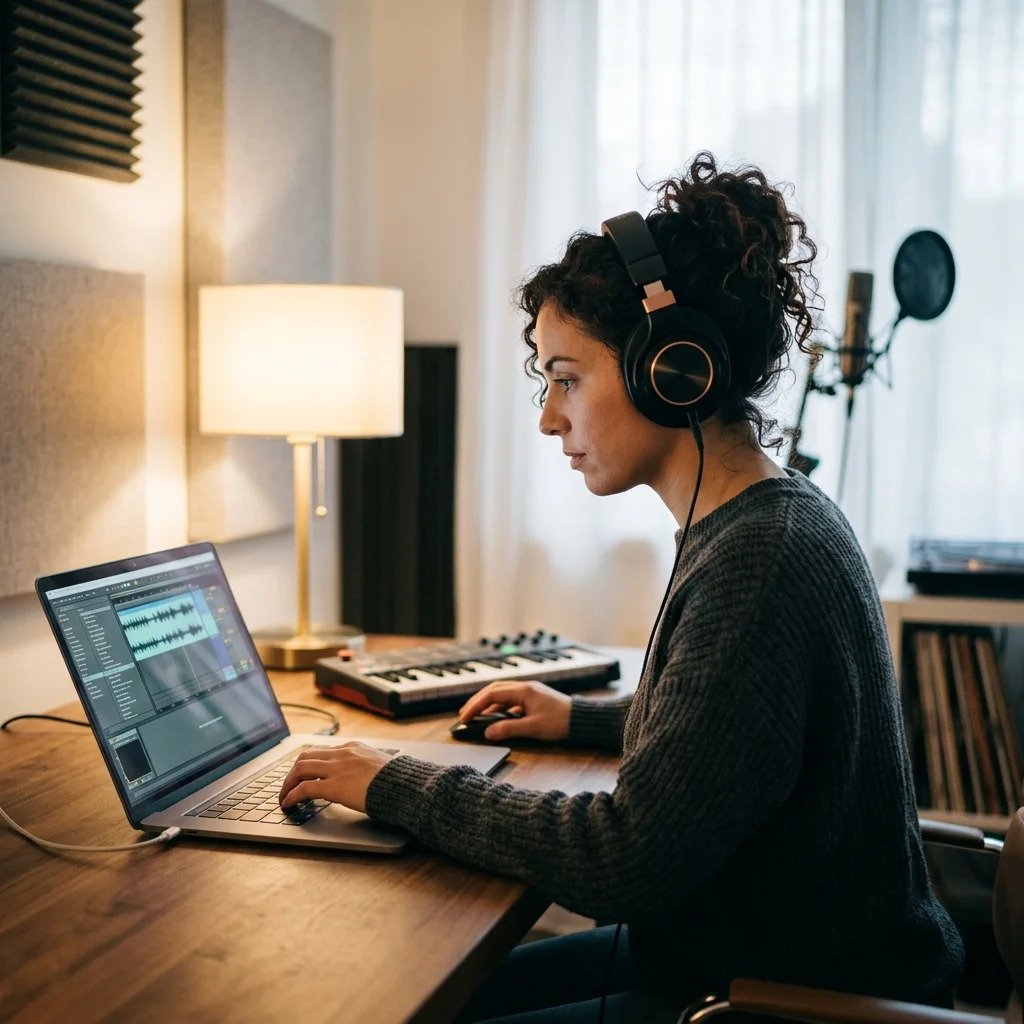
Cover artists
Hear how a song sits in a different voice before committing to recording it.
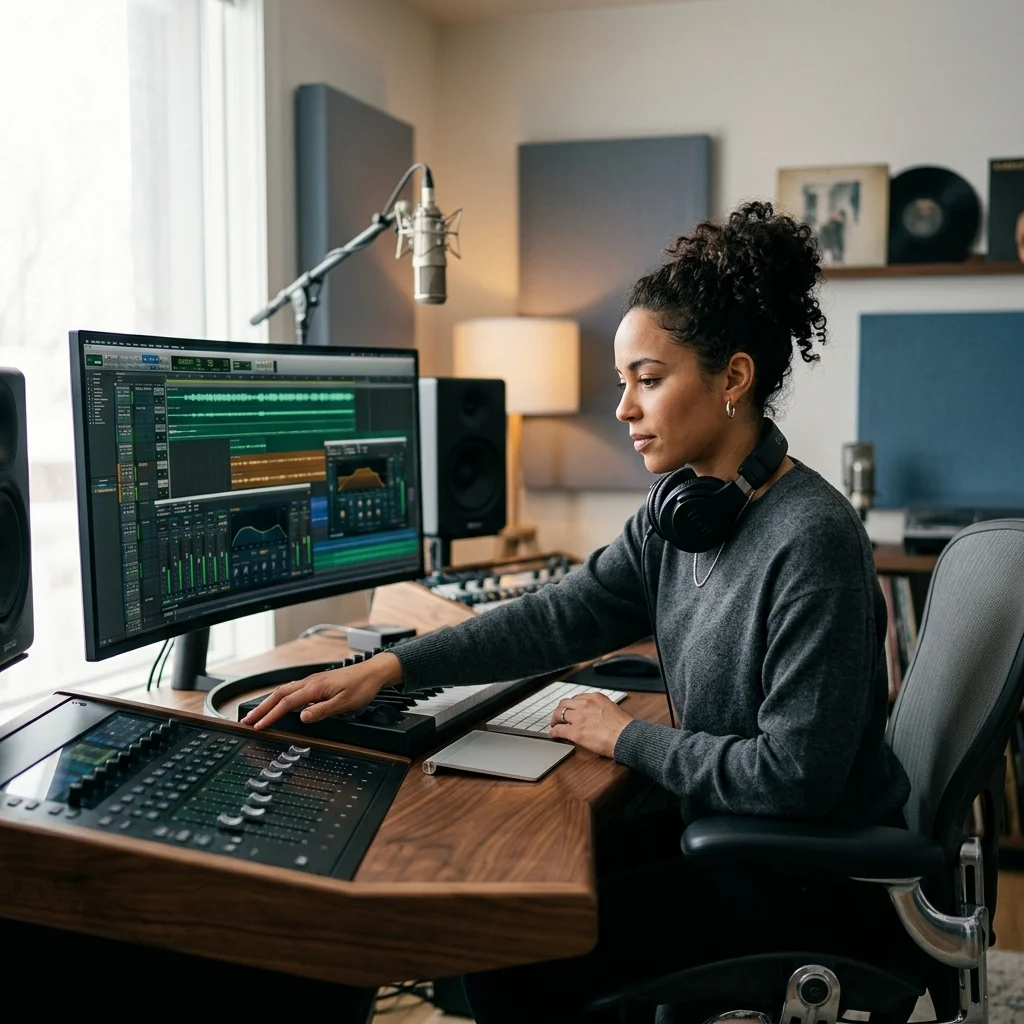
Content creators
Make a version of a track in a voice your audience recognizes as yours.
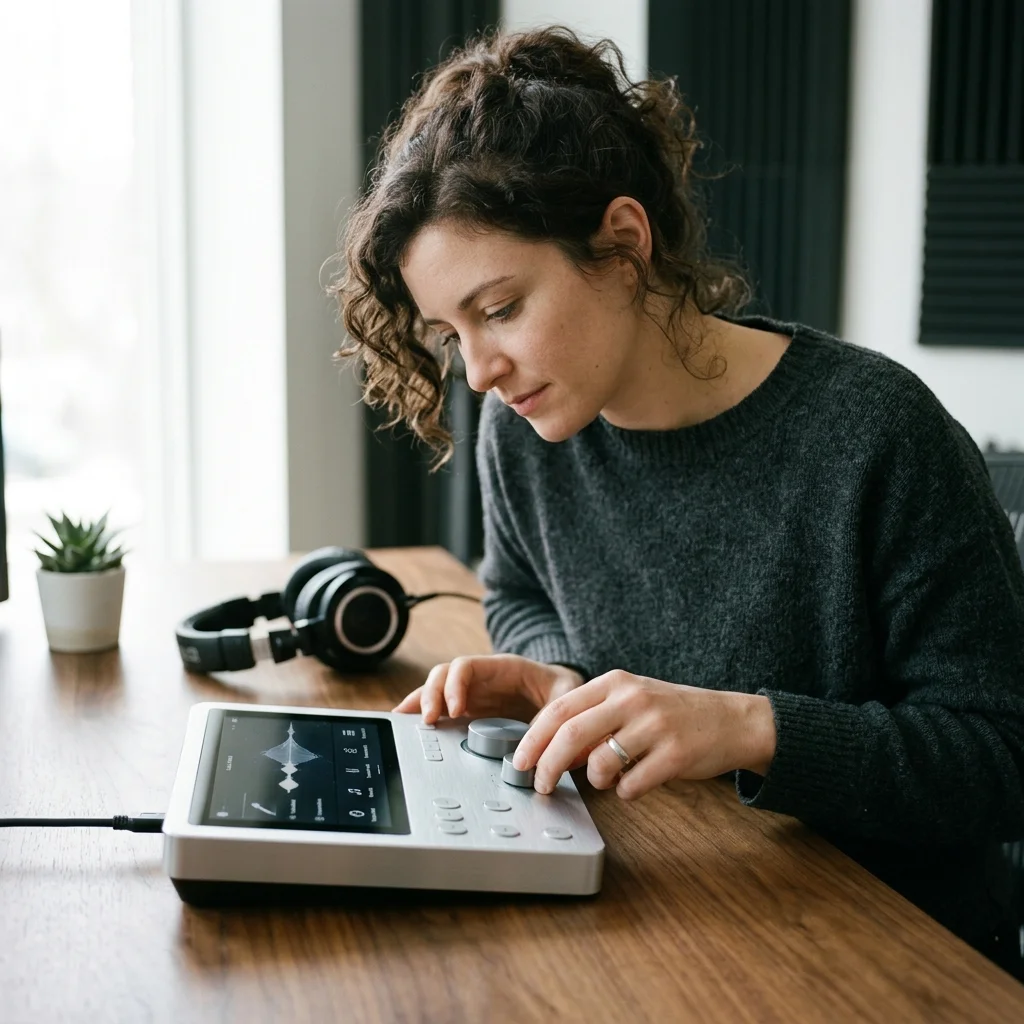
Producers auditioning singers
Test a song against several vocal characters before booking anyone.
Where AI Song Cover Generator results go next
Every tool in the AI Song Cover Generator family
| Tool | What you give it | What you get back | Credits per run |
|---|---|---|---|
| AI Singing Voice Generator | Recordings of a voice | A trained voice model | 60 |
| AI Voice Cloner | Recordings of a voice | A trained voice model | 60 |
| AI Singer | A song and a voice model | The song sung in that voice | 4 |
| AI Song Voice Changer | A song and a voice model | The song sung in that voice | 4 |
AI Song Cover Generator FAQ
Answers for creators comparing AI Song Cover Generator, AI music generators, editing tools, and royalty-aware publishing workflows.
Hear your song in a different voice
The arrangement stays exactly where it was, so the comparison is about the singer.
