
YouTube Music Visualizer
Renders for a YouTube upload, three styles
The cards below hold exports this tool made from the reference tracks. The first is a 41-second excerpt because its source is shorter, the rest run 45 seconds, and all are 720p with the waveform on and captions off — the tracks have no timed lyrics.
Reach more listeners
Who puts a waveform on a YouTube upload
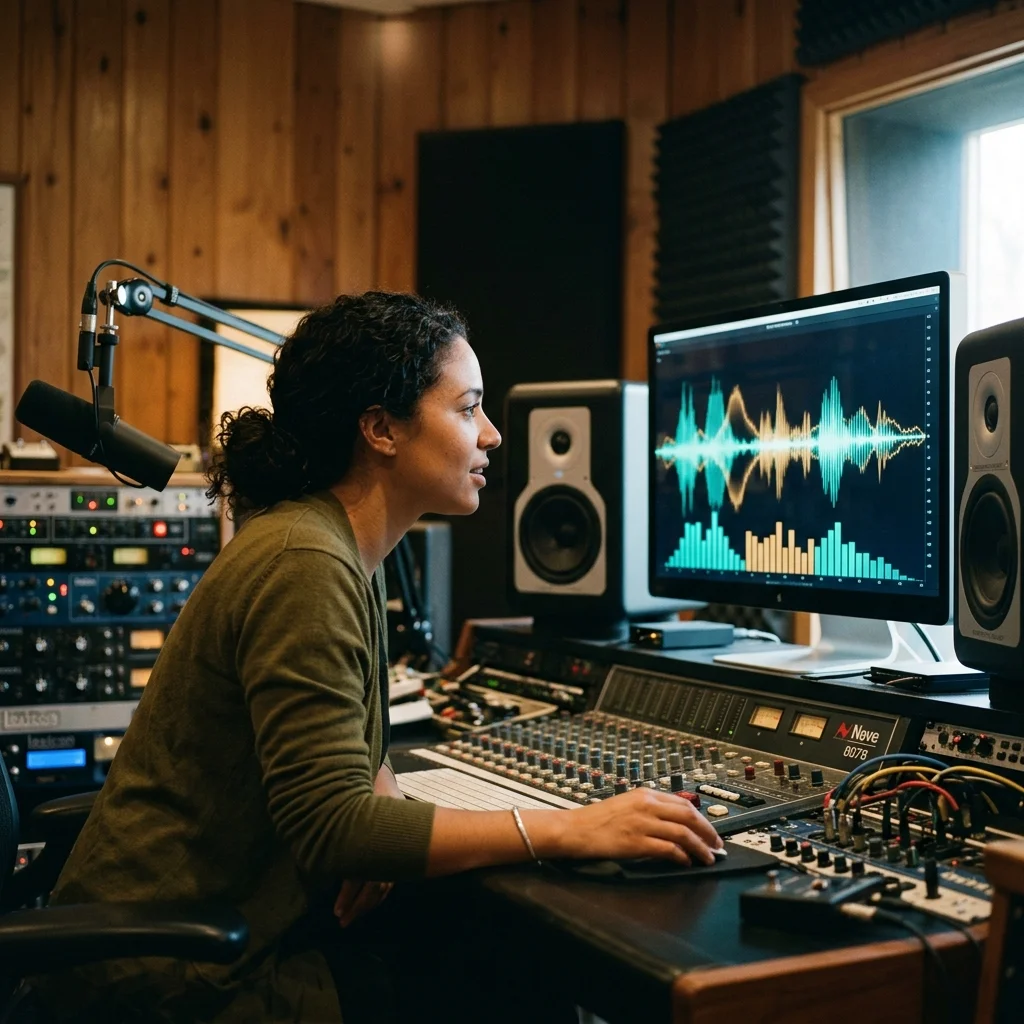
YouTube Creators
Give an audio release a visual frame with generated scenes and an optional reactive waveform.
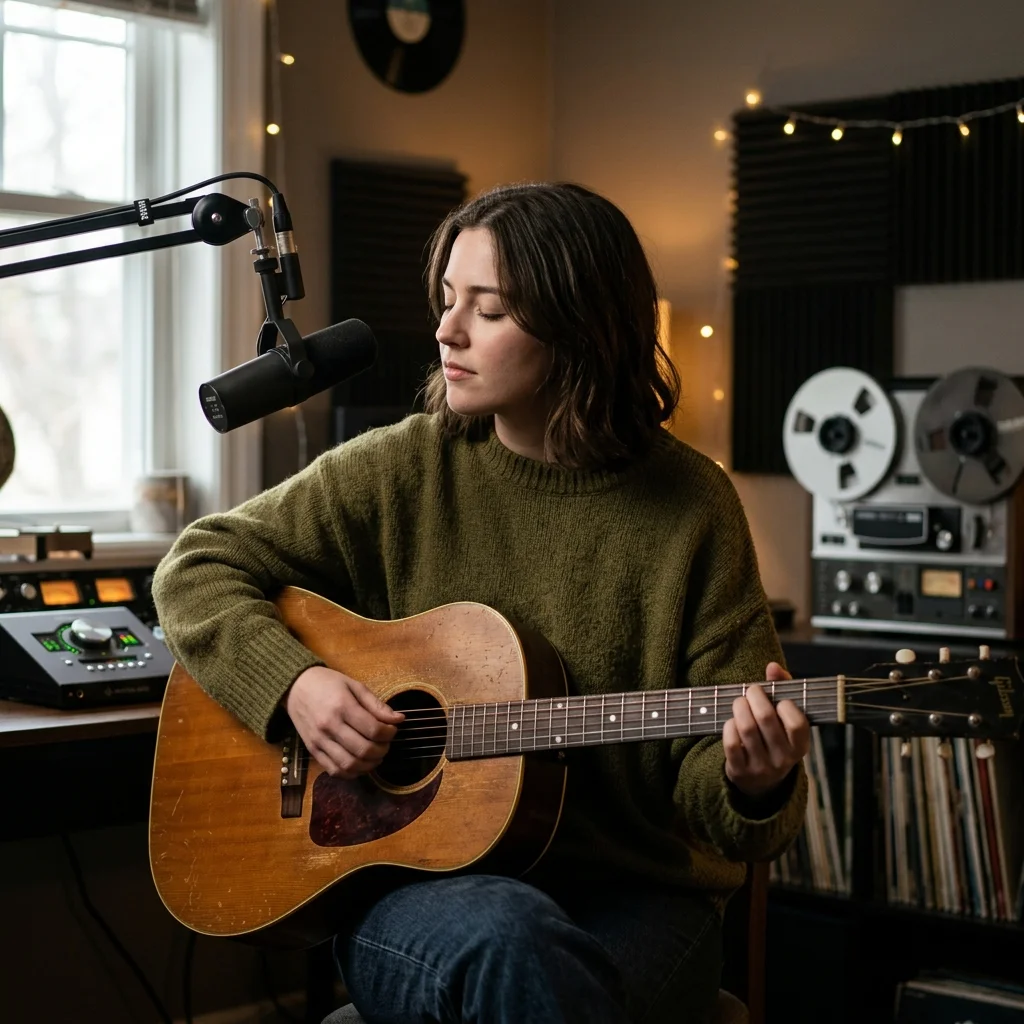
Indie Musicians
Release a vocal track with on-screen words and a consistent image treatment.
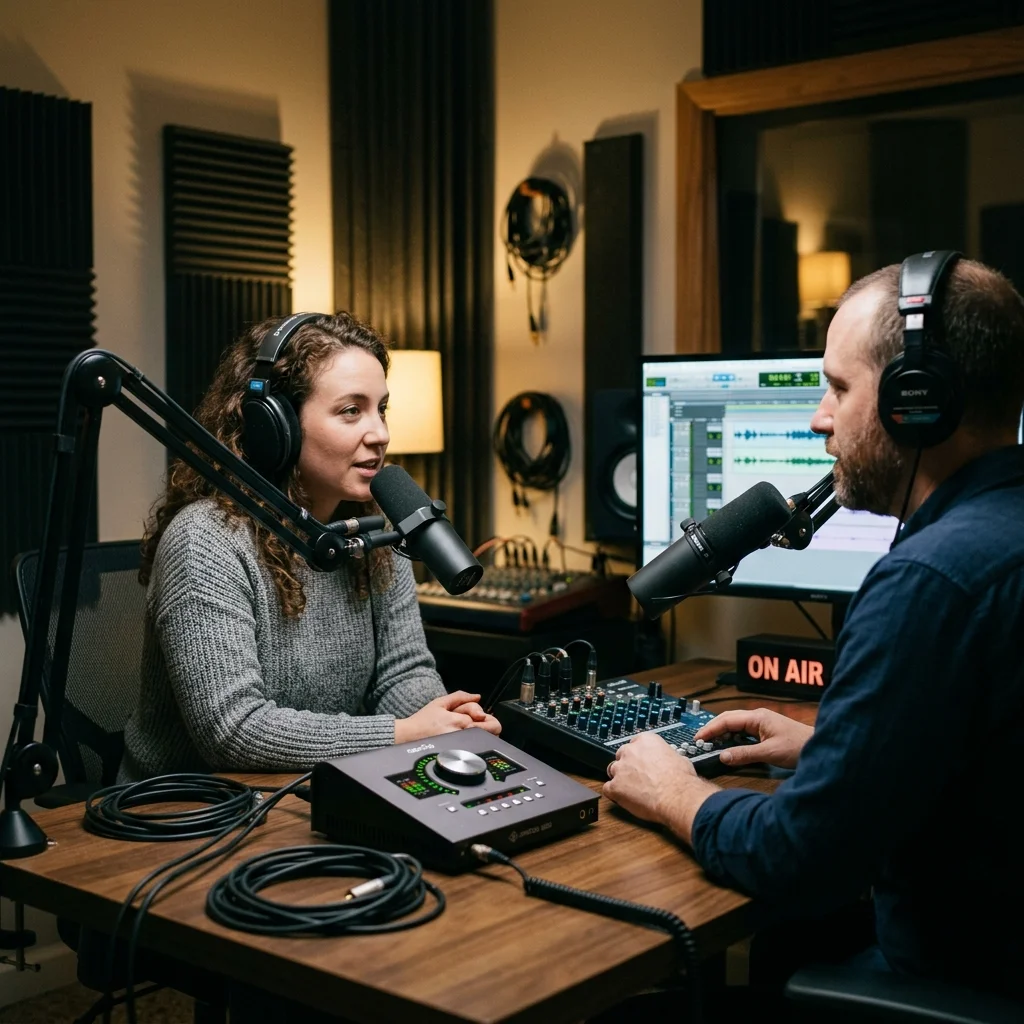
Podcast Hosts
Render a short spoken excerpt with captions that viewers can follow.
How to create a YouTube music video
Select the source track
Upload supported audio or choose your own Aimusicis song. Pasting a YouTube link does not import its soundtrack.
Set the frame and text
Pick a landscape or portrait canvas and a photo style. Position captions and enable the waveform if it helps the composition.
Review and publish yourself
Check the price before generating. Download the finished MP4, review its captions and imagery, then use your normal channel upload process.
YouTube Music Visualizer controls
YouTube Music Visualizer gives an audio release a rendered visual track. The workflow creates scene images, optionally displays vocal captions and renders a waveform. It does not download YouTube audio, connect to a channel or publish a video for you.
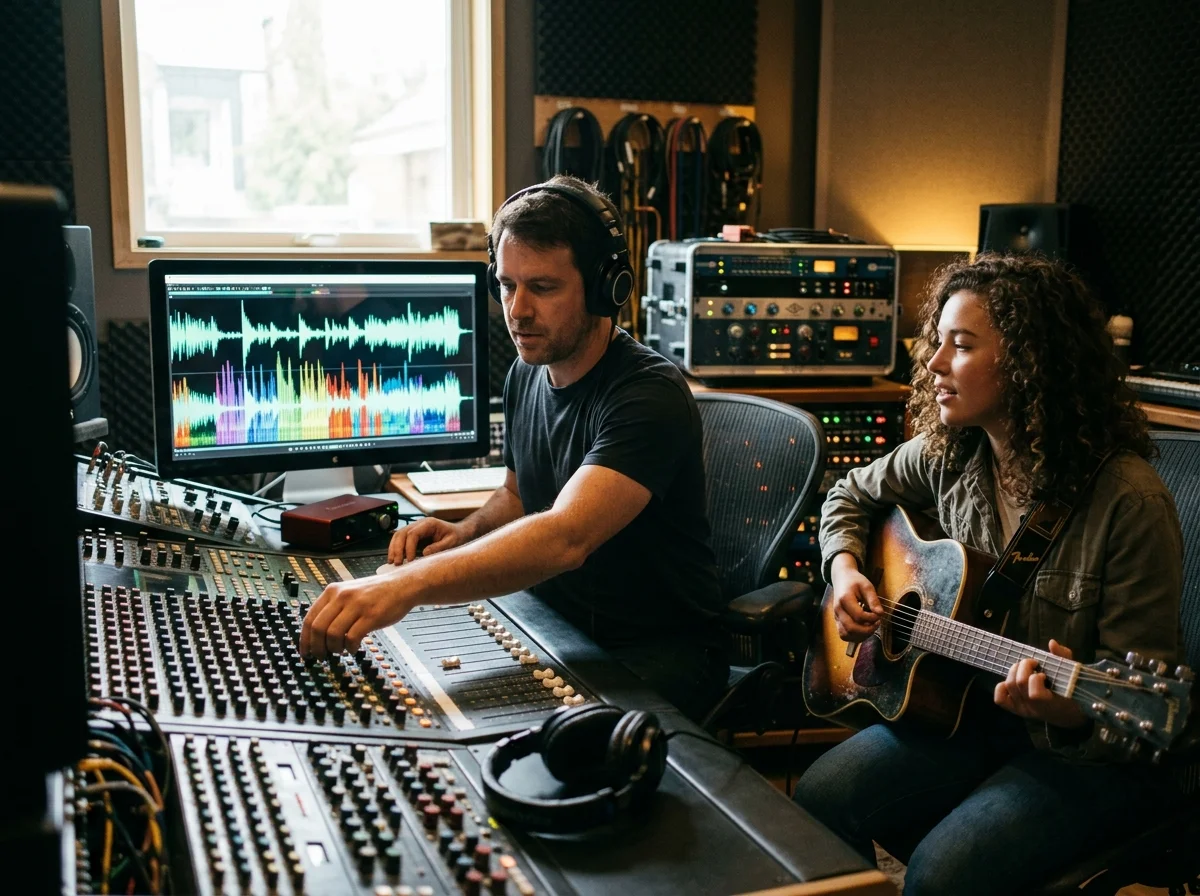
Audio-reactive movement
The waveform is calculated from the source audio. Image transitions are scheduled across the track; they are not automatically cut on detected beats.
A wide or vertical composition
16:9 provides a landscape canvas and 9:16 provides a vertical one. Clip length follows the input audio, so trim the source separately when needed.
Readable vocal captions
Enable transcription captions for songs or speech and choose their on-screen position. Instrumental audio may not yield caption text.
What a YouTube render needs
One upload, sized for the platform
Upload audio or choose an owned My Music recording.
Select landscape 16:9 or portrait 9:16.
MP3, WAV, OGG, M4A, FLAC and AAC.
Audio is limited to 50 MB and 15 minutes.
Where YouTube Music Visualizer results go next
YouTube Music Visualizer questions
Questions about source files, vertical layouts and manually sharing a rendered video.
Turn your recording into a visual upload
Set the canvas, captions and image style, then review the price before generating.
