
AI Mastering
Tracks at release level
Six finished masters across genres that make very different demands on level and tone. Play them back to back - a good master should not jump between them.
AI mastering brings a finished mix up to release level
Master a target track with optional reference audio and before/after comparison.

A mix brought up to release level
Balance, dynamics and loudness are treated across the full track, and you can point the master at a reference whose tone you want to follow rather than at a preset.

When the mix is the problem
Mastering evens out a finished mix. If an instrument is buried, fix it in the mix - no master recovers it.
How AI Mastering works
Take a mix to release level in three steps
Upload the mix you want mastered
Send the final mix as MP3, WAV, OGG, M4A, FLAC or AAC - leave headroom rather than a mix already pushed to the ceiling.
Level and tone are balanced
Mastering evens out the frequency balance and raises the track towards a consistent release level.
Compare, then export
Play the master against the mix you sent before downloading, so you can hear exactly what changed.
AI Mastering features
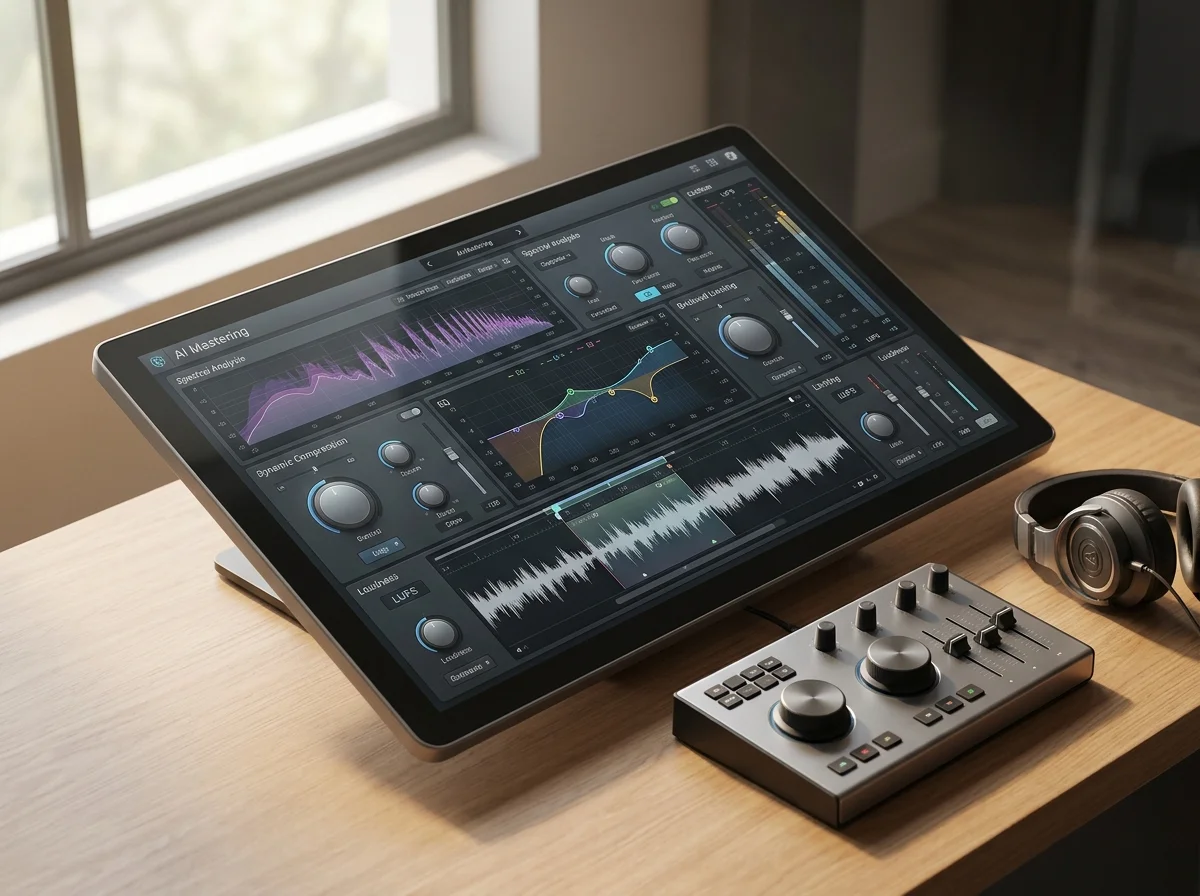
Target and reference music inputs
Give it the track to master and, optionally, a reference file, so the result lands on the sound you already have in mind.
Upload a mix, or pull one from My Music
Send a file - MP3, WAV, OGG, M4A, AAC or FLAC, up to 15 minutes or 180 MB - or pick a finished song already in your workspace instead of uploading it again.
Mastered vs original comparison
Compare the master against the original before you export, so the decision is made by ear rather than on trust.
Headroom is the whole prerequisite
A safe place to bounce from; a mix at the ceiling leaves nothing to work with.
The input - mastering works on the mix, not on the session.
Print your own; the master is applied after, not on top of it.
Your own mix, and a release you trust - worth comparing against.
Who masters without a mastering engineer

Independent artists releasing alone
Get a track to a competitive level without booking a mastering engineer for every single.
Producers delivering client demos
Send a demo that sounds finished, so the client hears the idea and not the rough level.
Media and video teams
Bring a bed up to a consistent level so it sits the same way across a whole series.
Where AI Mastering results go next
Every tool in the AI Mastering family
| Tool | What you give it | What you get back | Credits per run |
|---|---|---|---|
| AI Music Mastering | A finished mix | A mastered track | 6 |
AI Mastering FAQ
Answers for creators comparing AI Mastering, AI music generators, editing tools, and royalty-aware publishing workflows.
Bring your mix up to release level
Match a reference, compare against the original, and download a release-ready WAV.
