
AI Music Visualizer
Music visualizer output, three templates
The cards show real exports from this visualizer, one per reference track. The first is a 16-second excerpt because its source is short, the other two run 45 seconds, and every clip is 720p with the waveform on and captions off since there are no timed lyrics.
Built for audio creators
Who needs audio to have something to watch
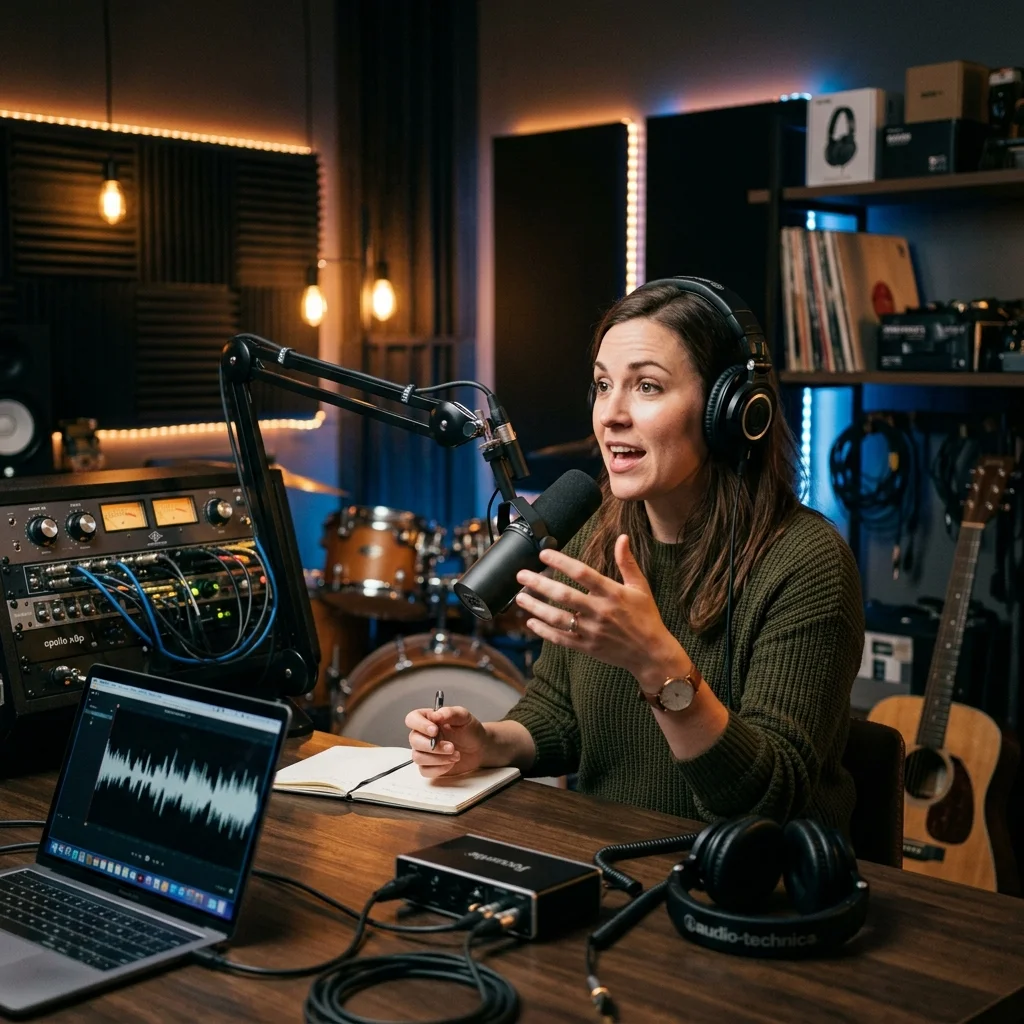
YouTube Podcasters
Make a short audio episode visible through generated scenes, captions and a waveform.
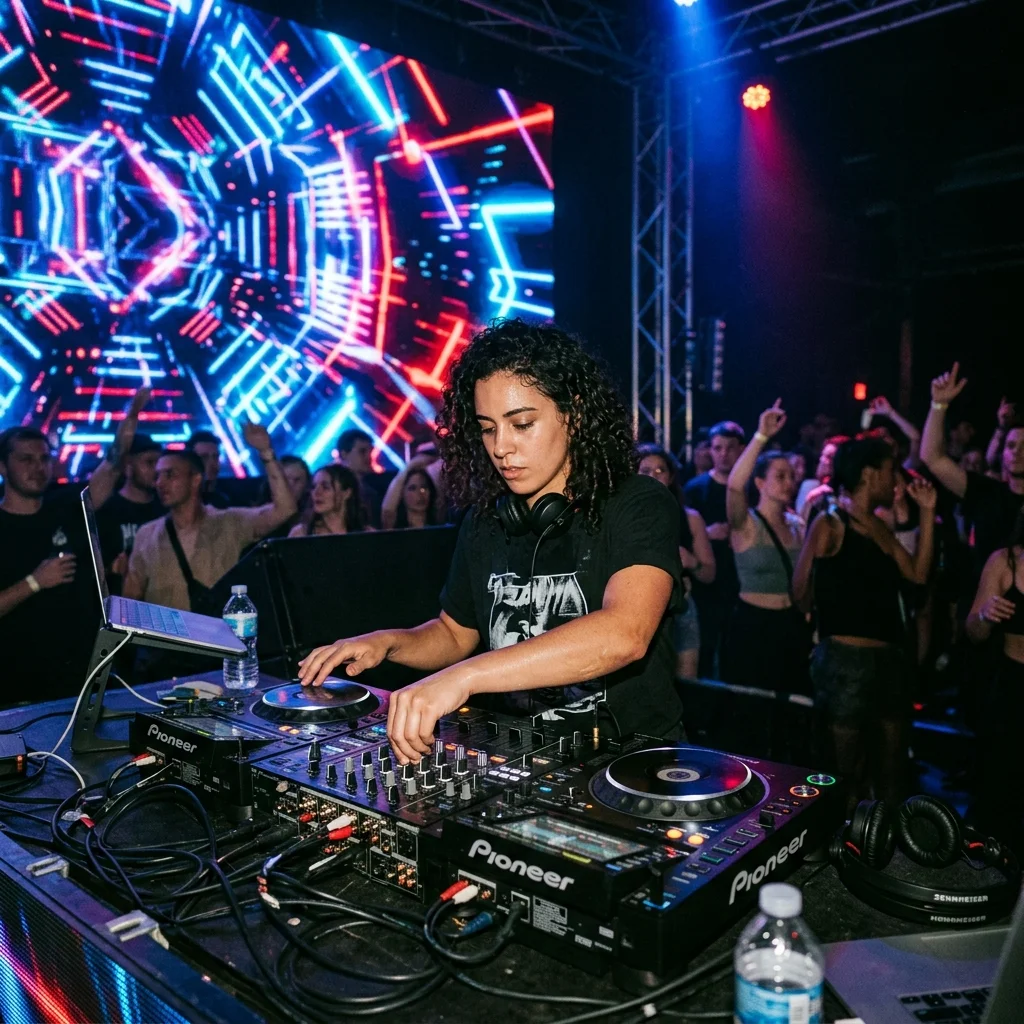
DJ Set Creators
Visualize a prepared mix excerpt with imagery that leaves room for the sound wave.
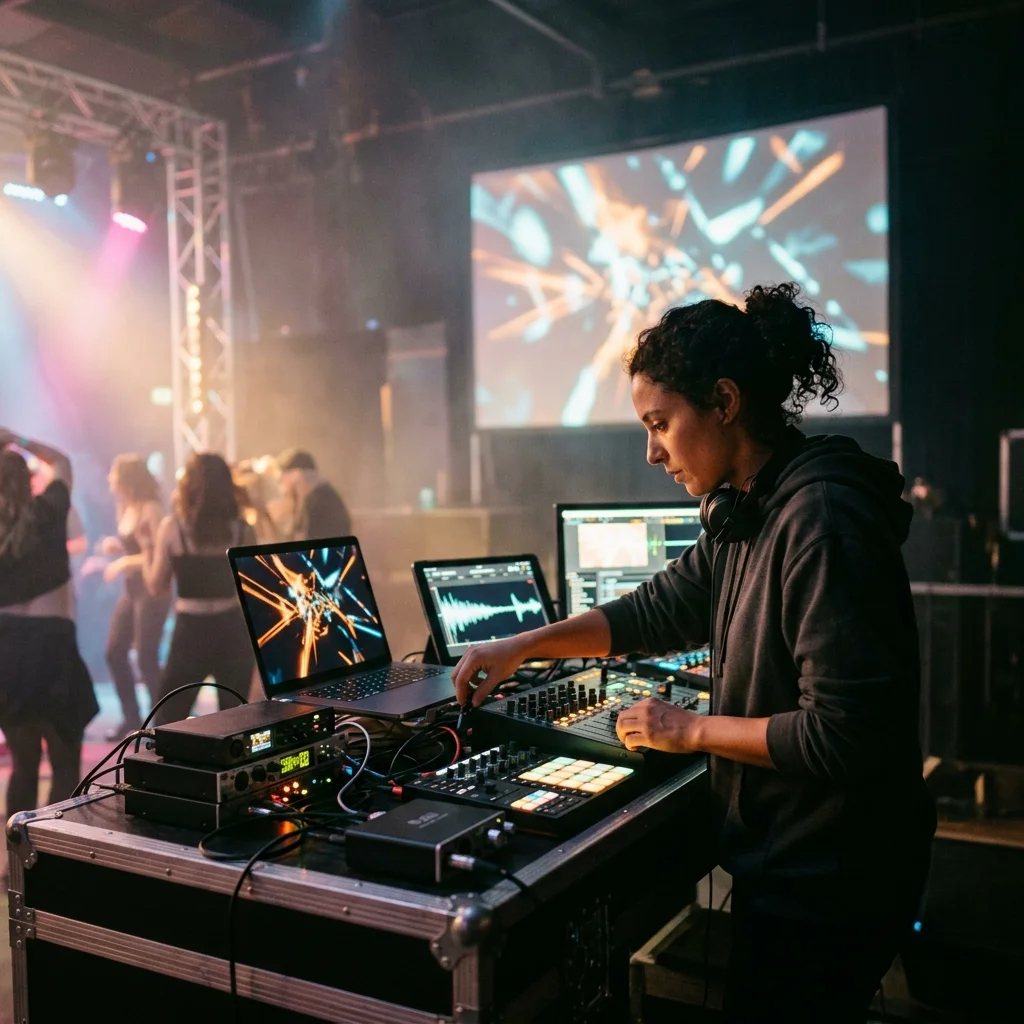
Live Performance VJs
Prepare a rendered backdrop from a recording; playback and projection remain separate from this tool.
How to use AI Music Visualizer
Start with an audio source
Upload your recording or select an owned My Music song. Prepare an excerpt beforehand if you only want to visualize part of it.
Choose the visible layers
Set the photo style and image mode. Enable the waveform, select a caption style and place the text where it leaves the imagery readable.
Generate the visualizer
Check the credit quote and start the job. Open My videos to follow progress, then download the completed visualizer and inspect it with sound on.
AI Music Visualizer controls
AI Music Visualizer combines generated scenery with movement calculated from your recording. Keep the waveform visible to show the sound, and add transcribed words when the track includes speech or singing.
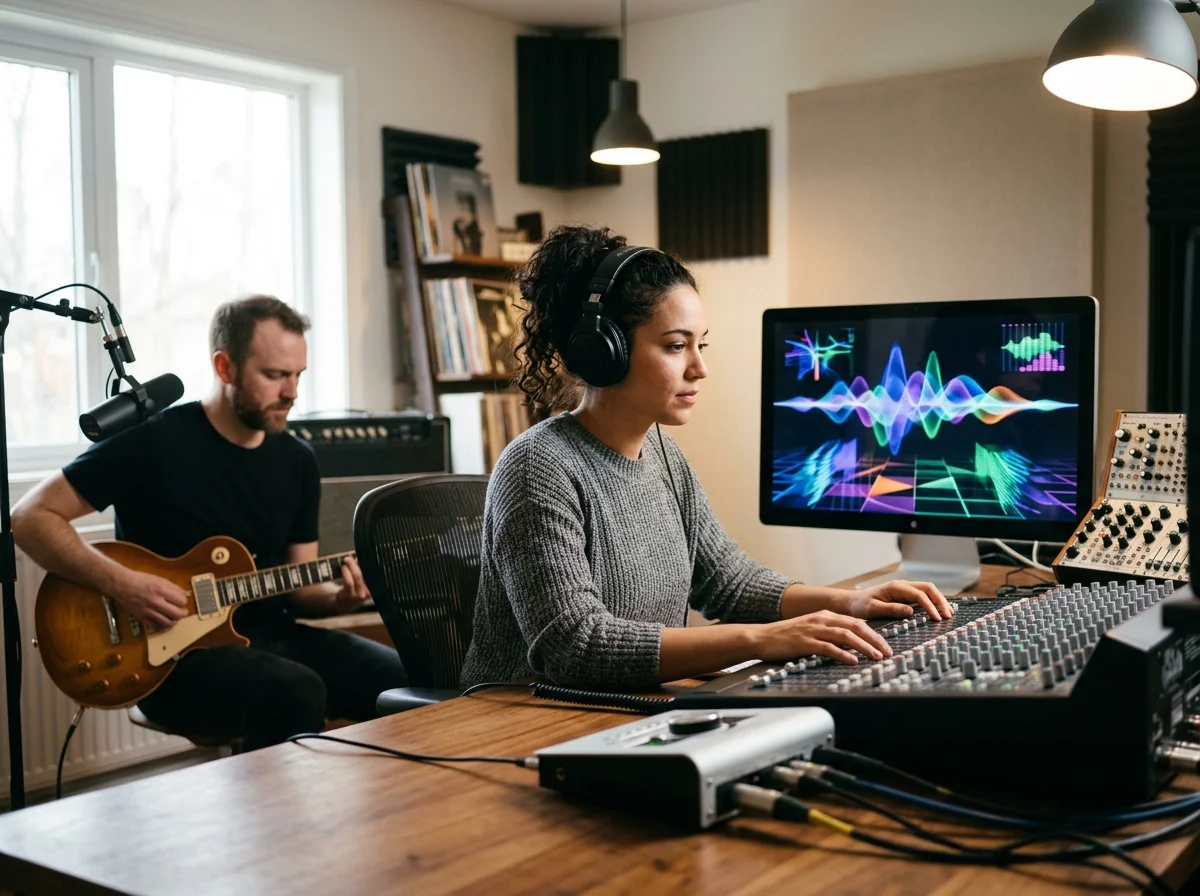
Waveform calculated from audio
The sound wave responds to the source recording. This is a rendered visualization, not a live microphone or stage projection tool.
Images that match a chosen treatment
Use a single AI image for a consistent background or several generated scenes across the track. Image changes follow a scene schedule rather than beat detection.
Optional words above the scenery
Transcribed captions can accompany speech or vocals. Turn them off for an instrumental visualizer while retaining the waveform.
What one visualizer render needs
One upload, two canvases
The whole input; no video footage required.
16:9 for YouTube and 9:16 for Reels, Shorts and TikTok.
MP3, WAV, OGG, M4A, FLAC and AAC.
The ceiling on one upload.
Where AI Music Visualizer results go next
AI Music Visualizer questions
Answers about rendered waveform videos, image treatments and audio limits.
Give your recording a visible rhythm
Set the imagery and waveform for your track, with optional words on screen.
