
Slideshow Maker With Music
Slideshow renders from the soundtrack references
Each card is a render this tool produced from one of the page's soundtrack references. All three are 45-second 720p excerpts with the waveform on and captions off, because none of these tracks has timed lyrics.
Slideshow Maker With Music with generated imagery

A slideshow delivered as an MP4
The result includes the soundtrack and generated scene images in one video file. Playback does not require a slide presentation or manual advancement.

Manual photographs belong in the editor
For a background you supply and timeline adjustments, use the Music Visualizer Editor. This generator creates its own imagery from the recording and selected style.
How Free Slideshow Maker With Music works
How to use Slideshow Maker With Music
Choose the audio first
Upload a supported recording or select a track you own in My Music. Its duration determines the length of the slideshow.
Set the image sequence
Choose Multiple Images and a photo style for generated scenery. Select the canvas, then decide whether to show automatic captions and the waveform.
Review credits and render
Check the quoted price and start generation. Find the task in My videos and download the completed MP4 once it is ready.
Slideshow inputs and output
16:9 landscape or 9:16 portrait.
The completed video includes its source audio.
The maximum duration of the source recording.
The maximum size of an audio upload.
Slideshow Maker With Music controls
Slideshow Maker With Music turns a recording into a sequence of generated images. Choose Multiple Images for a changing scene sequence, or Single Image for one backdrop throughout the soundtrack.
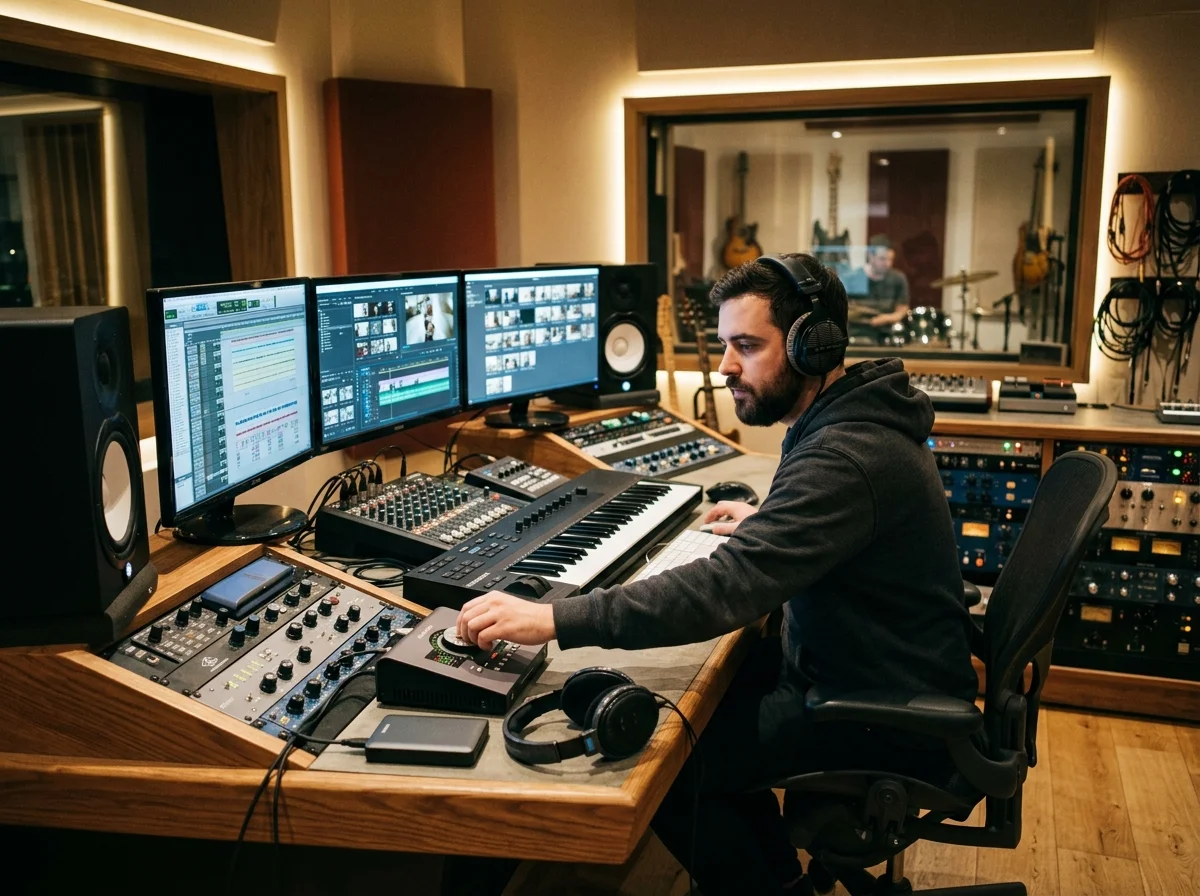
Generated scenery across the soundtrack
The service plans and generates a bounded sequence of images across the audio. It does not import a folder of photographs or combine video clips in this form.
Separate picture, text and waveform choices
An instrumental track can play behind the imagery without captions. For a vocal recording, choose a text preset and placement while independently controlling the sound wave.
Who makes slideshows with a soundtrack
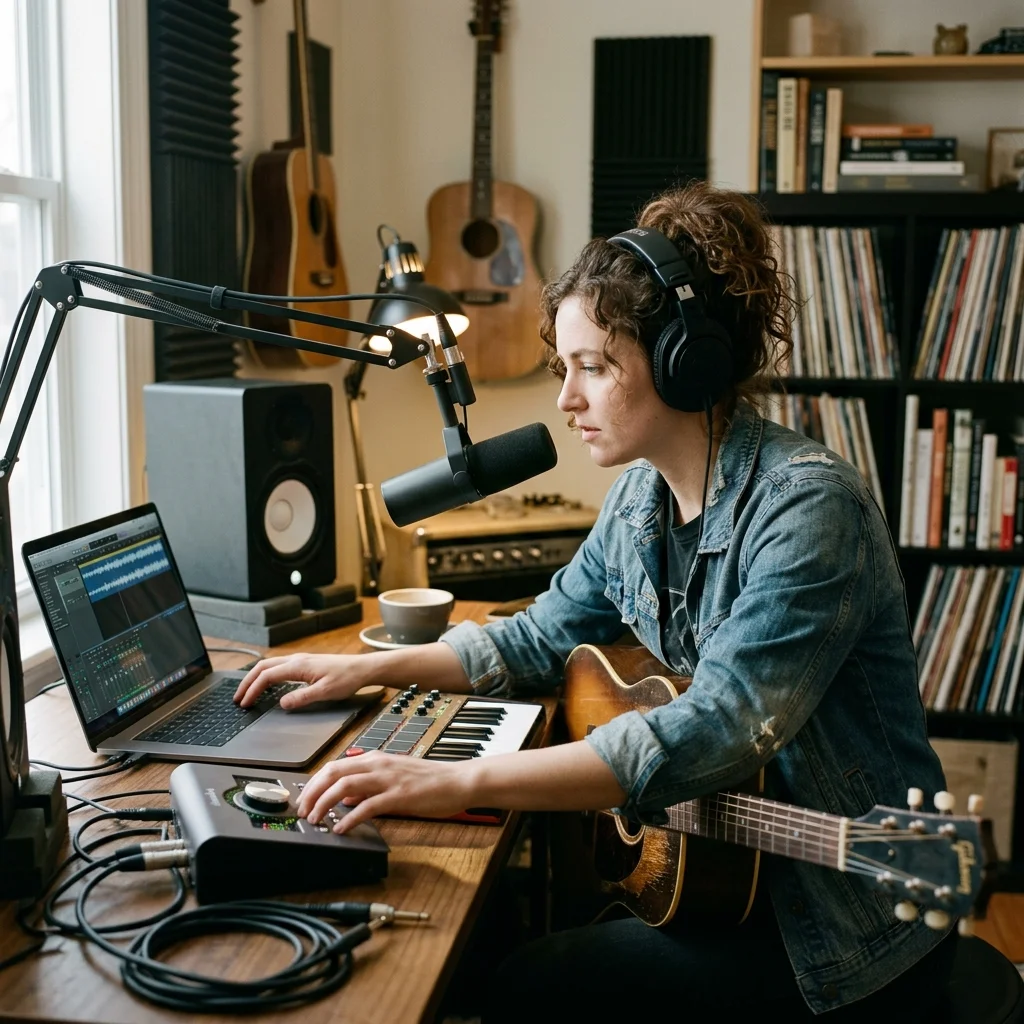
Teachers and trainers
Turn a prepared narration into a video with generated scenery and optional captions.
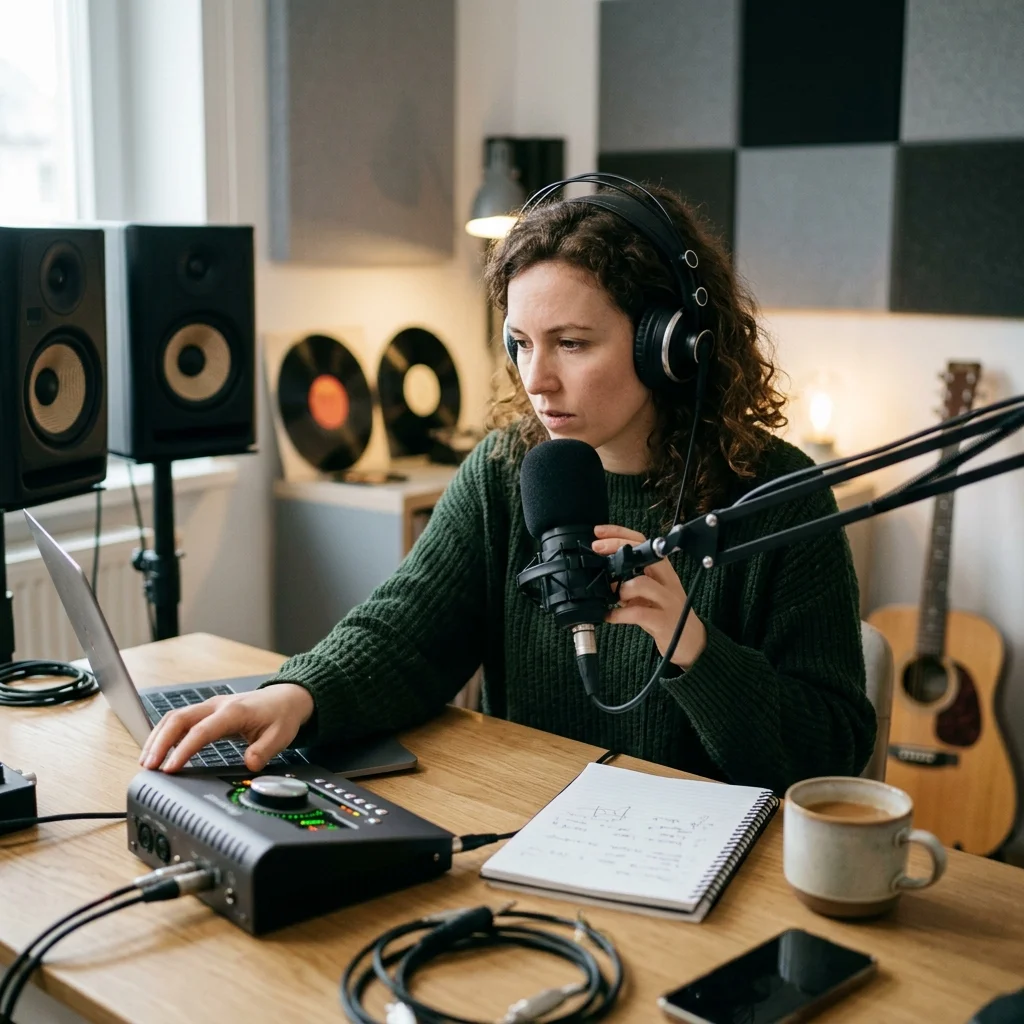
Estate and retail listings
Explore an illustrated presentation around audio; use the editor when actual product photographs are required.

Anyone sharing a trip
Pair a travel recording with generated scenes, then review the images before sharing.
Where Slideshow Maker results go next
Slideshow Maker With Music questions
Answers about generated image sequences, soundtrack length and the downloaded slideshow.
Create a scene sequence around your soundtrack
Choose a visual treatment for your recording and review the price before rendering.
