
BPM Tapper
- Tap count
- 0
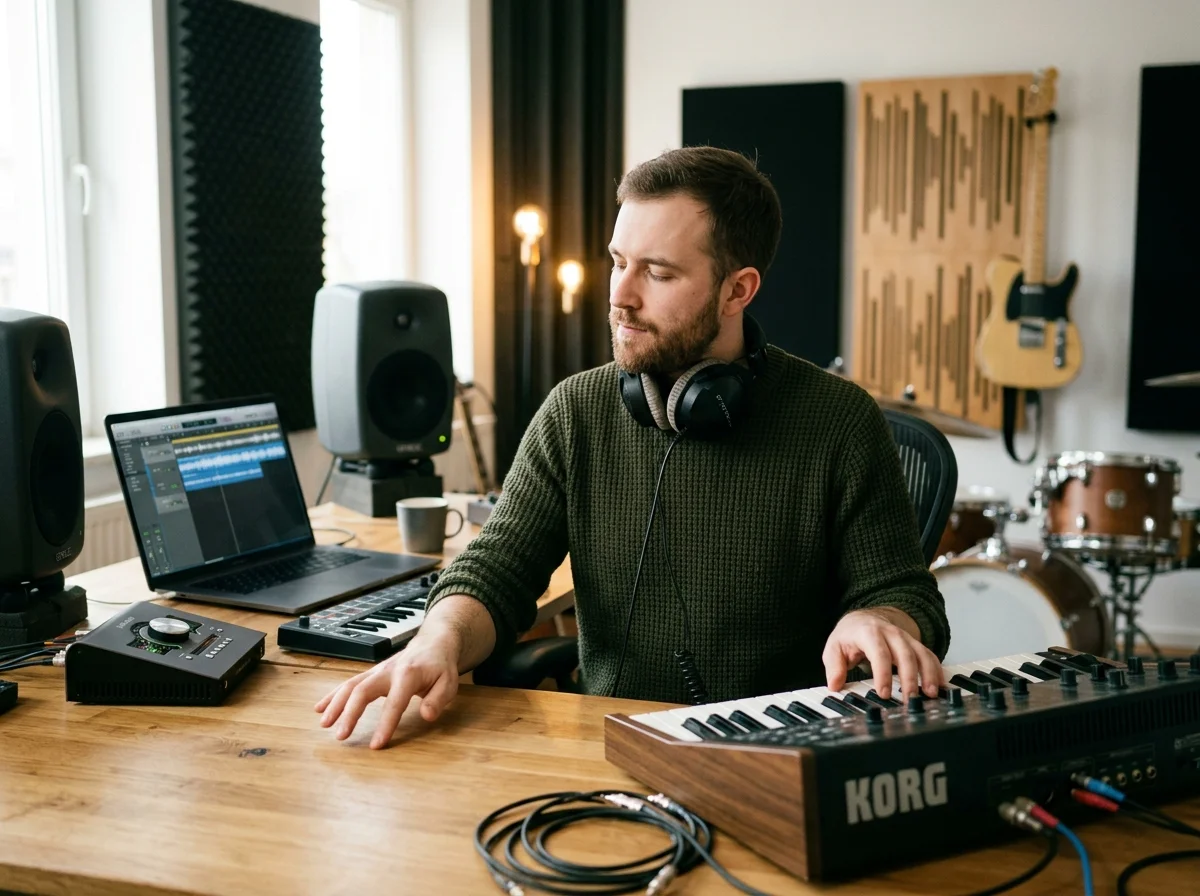
BPM Tapper: find tempo before you generate, edit or remix
Tap with mouse, touch, or the spacebar. Escape resets. No auth, credits, or server work required. Use this page before AI music generation, MIDI work, remixing, slowed reverb, or DAW editing when tempo matters.
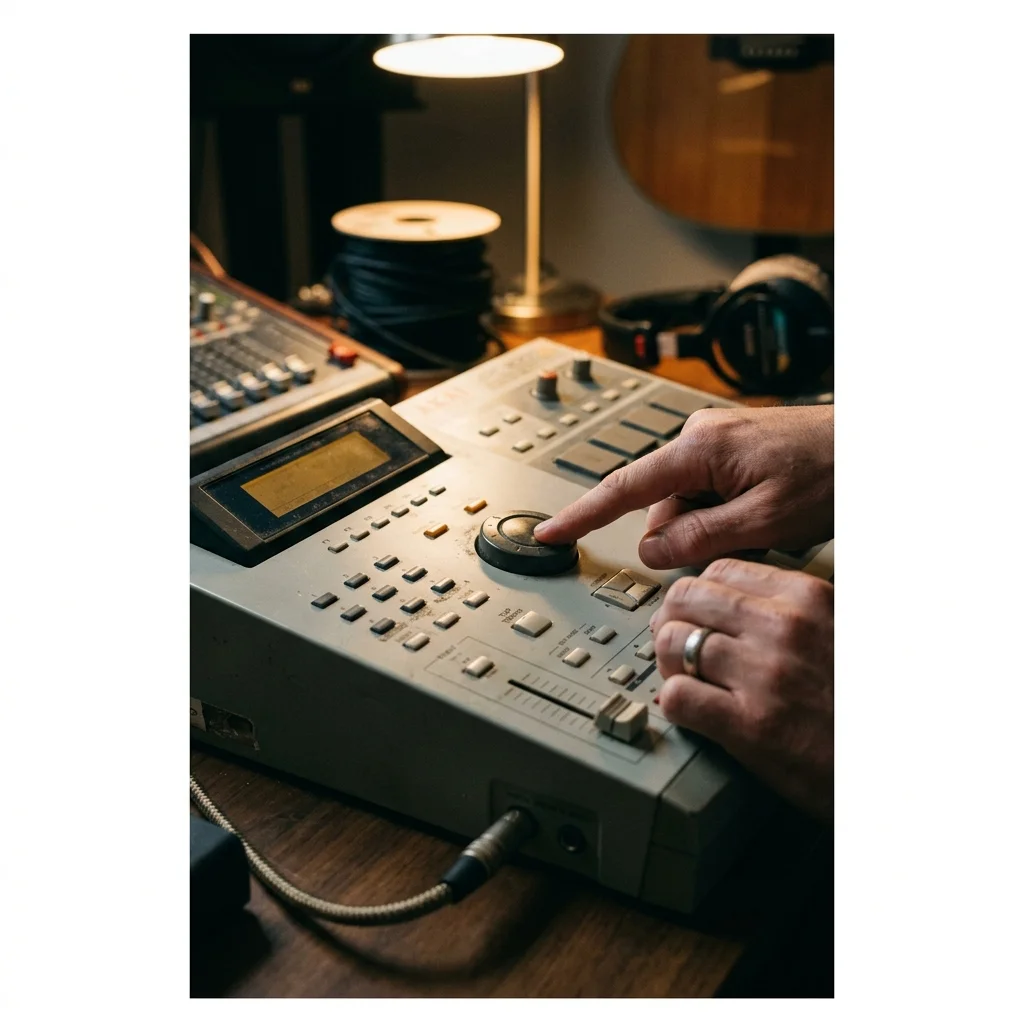
Tap tempo in the browser
Use mouse, touch, or keyboard input to average repeated taps into a practical BPM reading.

Reset noisy measurements
Escape resets the counter so accidental pauses do not pollute the next measurement.
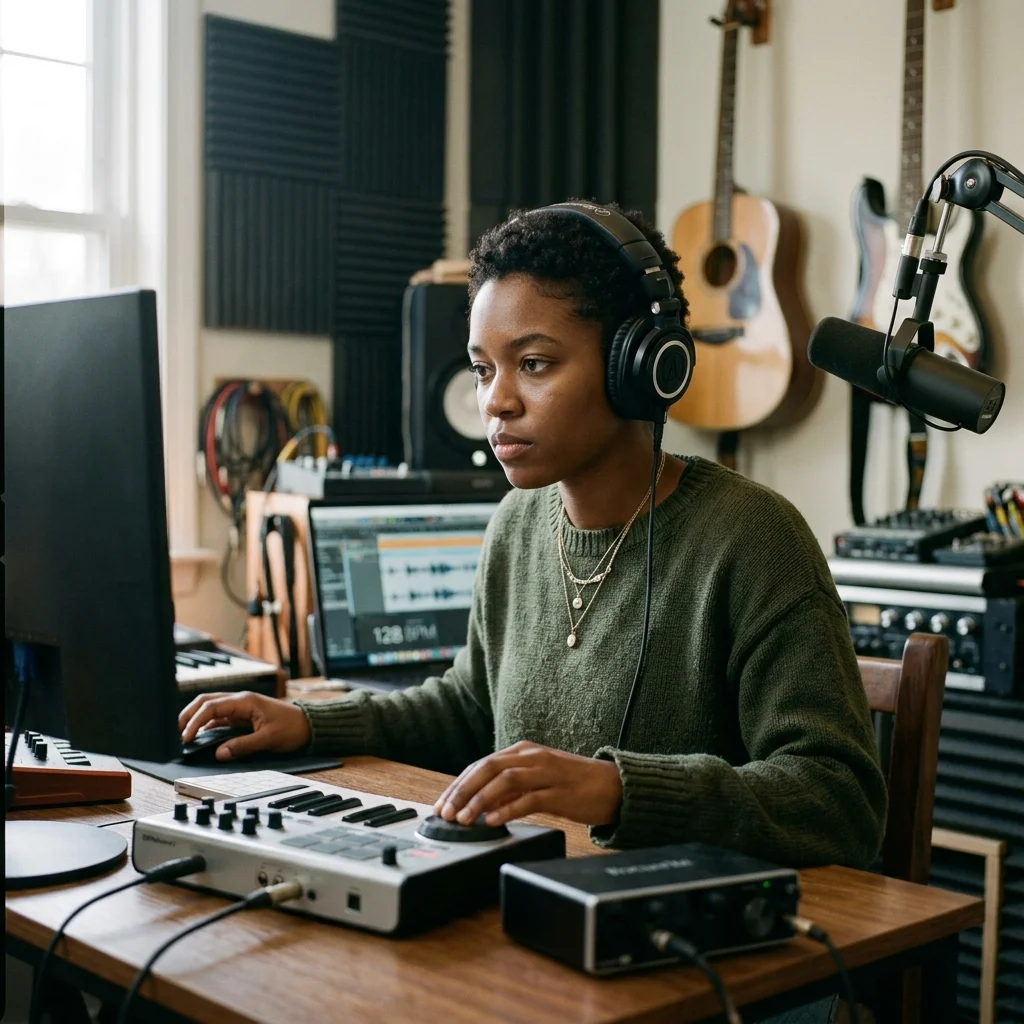
Copy BPM into prompts
Use the tempo value in AI music, MIDI, remix, and mastering workflows for tighter results.
How it works
Read a tempo by tapping, in three steps
Play the track wherever it is
Nothing is uploaded here. Put the song on in another tab, on a phone, or in the room - the tapper only needs you to hear it.
Tap the beat
Tap along on the button or the space bar. The reading settles after a handful of beats and keeps refining while you continue.
Take the number with you
Use it to set a DAW project tempo, match a second track, or fill in the tempo field on a generator page before you write. Or open the metronome at that tempo to practice against it.
A tempo, with nothing uploaded
The reading comes from your taps.
The tempo, how steady your taps were (±), and its half and double time.
Enough for the reading to settle; keep going and it keeps refining.
The tapper runs in the browser without an account.
Who taps out a tempo
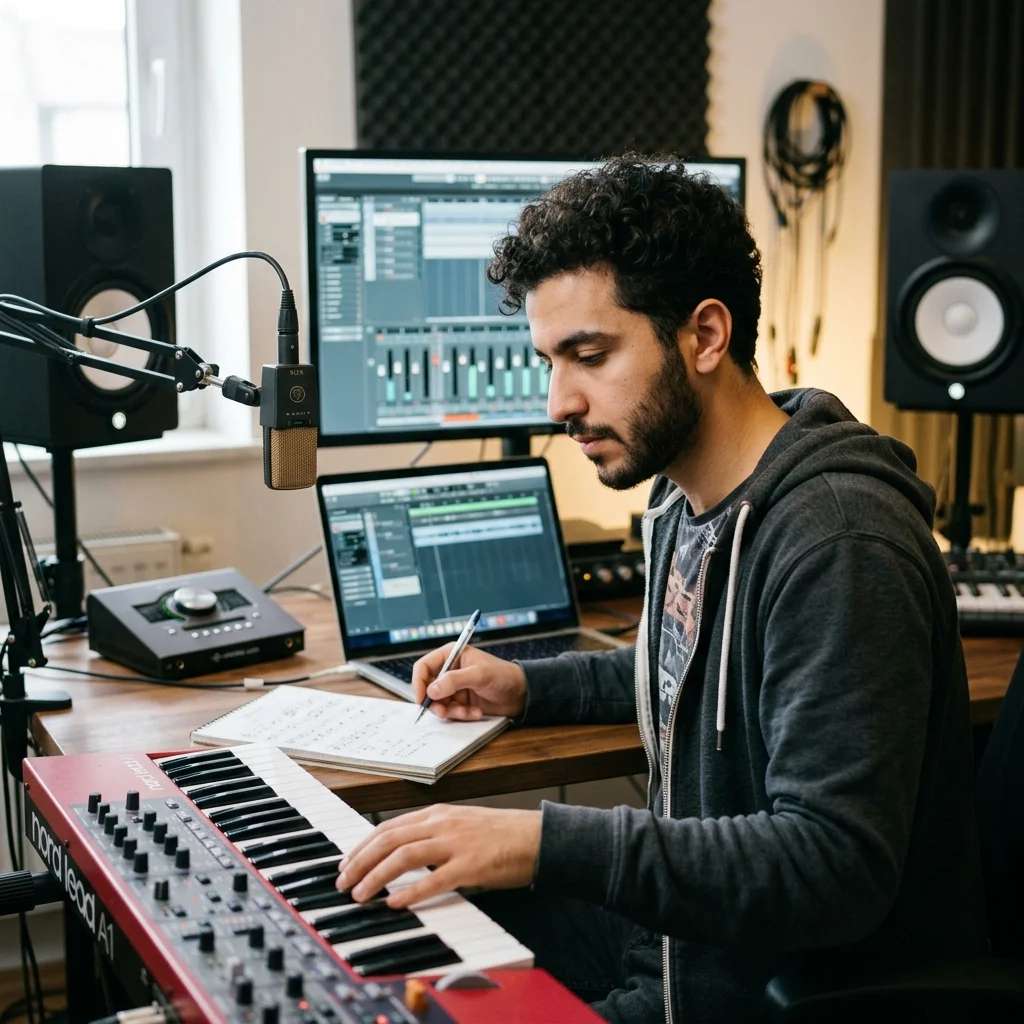
DJs checking a record by ear
Faster than loading a file into software when you only need to know whether two tracks will blend.
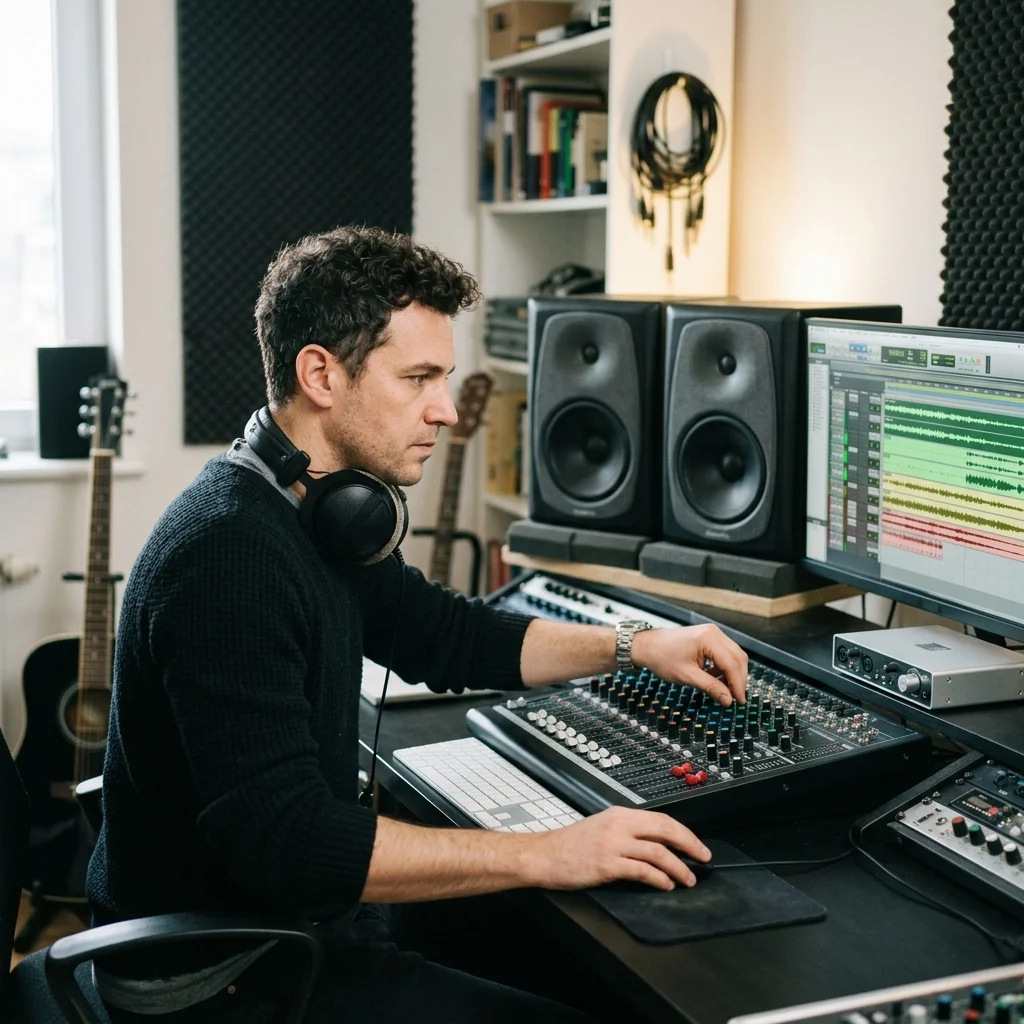
Dancers and choreographers
Count a piece accurately before setting movement to it, from whatever the music is playing on.
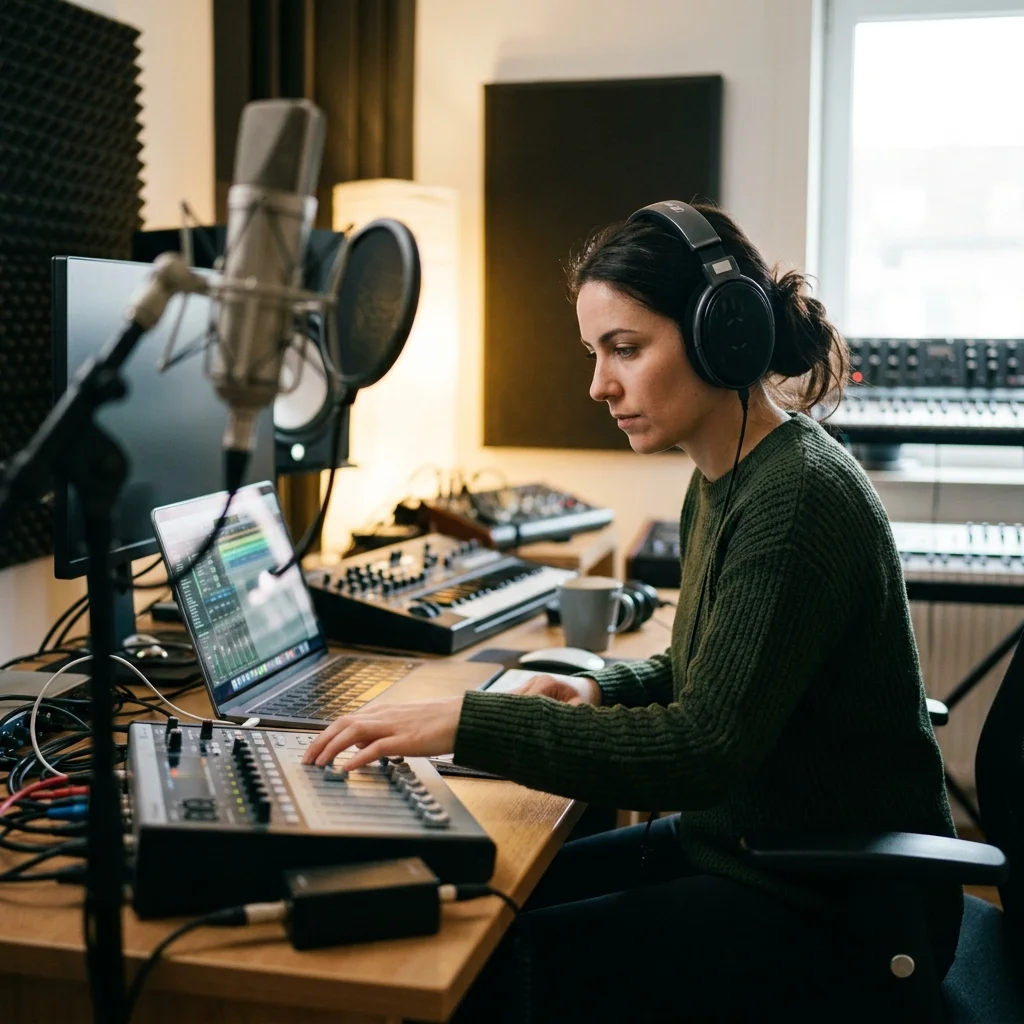
Producers matching a reference
Set a project tempo from a track you like without uploading it anywhere.
BPM Tapper FAQ
Use this BPM in your next song
Copy the tempo, then open an Aimusicis generator or editor with a clearer rhythmic target.
