
Birthday Video Maker
Watch the birthday video renderer at work
Each card holds a clip from the renderer behind this page, made from one of the reference tracks in one of its sound wave styles, with the wave on a plain background rather than over the generated photos your video would use. The excerpts are 45 seconds at 720p, with the waveform on and captions off because the tracks have no timed lyrics to display.
Birthday Video Maker with generated imagery

A recorded greeting with visual scenery
Start with a birthday song, a spoken message or another recording you may use. The generator creates imagery around that audio and renders the combination as a video.

When personal photographs matter
This form generates scene images. Open the Music Visualizer Editor for your own background image and manual timeline work; guest video clips are not accepted here.
How Birthday Video Maker works
How to use Birthday Video Maker
Prepare the celebration recording
Choose a song from your My Music library or upload the audio message you want viewers to hear. Trim it beforehand if you need a shorter greeting.
Choose the picture and words
Set a photo style, single or multiple images, and a 16:9 or 9:16 canvas. Keep captions for spoken wishes or turn them off for a purely musical greeting.
Check the price and create the video
Confirm the quoted credits, then follow the job in My videos. Download and review the MP4 before sending it to guests or playing it at the event.
Greeting video limits and formats
16:9 landscape or 9:16 portrait.
The completed video includes its source audio.
The maximum duration of the source recording.
The maximum size of an audio upload.
Birthday Video Maker controls
Birthday Video Maker gives a recorded greeting or celebration song a visual setting. Choose generated image styles, readable captions and a wide or vertical canvas for a video you can download and share.
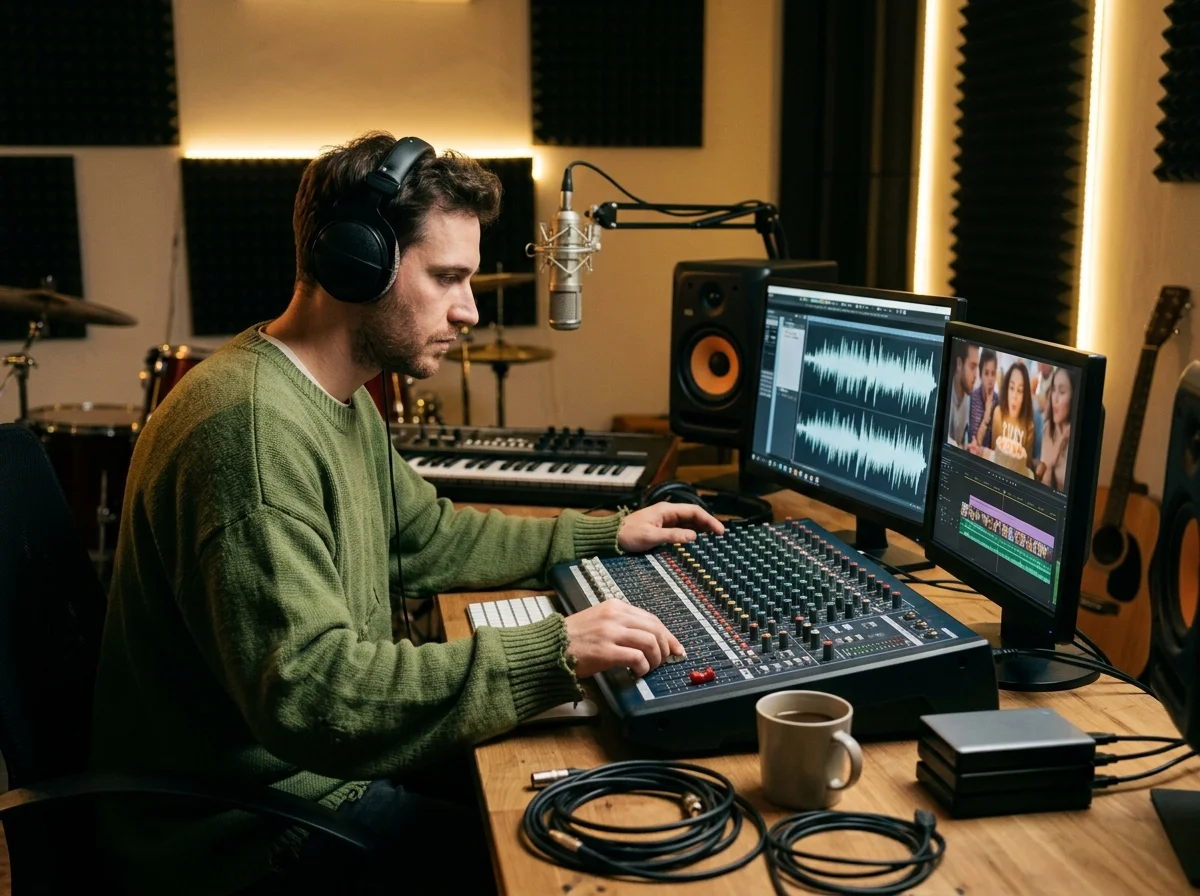
Generated images for the occasion
The audio context and chosen style guide image creation. Generated people or places are illustrative; the result is not a reconstruction of your actual event.
Words that can accompany a greeting
Automatic captions can place a spoken message or sung words on screen. Choose a text style and alignment, then review names and unusual words in the finished video.
Who makes videos for an occasion
Party hosts
Create a video around a prepared party song or recorded welcome.
Families marking an anniversary
Give a spoken anniversary message illustrated scenery and captions.
Event photographers
Produce a music-led invitation or greeting with generated imagery for guests.
Where Birthday & Event Video Maker results go next
Birthday Video Maker questions
Answers about recorded greetings, generated people and places, and reviewing the final video.
Create a visual greeting from your recording
Choose a scene style and captions for the occasion, then confirm the generation quote.
