
Anime Music Video Maker
Three visualizer renders, one per reference track
These three clips are exports from this page's own renderer, one per reference track. All three run 45 seconds at 720p with the waveform on and captions off, since the tracks carry no timed lyric lines.
Perfect for content creators
Who puts anime visuals behind audio

YouTube Podcasters
Frame spoken excerpts with illustrated scenery and readable captions.
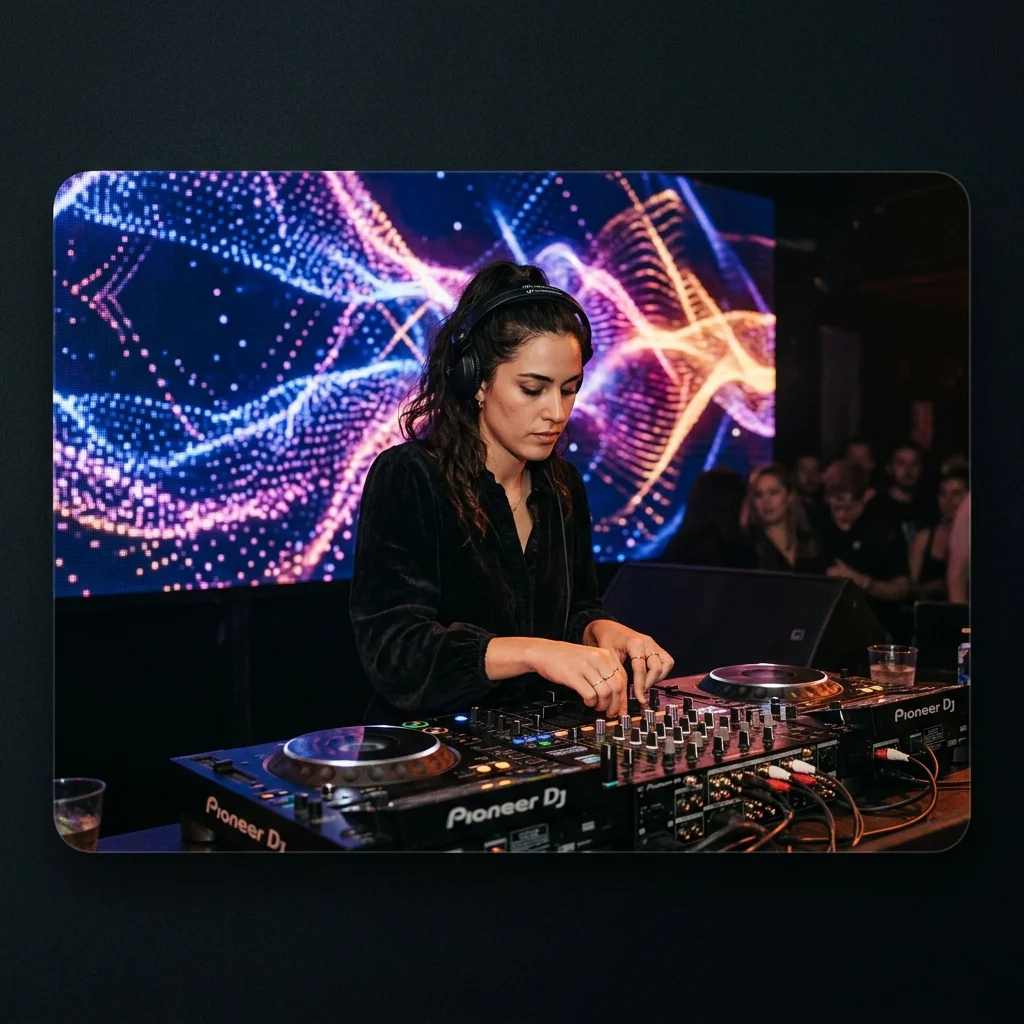
DJ Set YouTubers
Give a prepared music excerpt cel-inspired imagery and a reactive sound wave.

Indie Artists
Create a visual companion to a single using illustrated stills and optional lyrics.
How to use Anime Music Video Maker
Select the soundtrack
Upload your song or choose an owned track from My Music. A prepared excerpt controls the length of a shorter anime-inspired video.
Choose an illustrated treatment
Select a style such as Nineties Cel-Shaded or 90s Cosmic Cel. Choose one image or multiple scenes, and set the captions and waveform.
Render and review the scenes
Confirm the credit quote and follow generation in My videos. Watch the finished MP4 to check imagery and automatic captions before publishing.
Anime Music Video Maker controls
Anime Music Video Maker pairs a recording with illustrated AI scenes. Choose a cel-inspired photo style, set the canvas and captions, then render the composition with an optional reactive waveform.
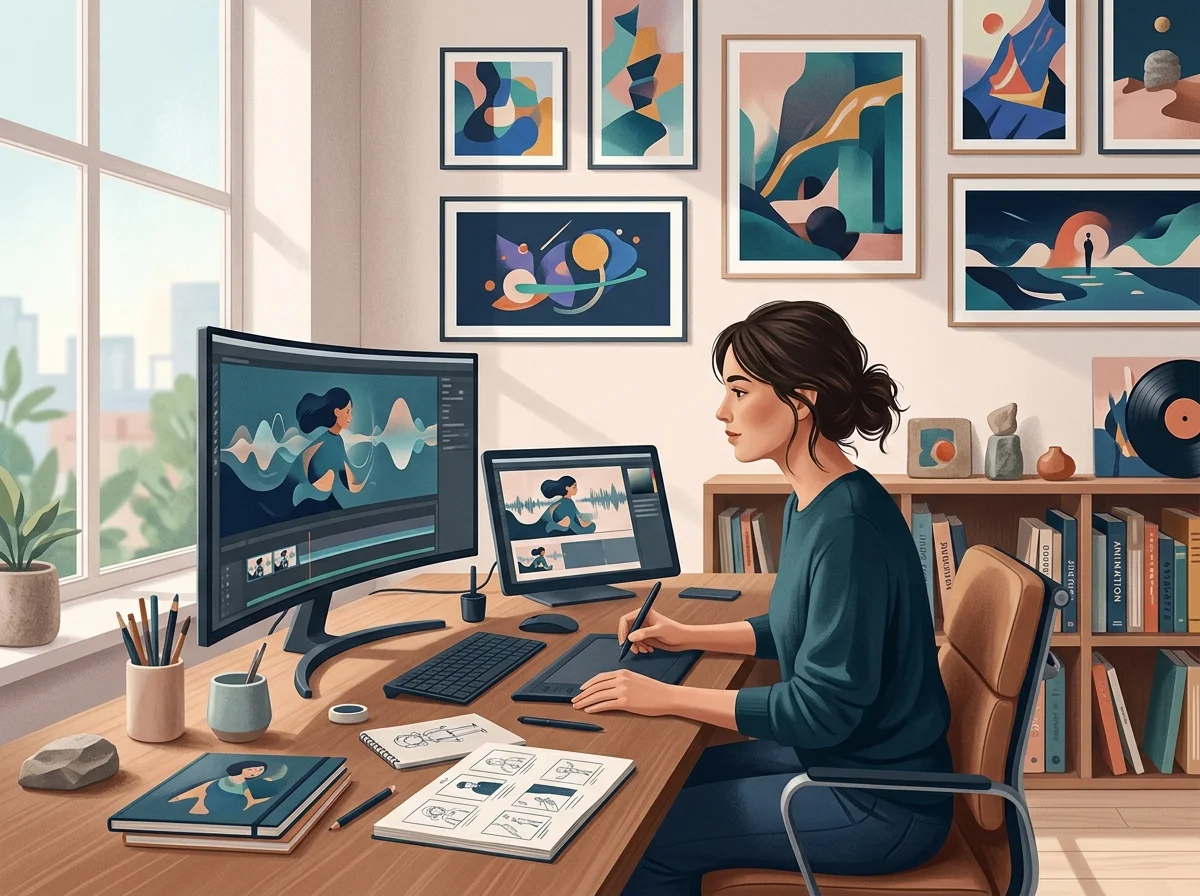
Cel-inspired image generation
The photo-style catalog includes illustrated treatments. Each scene is a generated still, not a fully animated character performance or a lip-synced shot.
Audio movement over the artwork
Enable a waveform that responds to the music. Scene changes span the recording without claiming frame-by-frame animation or automatic beat cuts.
Caption presets and placement
Choose a caption style and position, or hide words so the artwork carries the composition. A new render is needed to change an exported video.
What an AMV render needs
One track, anime-styled frames
Sets the length; the visuals are cut to it.
16:9 for YouTube and 9:16 for Shorts and TikTok.
MP3, WAV, OGG, M4A, FLAC and AAC.
The ceiling on one upload.
Where Anime Music Video Maker results go next
Anime Music Video Maker questions
Understand the difference between illustrated stills, moving waves and character animation.
Pair your song with illustrated scenes
Choose a cel-inspired style and review the quoted cost for your composition.
