
AI Voice Cloner
Vocals to try re-voicing
A clear lead over a simple backing is the easiest place to hear what a cloned voice actually changes.
The AI voice cloner keeps a voice as a reusable model

One voice, kept as a model
A few minutes of clean speech or singing builds a voice you can apply to new material weeks later. What persists is the model, not one fixed recording.

When the voice is not yours to clone
Cloning needs a voice you have the right to use. For a generic singer, the singing voice generator does not require one.
How AI Voice Cloner works
Build a reusable voice model in three steps
Record or upload the source voice
A few minutes of clean speech or singing from one person is the input; background noise hurts the result. If the only recording you have is a finished song, run it through the AI Stem Splitter first and use the vocal it returns.
The model learns that voice
Training produces a voice model you can reuse, not a single fixed rendering.
Use the clone on new material
Apply the trained voice to fresh lyrics or to an existing take you want re-sung.
A reusable model, not one rendering
Each training run produces one model, available for every later song.
Nothing needs uploading again once the model exists.
Background music and a second voice both degrade it.
MP3, WAV, OGG, M4A, FLAC and AAC, for the source recording.
AI Voice Cloner features
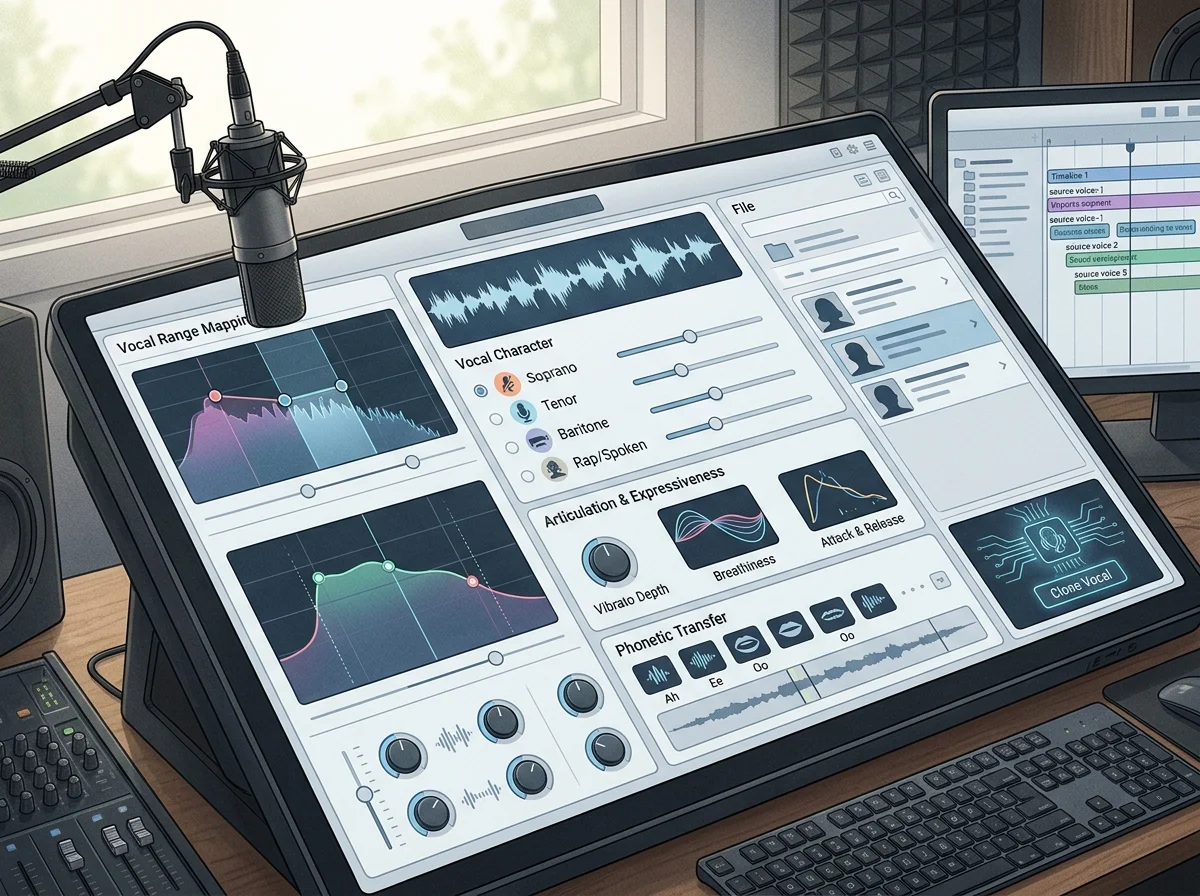
One model per training run, reusable after
The model exists once training finishes and is available for everything afterwards - no re-uploads needed to use it again.
Training audio: 1 to 15 minutes
One minute is the floor, around ten is where the return flattens, fifteen is the ceiling. One speaker per sample: background music and a second voice both cost you accuracy.
Record in the browser or upload files
Capture the source voice directly, or bring MP3, WAV, OGG, M4A, FLAC or AAC. A model you keep private is usable immediately; publishing one to the shared catalog goes through review first.
Who clones a voice, and what for
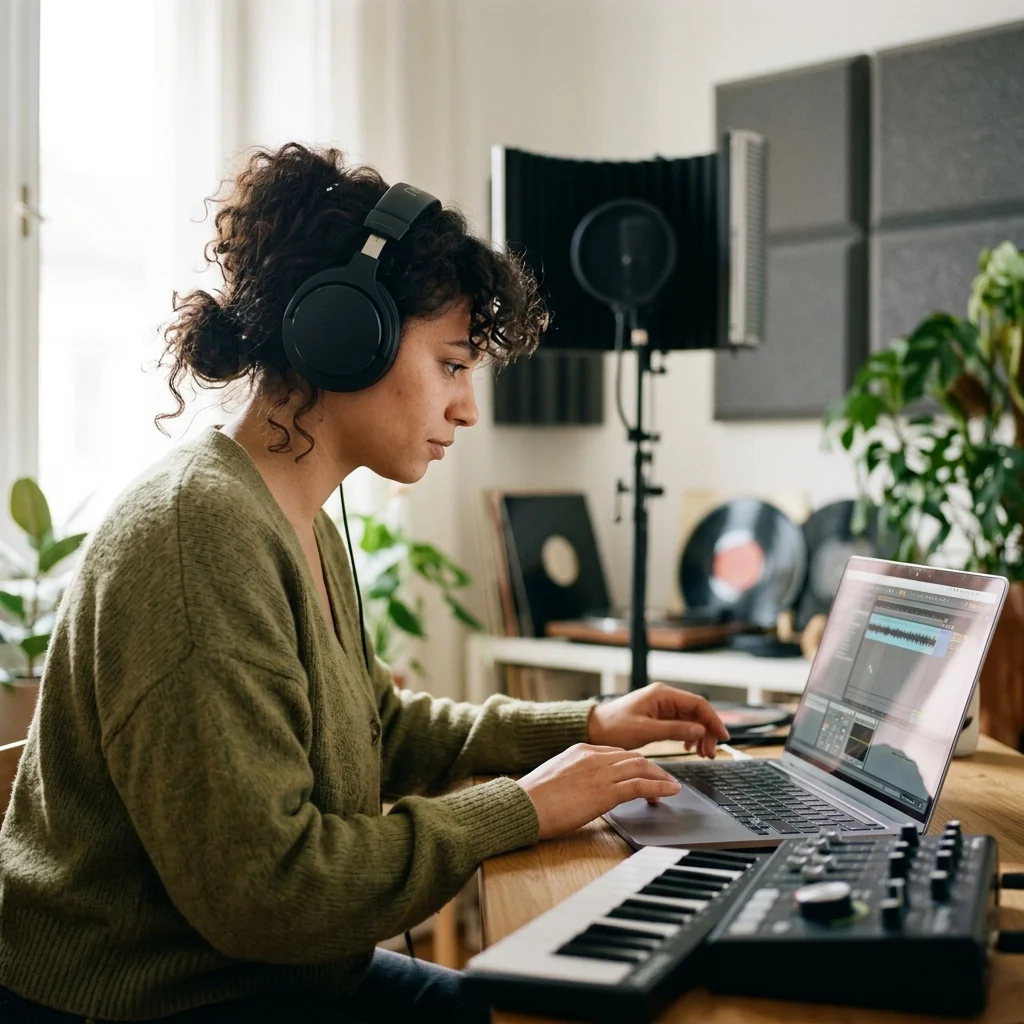
Artists building a vocal library
Keep a model of your own voice for demos when you cannot get to a mic.
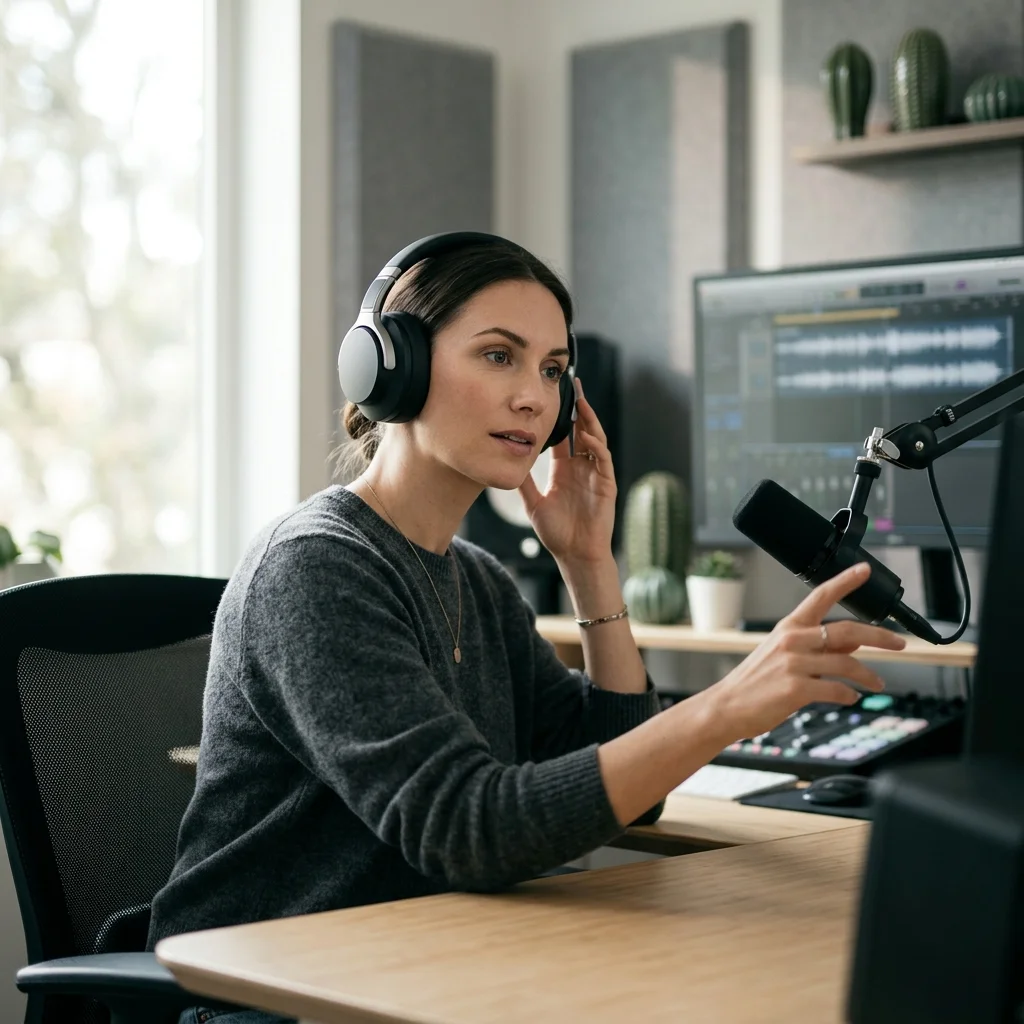
Localization teams
Keep one recognizable voice across language versions of the same piece.
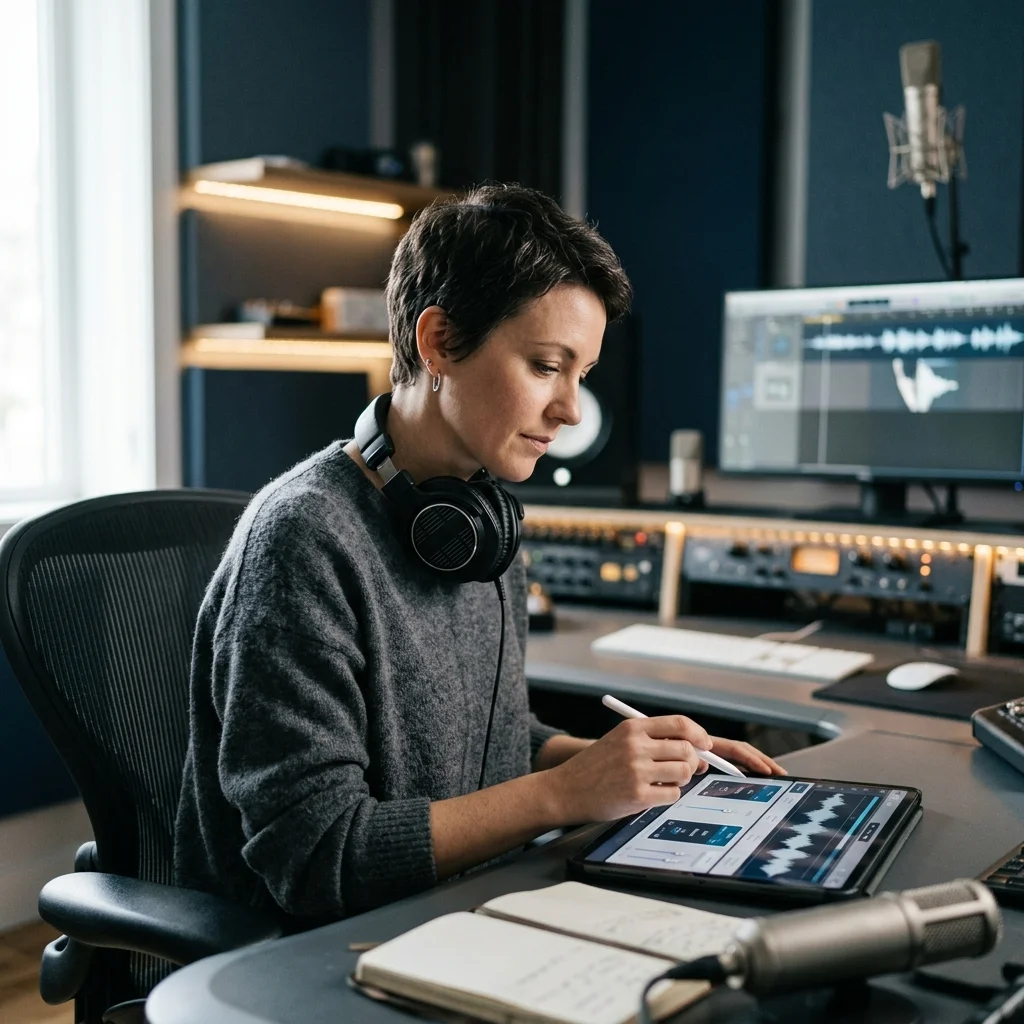
Podcast producers
Patch a line you got wrong without recalling the speaker to a studio.
Where AI Voice Cloner results go next
AI Voice Cloner FAQ
Answers for creators comparing AI Voice Cloner, AI music generators, editing tools, and royalty-aware publishing workflows.
Keep a voice as a reusable model
Train it once from clean audio, then use it on everything that follows.
