
AI Singer
Six vocal characters
Same job, different voices. Listen for phrasing and breath rather than tone alone.
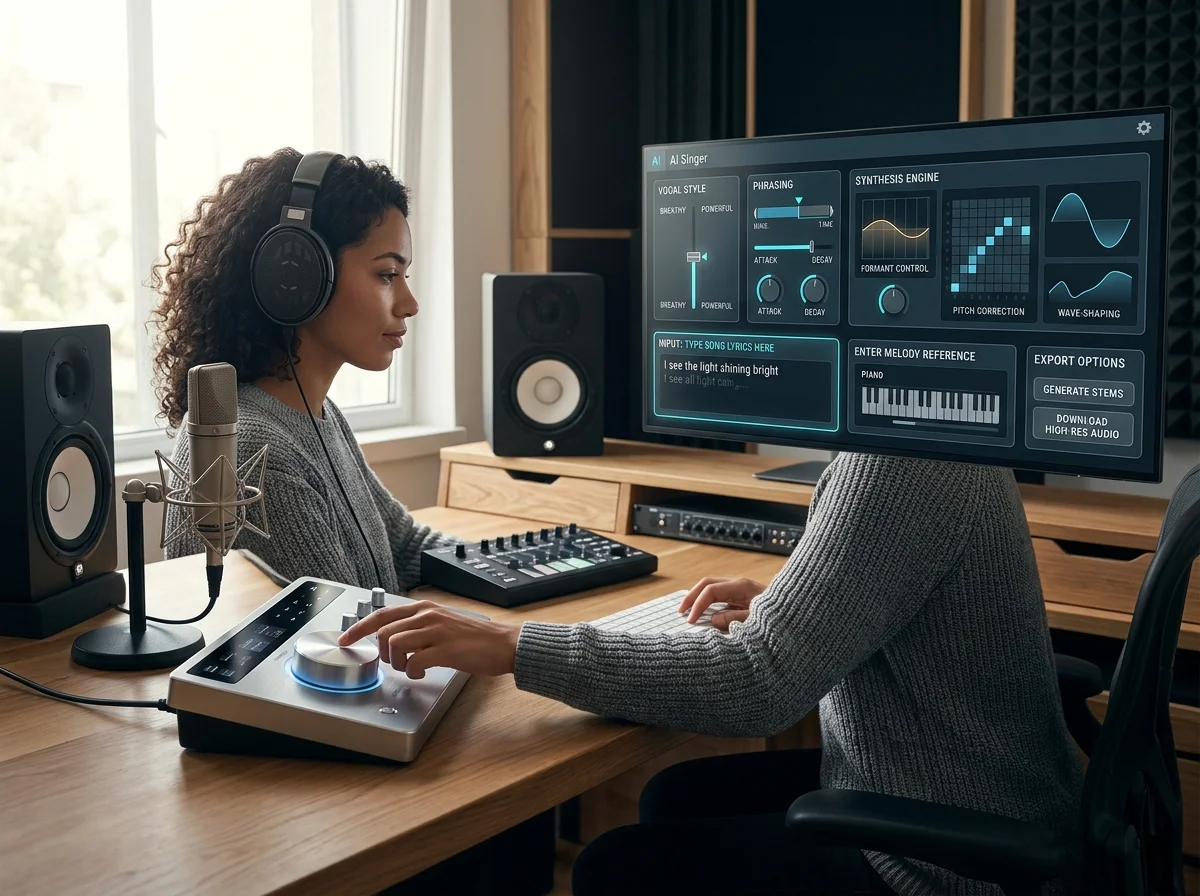
Pick the AI singer's vocal character before anything is generated

A vocal character, chosen before anything is generated
Picking the voice first is what stops you re-rolling a song you liked in order to fix a singer you did not.

When the voice must be a specific person
A named, consistent voice needs training - that is the voice cloner, not this page.
How AI Singer works
Get your lyrics sung in three steps
Choose a vocal character
Pick the voice that fits the song before any audio is generated.
Give it something to sing
Supply lyrics and the style you want, and the performance is generated around them.
Keep the take that works
Generate more than one pass and keep the reading that sits best with the track.
AI Singer features
Create Covers and My Covers tabs
One tab starts a cover, the other keeps the ones you have made. Covers are searchable and filterable once there are more than a handful.
Voice models: approved catalog plus your own
Pick from the approved catalog or a private model you trained. Source vocals can be kept as they are, or adapted to a Male, Female or Neutral range without shifting the melody.
Song upload or a track already in My Music
Bring a file or select a completed song from your workspace. Source songs must be 15 minutes or shorter, and the register choice sets everything else - a line too high loses its body.
Range decides more than tone
Sets everything else - a line too high loses its words first.
Sung out front, or held back and close - to choose between.
Breath, consonants and where the phrase ends.
MP3, WAV, OGG, M4A, FLAC, AAC - accepted when a reference take leads the phrasing.
Who needs a singer they do not have
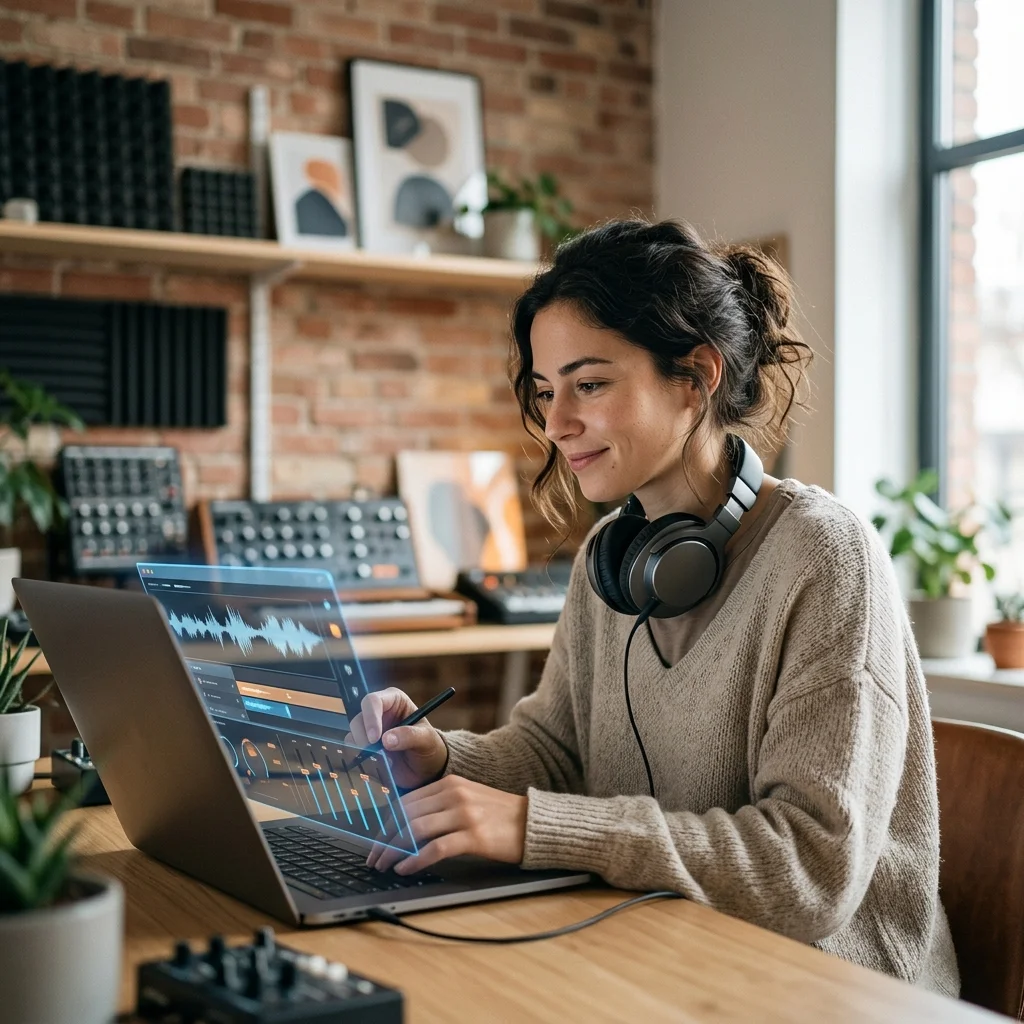
Songwriters pitching
Send a sung demo rather than a spoken guide when you pitch a song.
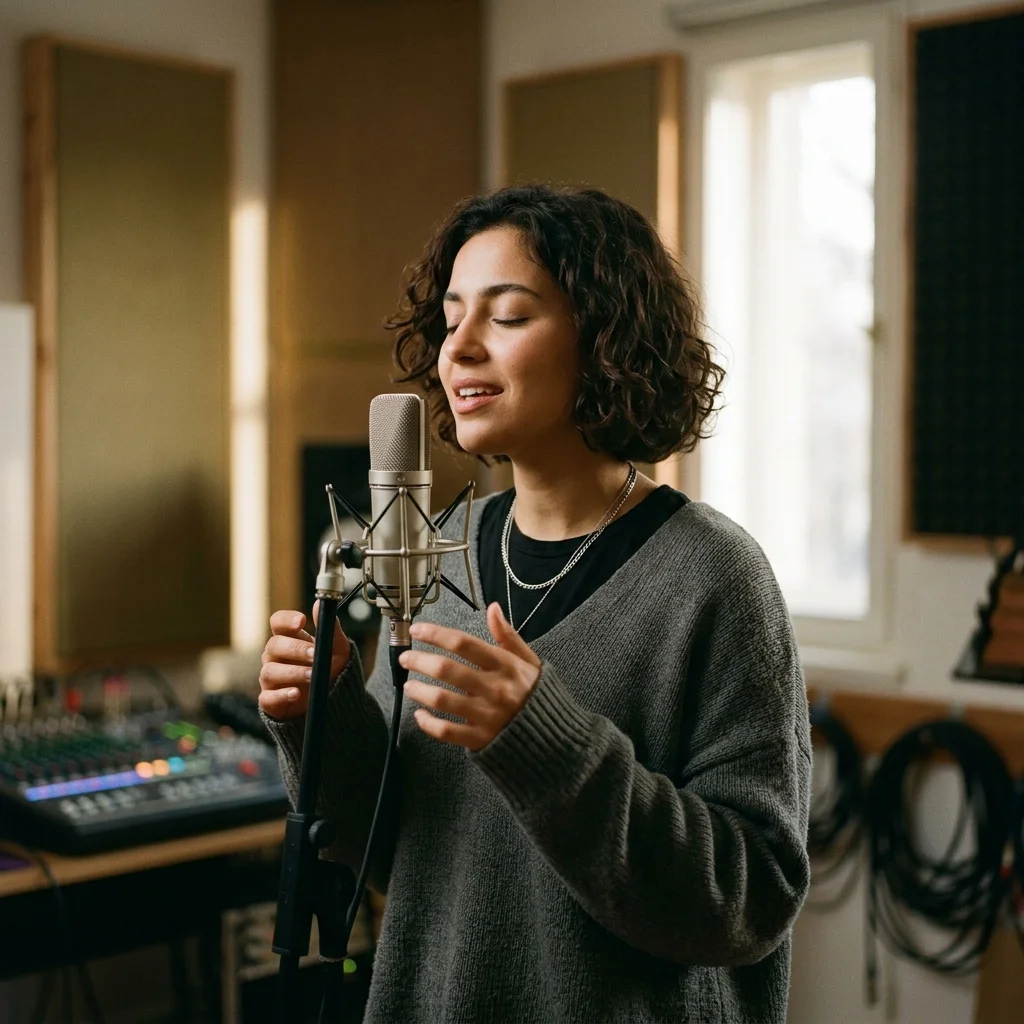
Game and animation teams
Give a character a singing voice without casting for a single cue.
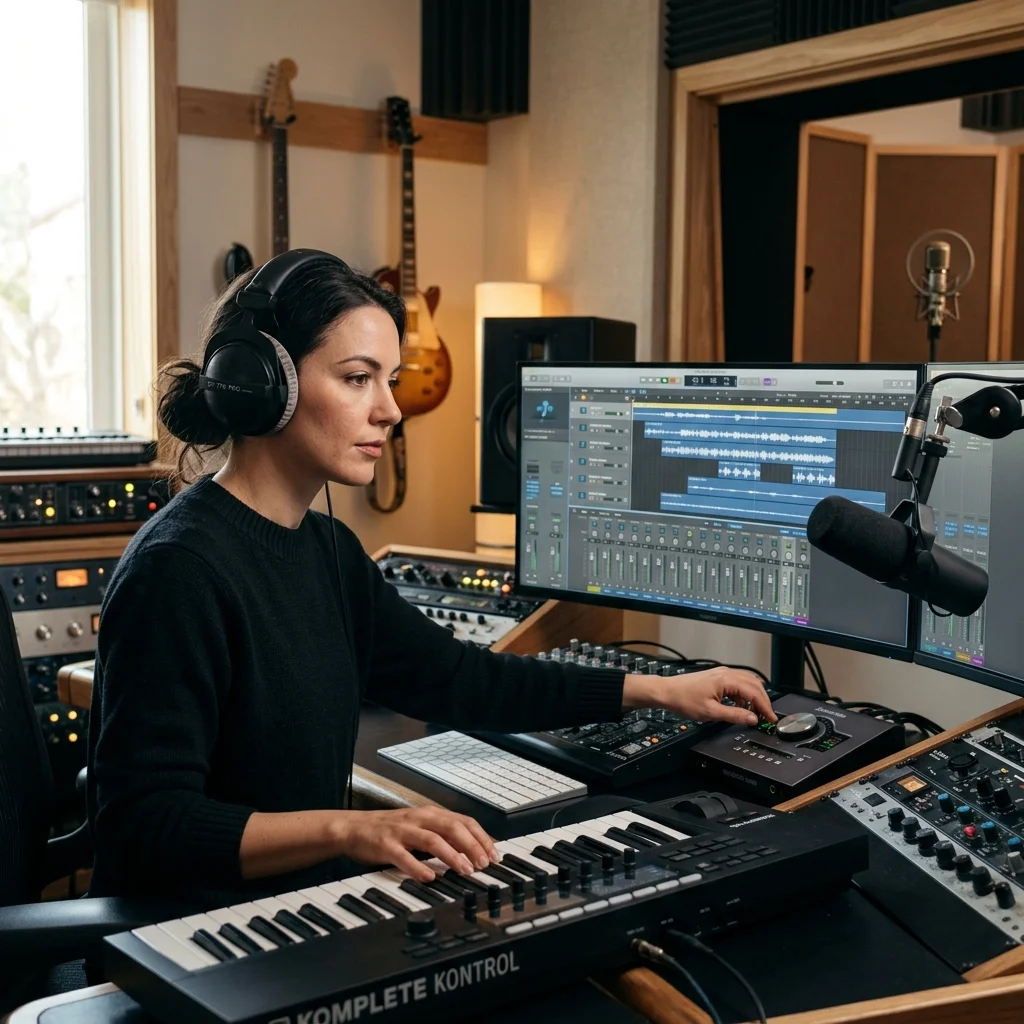
Hobbyists
Hear your lyrics actually sung, without needing to sing them yourself.
Where AI Singer results go next
AI Singer FAQ
Answers for creators comparing AI Singer, AI music generators, editing tools, and royalty-aware publishing workflows.
Choose the voice before you generate
Pick the vocal character first, and every take comes back in it.
