
Beat Finder
Tracks to run the beat finder on
Steady programmed rhythms and looser live-feel playing behave differently, so both are here to try.
The beat finder puts a number on a recording's tempo

Where the tempo actually settles
Changes in the audio spectrum reveal recurring attacks. Their spacing provides a tempo estimate, with half-time and double-time alternatives for different ways of counting the same groove.

When one number is enough
If you only need a single BPM figure for a DAW project, the key and BPM finder gives it in one step.
How Beat Finder works
Read a recording's tempo and key in three steps
Upload a recording
Any music file works, including live recordings that were never played to a click.
Tempo, key and alternatives are read
The analyzer reports a tempo with its half-time and double-time alternatives along with the key, rather than one average figure for the file.
Choose the count and export the table
Listen again, choose the tempo that matches your count, and export the table for reference in your editing project.
What the analysis returns
A BPM reading with half-time and double-time candidates when available, plus energy and danceability readouts.
Files up to 20 MB are read one after another, and the audio never leaves the browser.
MP3, WAV, OGG, M4A, FLAC, AAC.
Shorter sections help compare a performance that changes tempo.
Beat Finder features
Beat Finder estimates BPM from uploaded or recorded audio and shows alternative tempo interpretations. Compare tracks in the results table and export CSV; use your ears to check half-time or double-time readings.
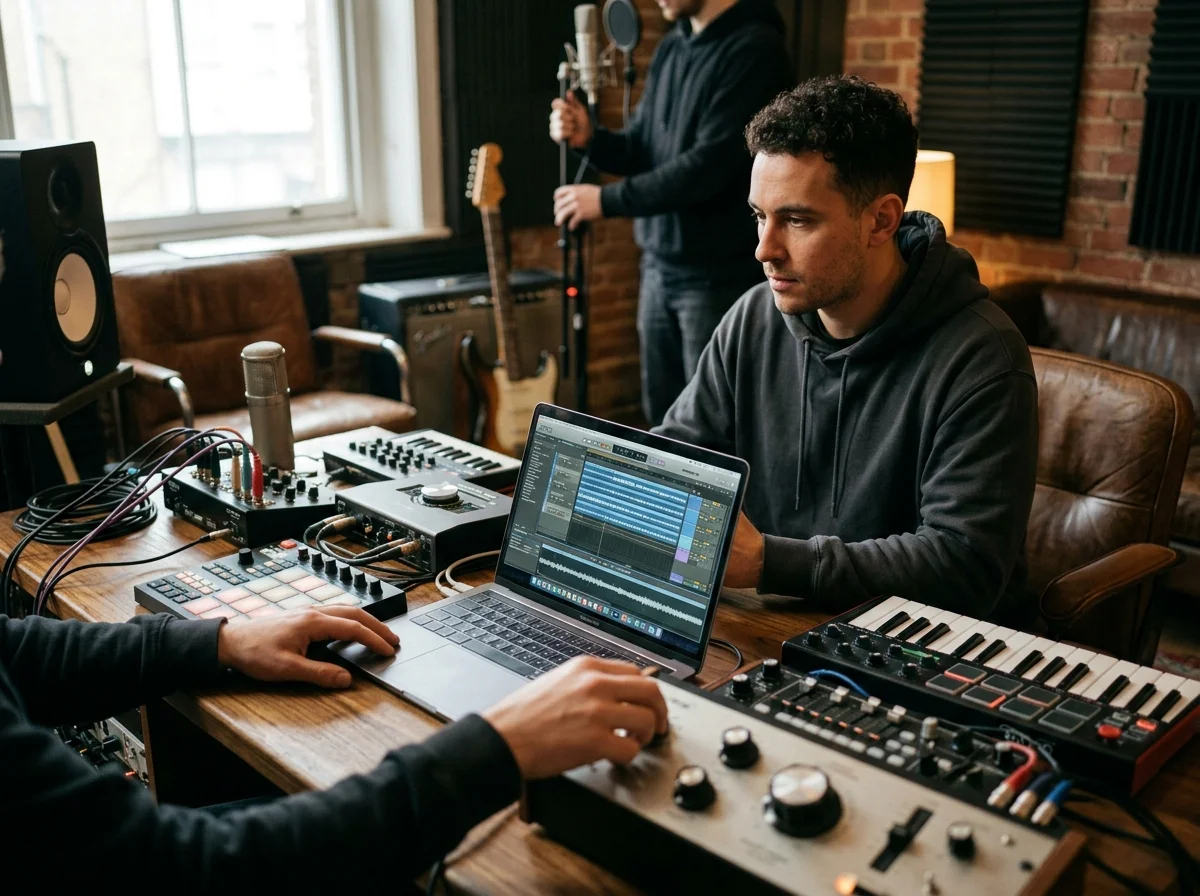
Check the pulse at two metrical levels
A 75 BPM groove may also be counted at 150 BPM. Beat Finder keeps those alternatives visible so you can choose the count that matches your drum pattern.
Prepare a project tempo from the recording
Compare uploaded recordings in one table before aligning samples. Live performances may drift, so an average tempo remains a starting point for editing by ear.
Who works from a tempo and key readout
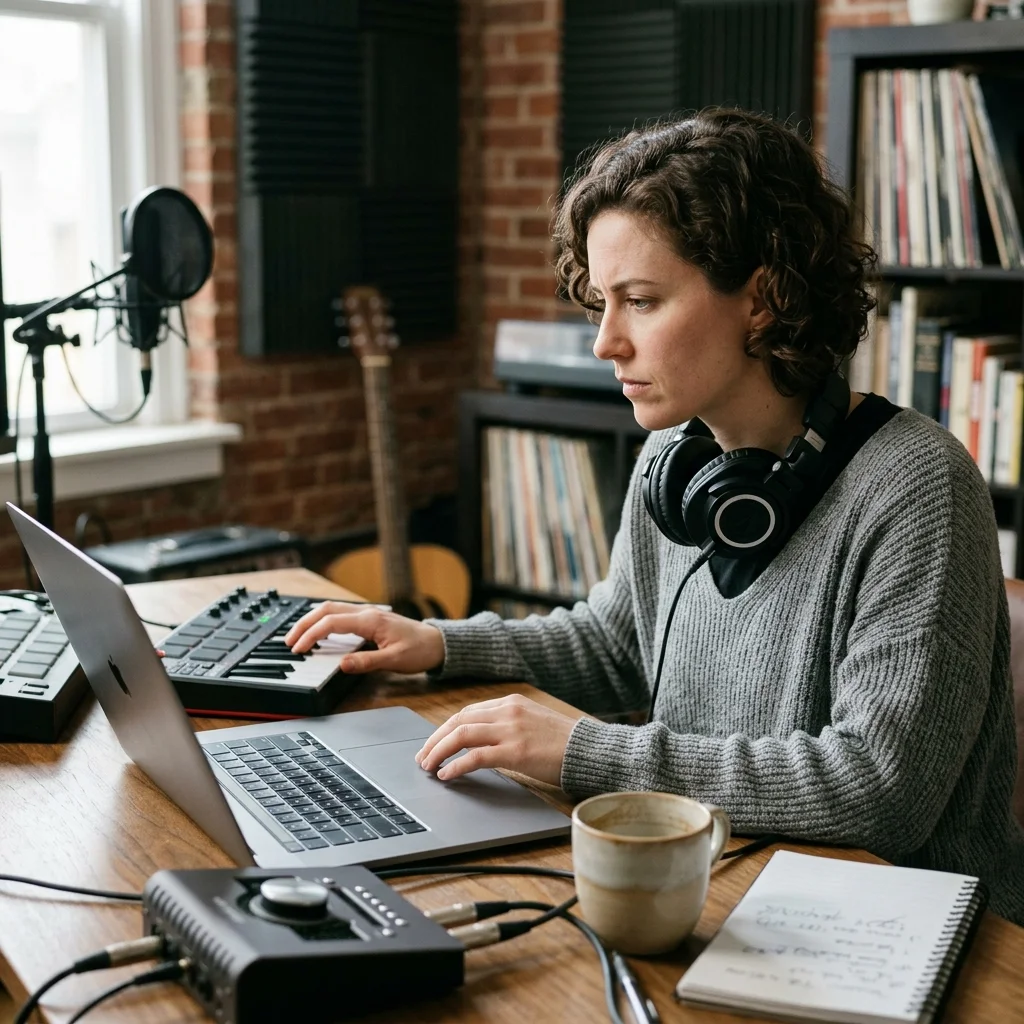
Video editors cutting to music
Plan a regular cut rhythm from the tempo estimate, then check each cut against the recording.
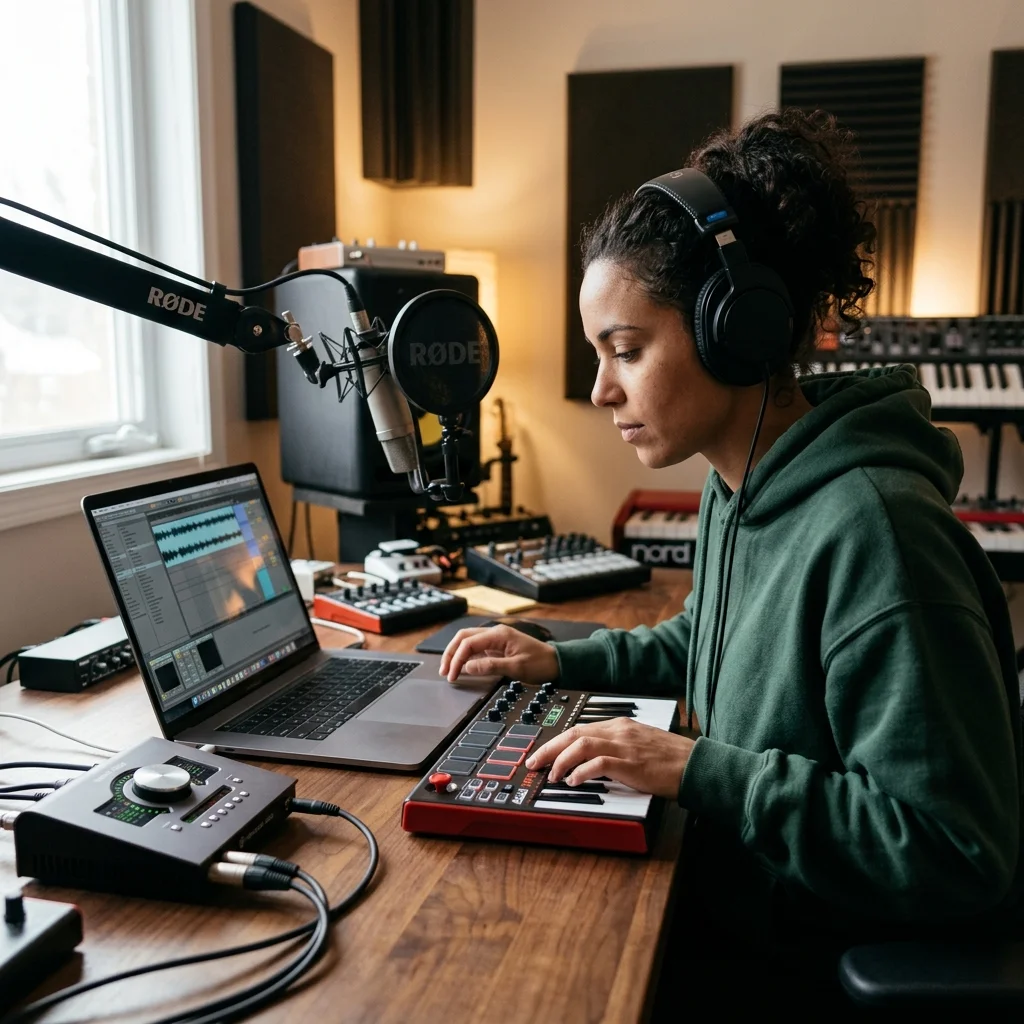
Dancers and choreographers
Count a piece out accurately before setting movement to it.
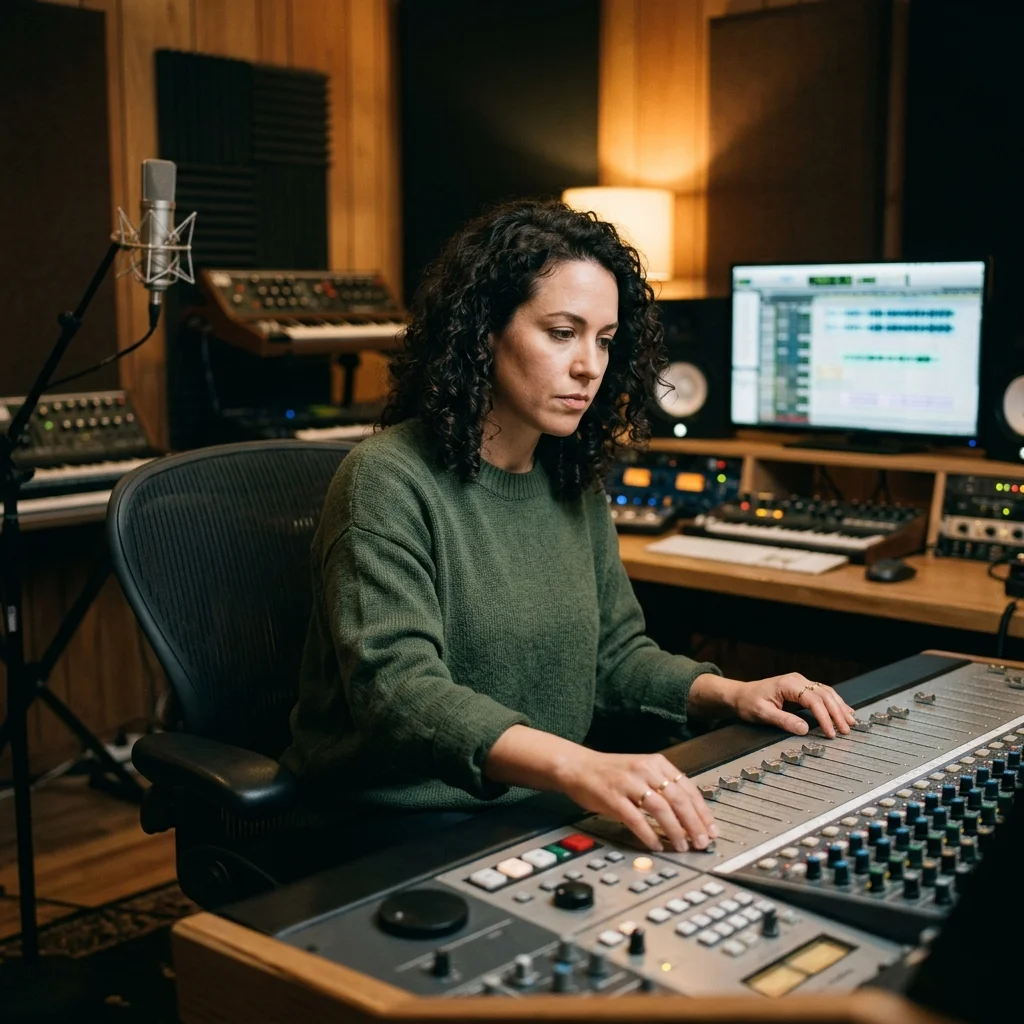
Producers editing live takes
Check whether a live take holds its tempo, so a section can be moved cleanly.
Where Beat Finder results go next
Beat analysis questions
Answers for creators comparing tempo analysis, AI music generators, editing tools, and royalty-aware publishing workflows.
Read the tempo and key off any file
A tempo with its alternatives and a key with its Camelot code, per file, in a table you can export.
