AimusicisTools

Workbench

Audio Voice Remover

Remove vocals from uploaded audio, keep instrumental quality intact, and download isolated vocal and instrumental tracks.

SeparateHistory

Source Audio

Upload Music Support MP3, WAV, OGG, M4A, AAC, FLAC, WMA

Upload Music

Separation Mode

Vocal, Instrumental · View Stems
Bass, Drums, Instrumental, Vocal mixer-ready exports

Genre, mood, and style chips

Ready
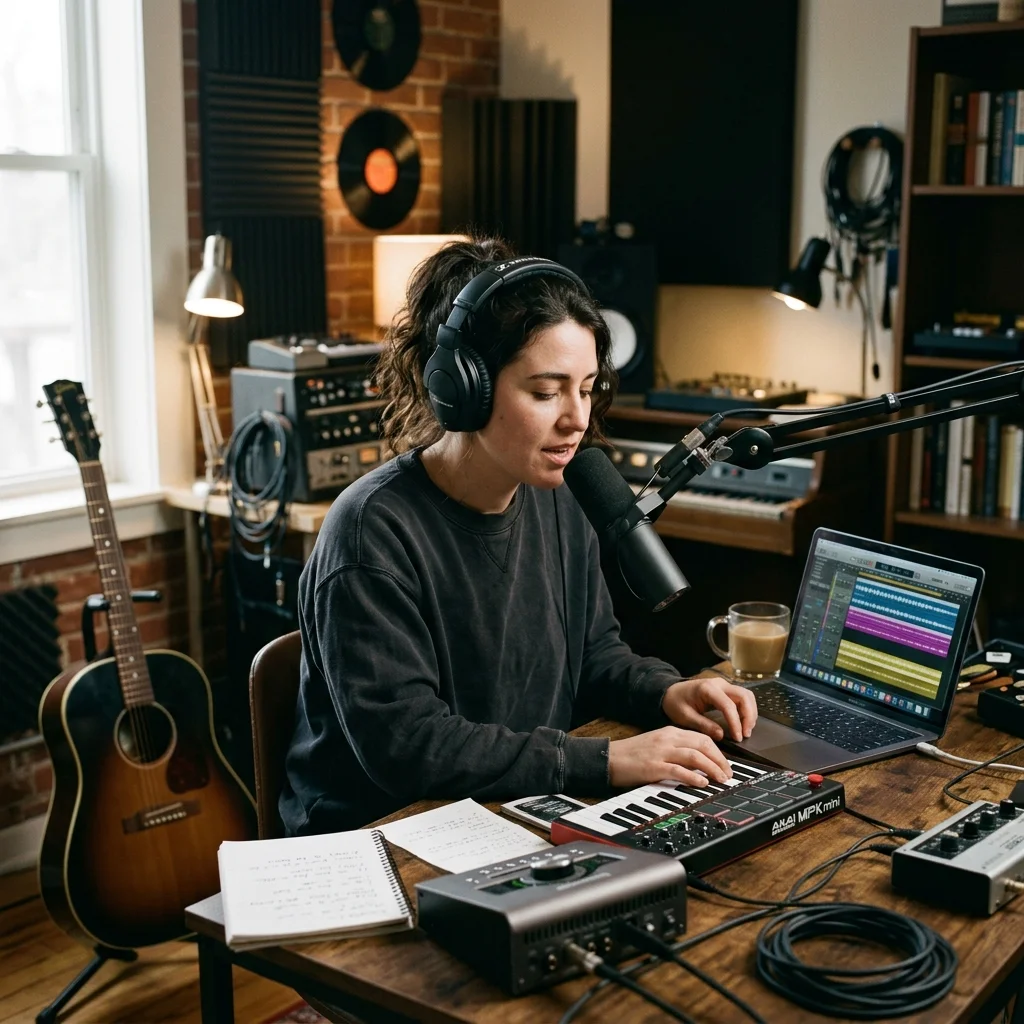
Vocalist recording a clean voice sample in a bright vocal booth

Audio Voice Remover: create faster from idea to finished audio

Remove vocals from uploaded audio, keep instrumental quality intact, and download isolated vocal and instrumental tracks. This /audio-voice-remover page is organized around the target keyword "Audio Voice Remover" with a generator-first layout, creator benefits, practical steps, feature depth, FAQ answers, and a clear next action.

Vocalist recording a clean voice sample in a bright vocal booth

Audio Voice Remover for real creator workflows

Start with Audio Voice Remover when you need a focused AI music workflow rather than a generic prompt box. The page keeps prompts, settings, history, and next-step tools connected.

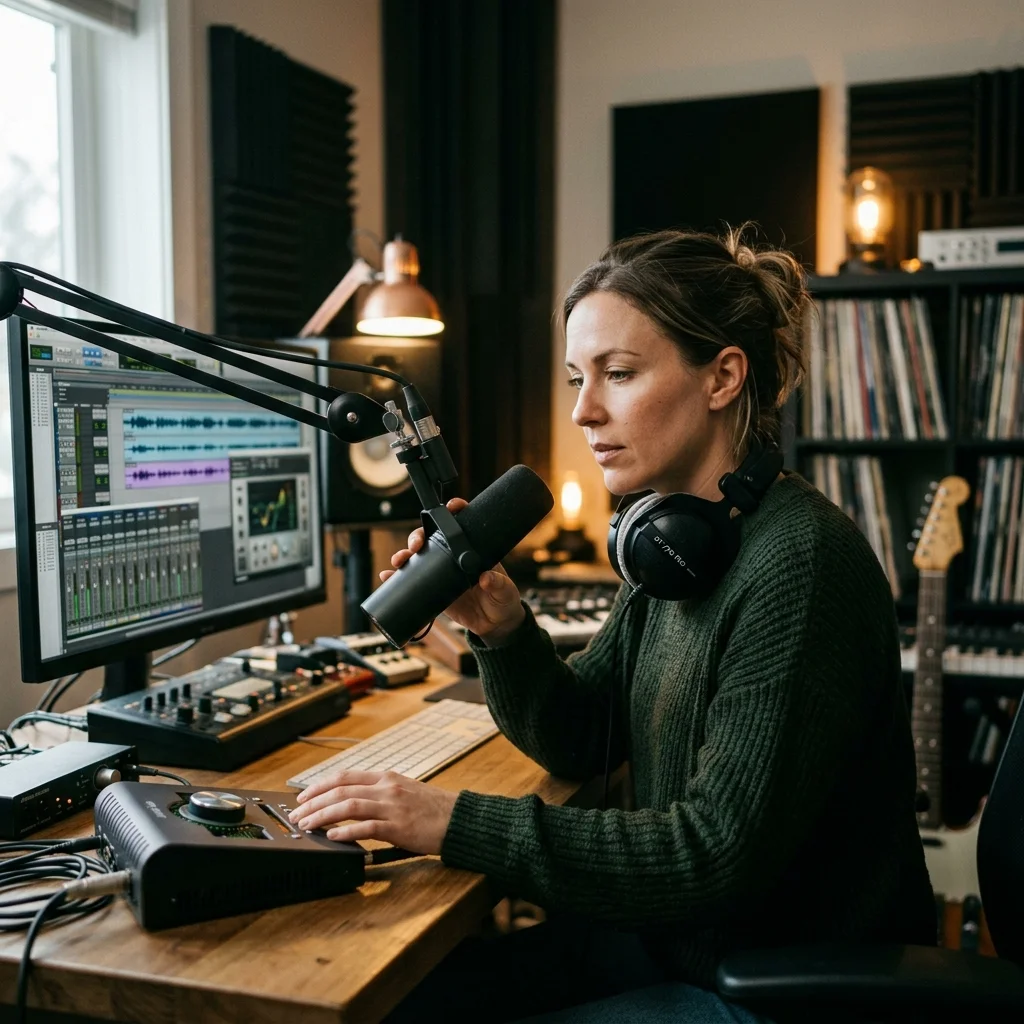
DJ producer preparing a remix or AI song cover version

Control the inputs that matter

Use Source audio upload and My Music selection, AI vocal remover, 4-stem, and all-stem modes to guide style, structure, source material, and output direction before you run the workbench.

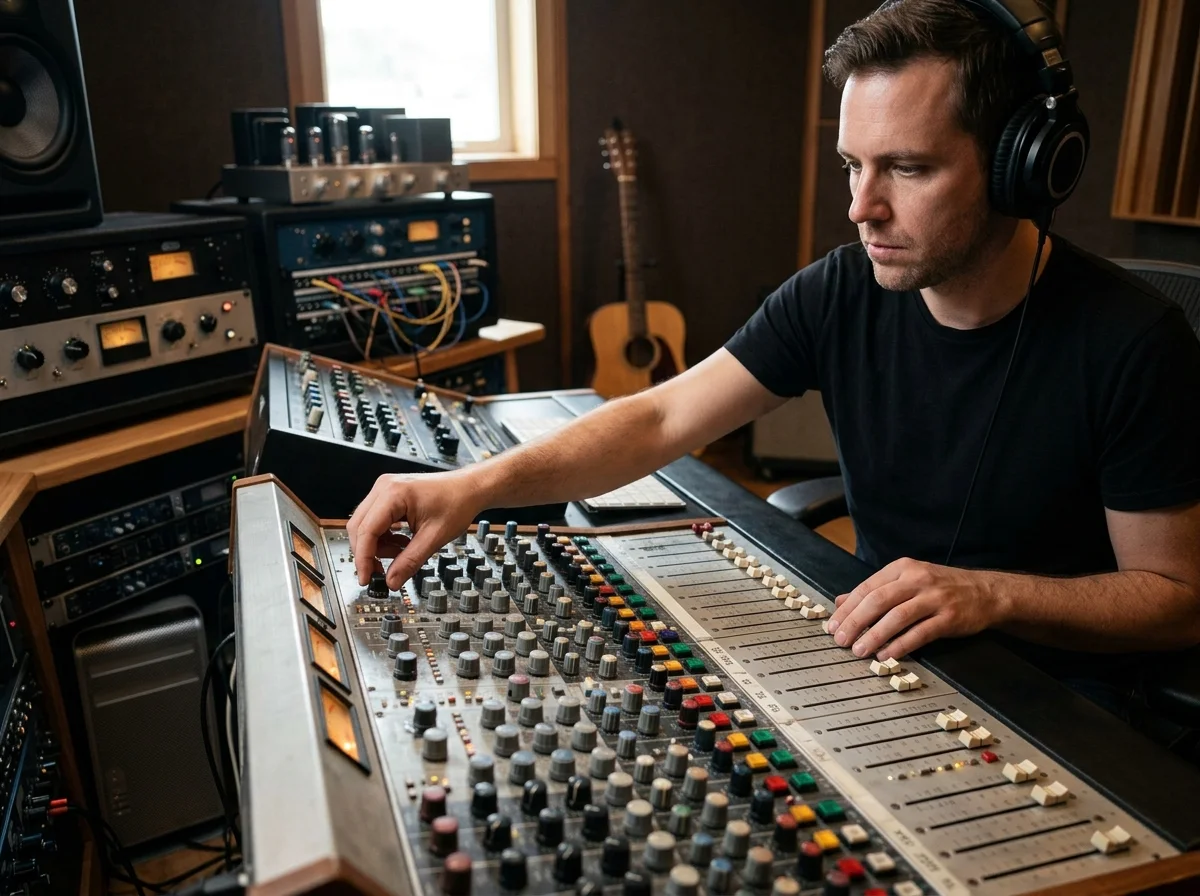
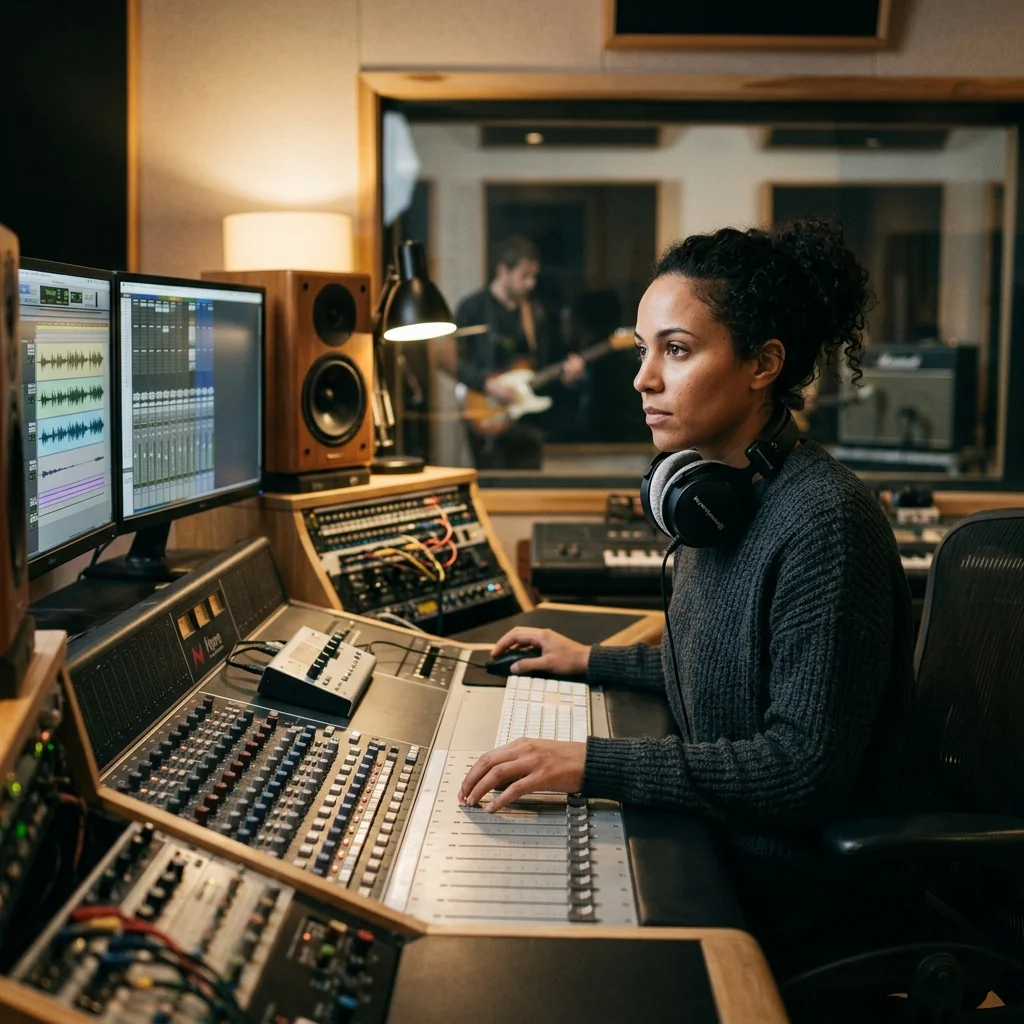
Audio engineer separating vocal and instrumental stems in a clean studio

Move from draft to production

After using Audio Voice Remover, continue into lyrics, covers, stems, mastering, MIDI, remixing, visualizers, or music-video pages when the project needs more polish.

How to use Audio Voice Remover in four practical steps

Audio Voice Remover follows the same high-intent SEO writing pattern as the source music pages: explain the job, show the workflow, describe controls, and answer purchase or publishing questions.

DJ producer preparing a remix or AI song cover version
Vocalist recording a clean voice sample in a bright vocal booth

Define the musical job

Write the prompt, upload or select source audio when available, and decide whether Audio Voice Remover should create, edit, analyze, separate, master, or prepare the track.

DJ producer preparing a remix or AI song cover version

Tune the page controls

Adjust Source audio upload and My Music selection, AI vocal remover, 4-stem, and all-stem modes, Vocal and instrumental outputs for karaoke or remixing so the result matches the genre, mood, format, vocal direction, or production task behind this page.

Audio engineer separating vocal and instrumental stems in a clean studio

Separate Stems for Free Now

Run an Audio Voice Remover workflow from the Aimusicis workbench, then review the result before spending more time on editing or publishing.

Music producer preparing a mastered track for release

Continue the production chain

Save the useful output and route it to mastering, stem separation, song cover generation, MIDI conversion, or AI music video creation when needed.

Audio Voice Remover features built for music production

The Audio Voice Remover page gives search visitors concrete controls, not filler copy. Each feature below maps to a visible workbench choice or a real follow-up action.

Audio engineer separating vocal and instrumental stems in a clean studio

Source audio upload and My Music selection

Source audio upload and My Music selection helps creators shape Audio Voice Remover results with more intent, better reuse, and a shorter path from first draft to finished asset.

AI vocal remover, 4-stem, and all-stem modes

AI vocal remover, 4-stem, and all-stem modes helps creators shape Audio Voice Remover results with more intent, better reuse, and a shorter path from first draft to finished asset.

Vocal and instrumental outputs for karaoke or remixing

Vocal and instrumental outputs for karaoke or remixing helps creators shape Audio Voice Remover results with more intent, better reuse, and a shorter path from first draft to finished asset.

Audio Voice Remover for creators, producers, and teams

Aimusicis writes each tool page around a specific search intent so artists, video creators, marketers, educators, and producers can quickly decide whether Audio Voice Remover fits their job.

Creative team checking commercial music rights and publishing readiness

Independent artists

Sketch song ideas, test arrangements, or prepare release assets with Audio Voice Remover before committing studio time.

Video and social creators

Create music, stems, covers, or polished audio for YouTube, TikTok, Shorts, reels, podcasts, trailers, and branded content.

Producers and agencies

Use Audio Voice Remover as a repeatable workflow for client demos, remix direction, licensing prep, and production handoff.

Turn an Audio Voice Remover result into a release-ready asset

The page does not stop at generation. It points creators toward the next audio, rights, and publishing tasks that make an AI music result usable.

Creator editing a music video with waveform and caption timeline
Vocalist recording a clean voice sample in a bright vocal booth

Save useful versions

Keep promising Audio Voice Remover outputs in history so hooks, lyrics, stems, or mastered versions can be reopened later.

DJ producer preparing a remix or AI song cover version

Polish the sound

Use mastering, lofi conversion, slowed reverb, key/BPM analysis, MIDI conversion, or stem tools when the next step is production quality.

Audio engineer separating vocal and instrumental stems in a clean studio

Prepare publishing context

Check plan limits, commercial license terms, source rights, upload permissions, and platform requirements before distribution.

Audio Voice Remover FAQ

Answers for creators comparing Audio Voice Remover, AI music generators, editing tools, and royalty-aware publishing workflows.


Create with Audio Voice Remover

Open Audio Voice Remover, shape the result with focused controls, then continue through the Aimusicis stack for lyrics, covers, stems, mastering, MIDI, or video.

DJ producer preparing a remix or AI song cover version