Nocturne in B Minor
1:30ClassicalSolo Piano
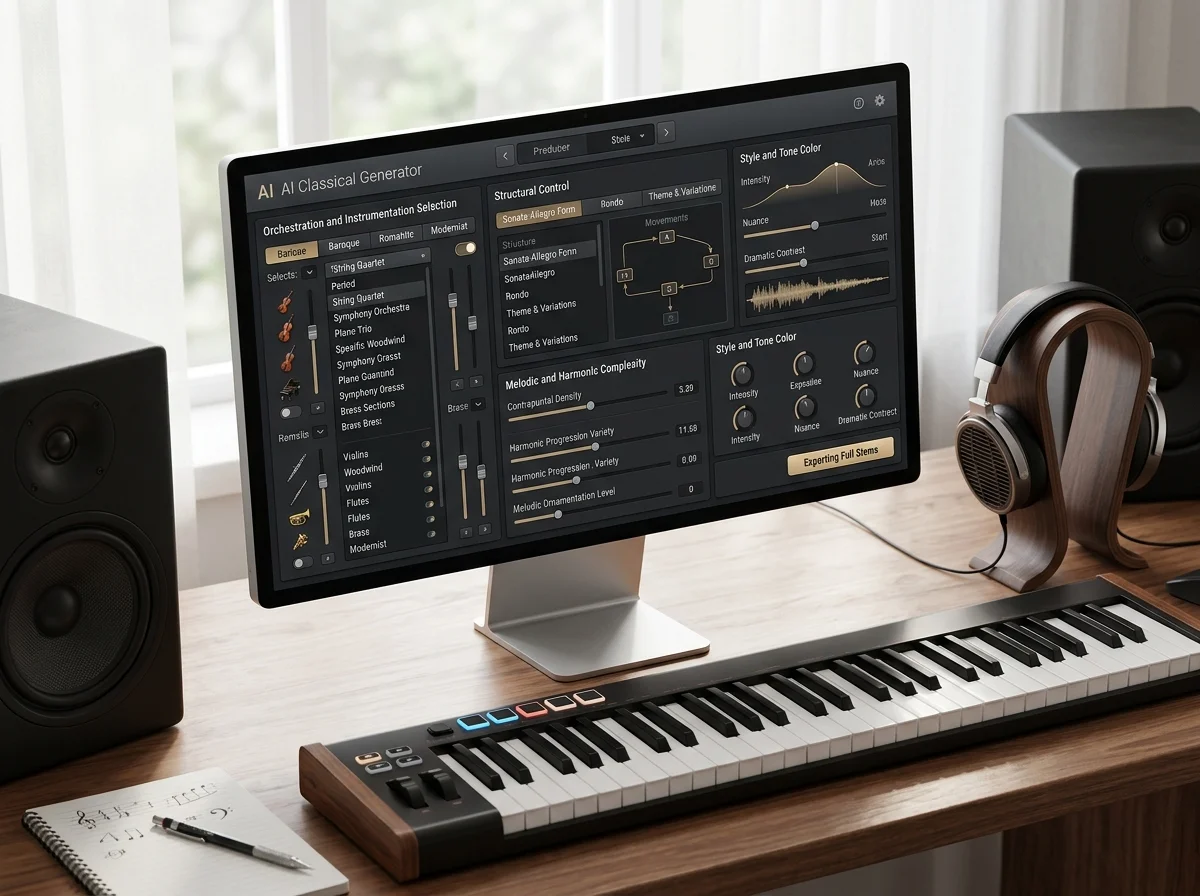
Create classical music, orchestral ideas, and cinematic arrangements from text prompts and style controls.
Play an example while you set up your first generation.
Solo Piano, Orchestral, Cinematic, Chamber, Focus and Romantic - six results from this page. Play any card to queue the whole set in the player.
Classical writing is defined by instrumentation and form. Naming the ensemble and the movement type does more than any adjective about grandeur or emotion.

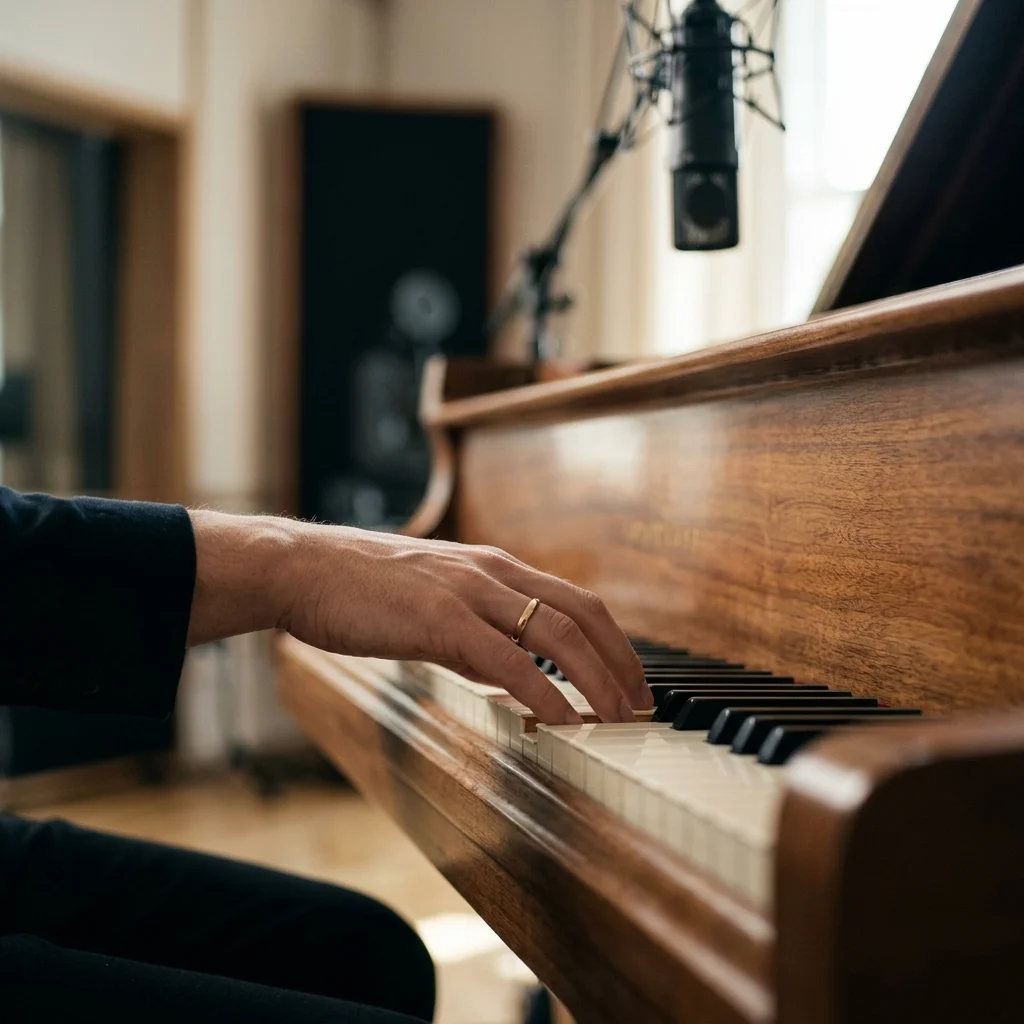
Solo piano, string quartet and full orchestra are three different pieces. Name the forces before anything else.

A nocturne, a waltz, an adagio and a fugue have different structures. Naming the form produces an arc rather than a loop.

Baroque, classical, romantic and impressionist use different harmonic language. Naming the period narrows the result sharply.
How AI Classical Generator works
Four steps toward a piece rather than a mood bed.
Solo piano, string quartet, chamber orchestra, full symphony. Everything else follows from this.
Nocturne, waltz, adagio, fugue, theme and variations. Form is what gives the output a beginning and an end.
Baroque counterpoint and romantic chromaticism are different languages. The period word narrows harmony and texture together.
A piece that stays at one volume reads as library music. Ask for it to build and recede.
Name the ensemble, the form and the period - a string quartet rondo in a late-Romantic idiom reads very differently from the same request without them - or bring a text to set.
Most classical writing wants the instrumental switch on. When it does not - a setting for voice - vocal gender is Random, Male or Female, and reference audio can point at the recording you have in mind.
Style weight, weirdness and audio weight run 0 to 1 from 0.5, and weirdness is worth lowering here. Negative tags keep a cue period-correct: exclude "synth, drum kit" and the four string parts stay acoustic.
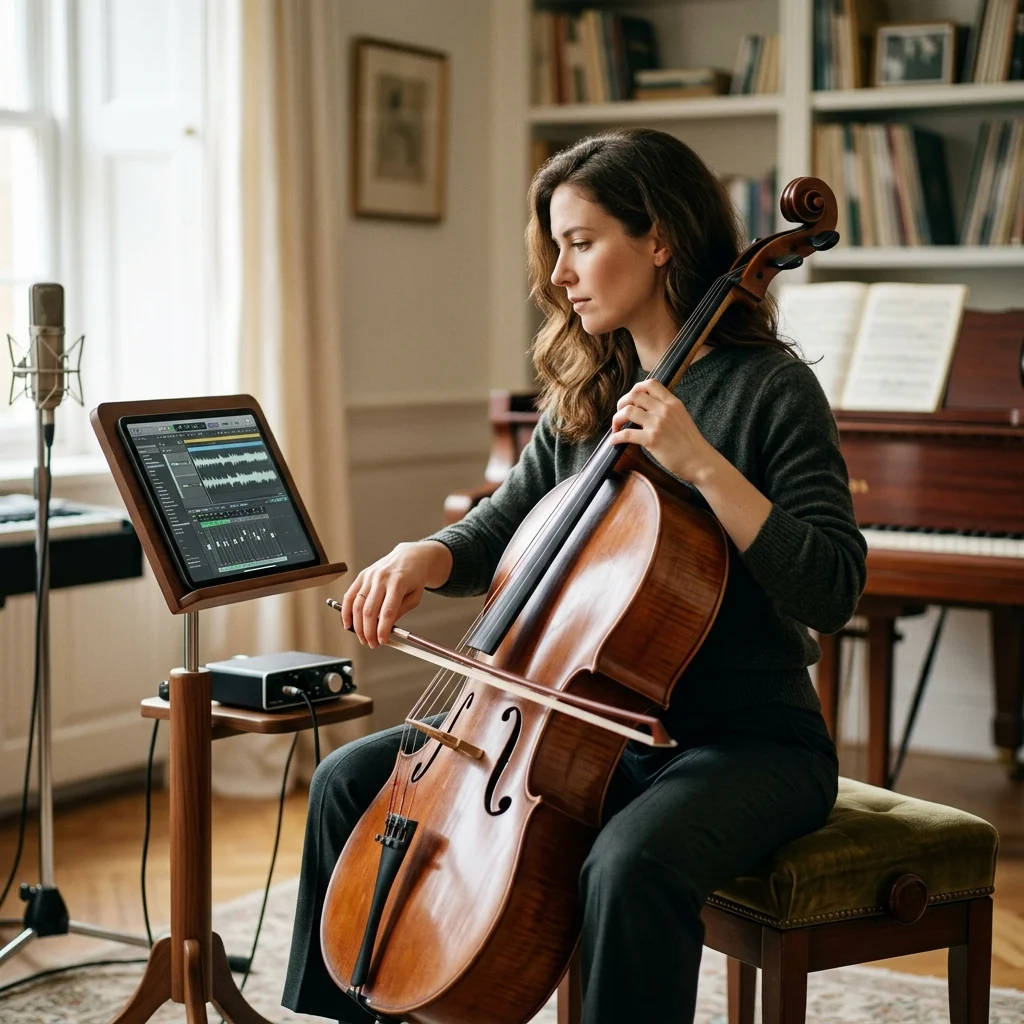
First and second violin, viola, cello.
Worth naming, because it changes the character more than the key.
A cue can be tried twenty ways before lunch.
MP3, WAV, OGG, M4A, FLAC, AAC - accepted when a sketch guides the orchestration.
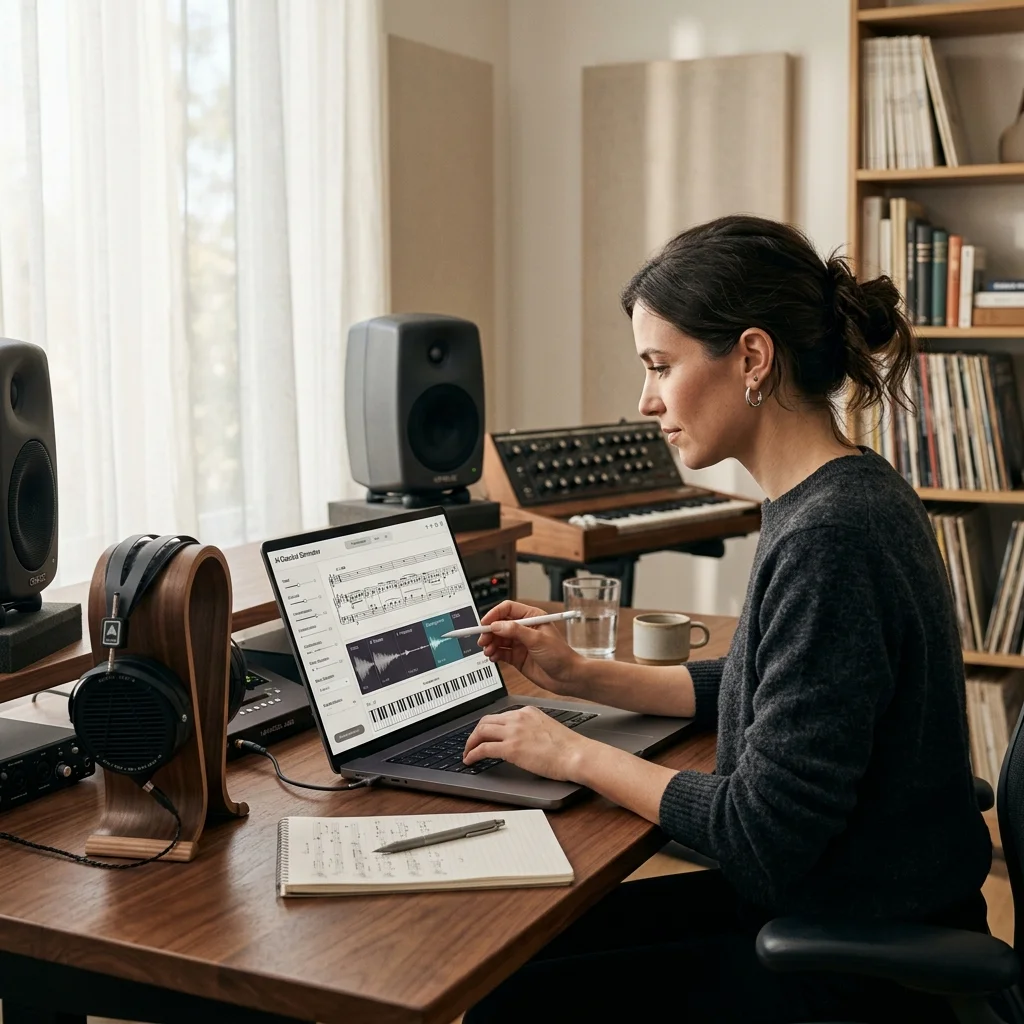
Sketch an orchestral cue before committing to a session orchestra.
Play even, low-contrast keyboard music with no sudden entries.
Hear a nocturne, a concerto movement and a quartet side by side.
Answers for creators comparing AI Classical Generator, AI music generators, editing tools, and royalty-aware publishing workflows.
Choose the ensemble and the form, and hear it played rather than sketched.